
Deleting important photos, WhatsApp chats, or contacts on an Android phone happens when you least expect it, especially if you did not have a recent Google Drive backup turned on.
When a file disappears from your gallery trash and you need a safe way to check if it is still sitting in internal storage, Wondershare Dr.Fone Android Data Recovery is built to scan your phone, SD card, or Google Drive backup and let you preview what is recoverable before you pay.
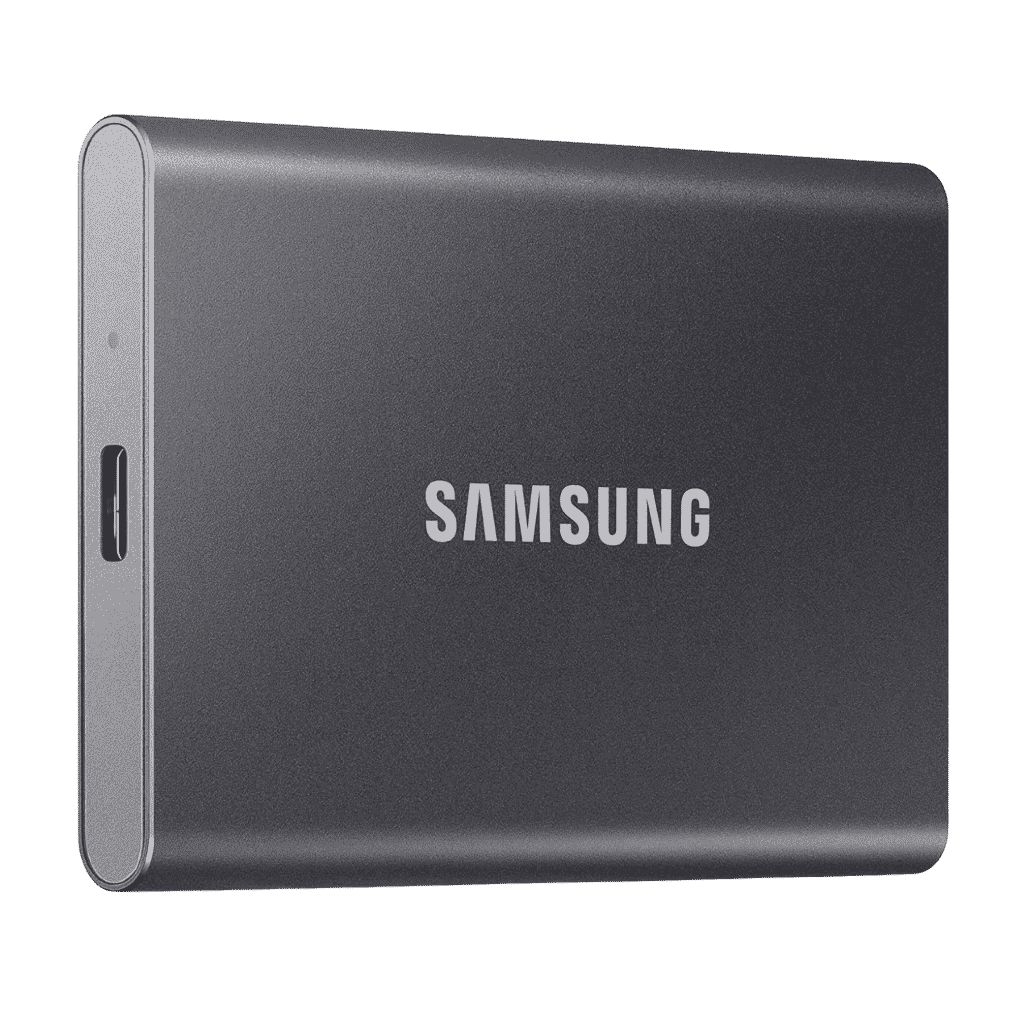
Samsung T7 SSD Discount Offers
Samsung T7 Portable SSD delivers Speeds upto 1050 MB/s for Read and Write. USB 3.2 Gen 2 (USB C) Supported for fast data transfers.
Affiliate link. As an Amazon Associate I earn from qualifying purchases.
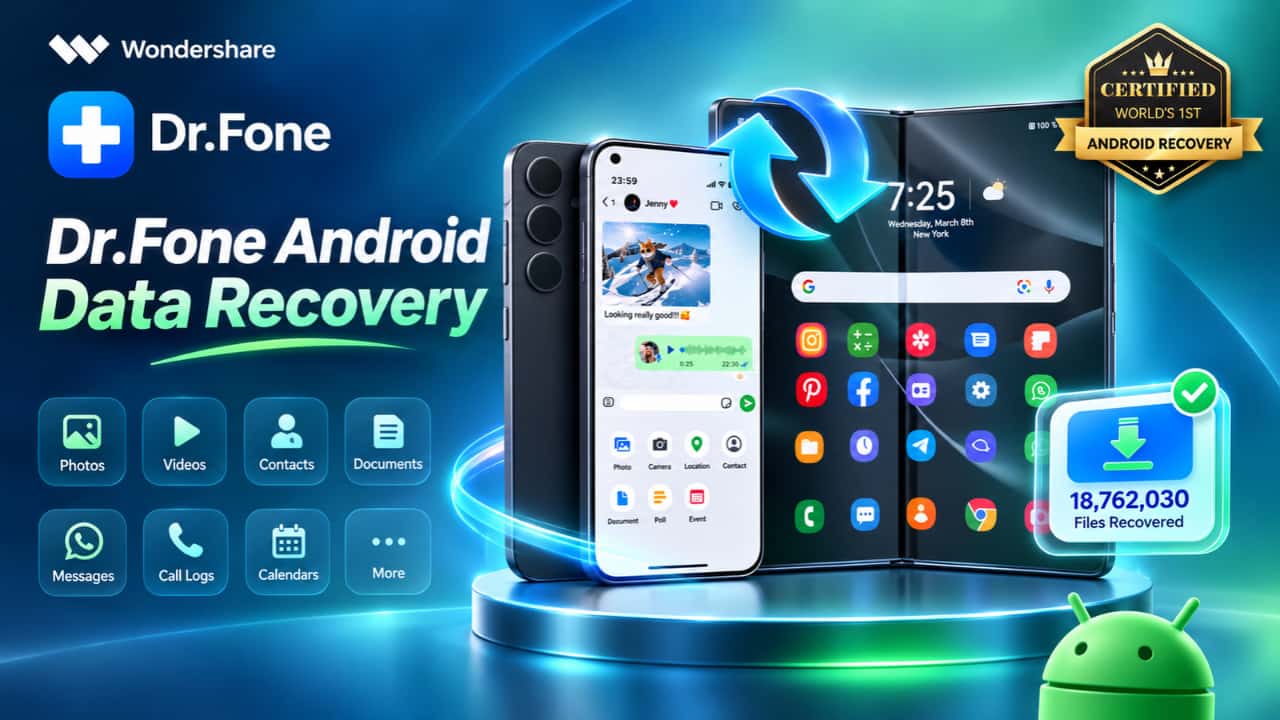
Plus, if you decide to unlock the full version after your free scan, you can save with the current 18% limited-time offer on Wondershare Dr.Fone.
In this 2026 Dr.Fone Android Data Recovery review, I share my experience testing the Dr.Fone Android data recovery software on Windows and Mac, what real users on Trustpilot and Reddit say about it, which recovery modes actually work without root, and how to claim the latest discount deal.
Download Dr.Fone Android Data Recovery Free Trial
Table of Contents
Quick Overview: Dr.Fone Android Data Recovery (2026)
| Recovery Mode | What It Recovers & Requirements | Try Dr.Fone |
|---|---|---|
| Recover Android Data (Internal Storage) | Scans Android 16 and earlier devices over USB for deleted photos, videos, contacts, SMS, call logs, and documents (no root needed for standard scan) | Try Dr.Fone Free |
| Recover from Google Drive Backup | Downloads and previews WhatsApp chats, photos, contacts, and call history from Google Drive without overwriting your current phone | |
| Recover from Broken Android | Extracts files and contacts from supported Samsung phones with cracked, black, or unresponsive screens | |
| WhatsApp & Social App Recovery | Previews and exports deleted WhatsApp, WhatsApp Business, LINE, and Viber messages and attachments to HTML or CSV | View Guide |
My Experience Testing Dr.Fone Android Data Recovery
When I tested Wondershare Dr.Fone Android Data Recovery on a desktop setup, the biggest relief was that the scan runs in read-only mode. You connect your Android phone via USB, enable USB Debugging in Developer Options when prompted, and pick only the file categories you care about so you do not waste time scanning the entire drive.
The free trial lets you run the full scan and browse thumbnail previews of your photos, messages, and WhatsApp attachments before spending anything.
That preview step is the main reason I recommend running the free scan first: you see right away whether your deleted files are still intact in storage or if Android has already overwritten those blocks.
What Real Users Say on Trustpilot & Reddit
Before recommending any Dr.Fone Android recovery software, I always check recent feedback from everyday buyers on Trustpilot and Reddit threads so there are no surprises:
- What Users Praise: Verified Trustpilot reviewers highlight Dr.Fone’s local USB backup and recovery workflow for keeping files on your own computer instead of relying on cloud uploads, as well as fast support responses when setting up device connections. On Reddit, users who needed deleted text messages or backup extractions noted that the scan interface is clean and straightforward compared to older command-line tools.
- Common Complaints to Watch For: On Reddit’s data recovery threads, frustrated buyers point out two real caveats: first, files that were permanently deleted weeks ago and overwritten by new apps or system updates cannot be recovered by any software; second, annual plans auto-renew unless you turn off auto-renewal in your Wondershare account or cancel before the renewal date.
That aligns with my own testing. Dr.Fone works best when you act quickly after accidental deletion or when you want to extract specific files from a broken phone or Google Drive backup without wiping your device.
What File Types Can Dr.Fone Recover on Android?
Wondershare supports over 6,000 Android phones and tablets across Samsung, Google Pixel, OnePlus, Xiaomi, Motorola, and Oppo, including devices running Android 16:
- Photos & Videos: Camera photos, screenshots, downloaded images, and MP4/MOV video clips.
- Messages & Contacts: Deleted SMS text messages, contacts (exported to VCF/CSV), and call logs.
- WhatsApp & WhatsApp Business: Deleted chat threads, voice notes, photos, and documents (if you are moving chats to an iPhone instead, see our guide on how to transfer WhatsApp chats from Android to iPhone for free).
- Documents & Audio: PDF files, Word/Excel documents, APKs, voice recordings, and music files.
How to Recover Deleted Files with Dr.Fone for Android
- Download and install Wondershare Dr.Fone on your Windows PC or Mac, then open Toolbox > Data Recovery > Android.
- Connect your Android phone using a reliable USB cable, set the USB mode to File Transfer (MTP), and turn on USB Debugging following the on-screen guide.
- Check the file types you want to recover (such as Photos, Messages, Contacts, or WhatsApp) and click Start Scan.
- Preview the found files in the results panel, select the items you want to keep, and click Recover to save them safely to your computer.
Tip: If you use an iPhone or iPad as well, read our separate Wondershare Dr.Fone iOS Data Recovery review for iPhone-specific steps.
Dr.Fone Android Data Recovery Pricing & Free Trial
Wondershare lets you download Dr.Fone Data Recovery (Android) and run a complete preview scan for free on Windows or macOS. To export the recovered files to your computer, you can choose between a yearly license or a one-time perpetual license covering up to 5 Android devices on 1 PC or Mac.
Wondershare Dr.Fone Discount Coupon & 18% Limited-Time Offer
If you see your deleted files in the free scan preview and decide to upgrade, Wondershare is currently running an 18% limited-time discount offer on Dr.Fone licenses. Instead of paying full retail price at checkout, you can grab the latest verified promo offer through our Wondershare Dr.Fone discount coupons hub or click the deal button below to apply your savings directly.
Claim 18% OFF Dr.Fone Android Data Recovery
Frequently Asked Questions
Is there a Wondershare Dr.Fone discount coupon code or promo deal available?
Yes. Wondershare is currently running an 18% limited-time discount offer on Dr.Fone licenses. Use the deal button in the pricing section above (or check our store hub) before checking out to apply the latest promo discount.
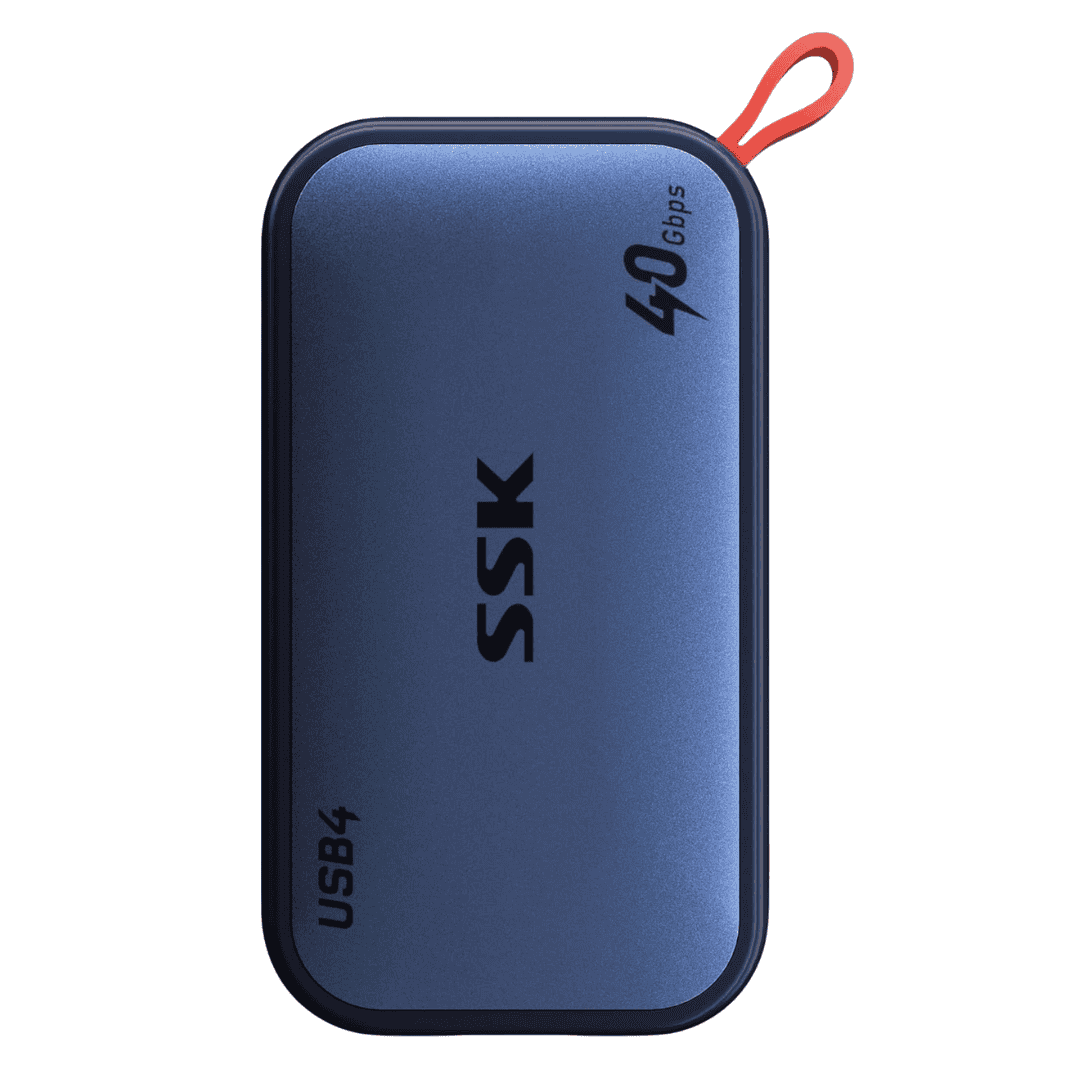
SSK 2TB USB 4 SSD Drive
SSK 2TB USB 4 External SSD delivers excellent Speed and data transfer rates. Thunberbolt 4 and supports upto 4000 MB/s. Best suitable for iPhone 15, 16 and 17 Pro models
Affiliate link. As an Amazon Associate I earn from qualifying purchases.
Is Wondershare Dr.Fone Android Data Recovery safe to use?
Yes. When downloaded from the official Wondershare website, Dr.Fone runs in read-only mode during scanning, so it does not overwrite or erase existing photos, messages, or apps on your Android phone.
Does Dr.Fone Android Data Recovery work without root?
Yes, the standard scan and Google Drive backup recovery work without rooting your Android phone. Deep storage scans for older deleted system databases may ask for root permissions on certain Android models.
Is Dr.Fone Android Data Recovery free or paid?
Dr.Fone offers a free trial that lets you scan your Android phone or Google Drive backup and preview every recoverable photo, message, and contact. Exporting and saving those files to your PC or Mac requires a paid license.
Can Dr.Fone recover deleted WhatsApp messages on Android without a backup?
Dr.Fone can scan your Android phone’s internal storage and local WhatsApp database to preview recoverable messages and attachments, or extract them from an existing Google Drive backup without resetting your phone.
How can I avoid unwanted auto-renewal charges on Dr.Fone?
If you purchase an annual subscription rather than a one-time perpetual license, log in to your Wondershare Account Center right after activating your software and turn off auto-renewal under Manage Subscriptions so you are not billed automatically next year.
Final Verdict
Wondershare Dr.Fone Android Data Recovery is worth using when you want a safe, read-only way to scan your Android phone, broken device, or Google Drive backup and preview deleted photos, texts, or WhatsApp chats before buying.
Stop taking new photos or installing apps right away to avoid overwriting your storage, run the free scan first, and claim the 18% discount only once you see your files in the preview window.