
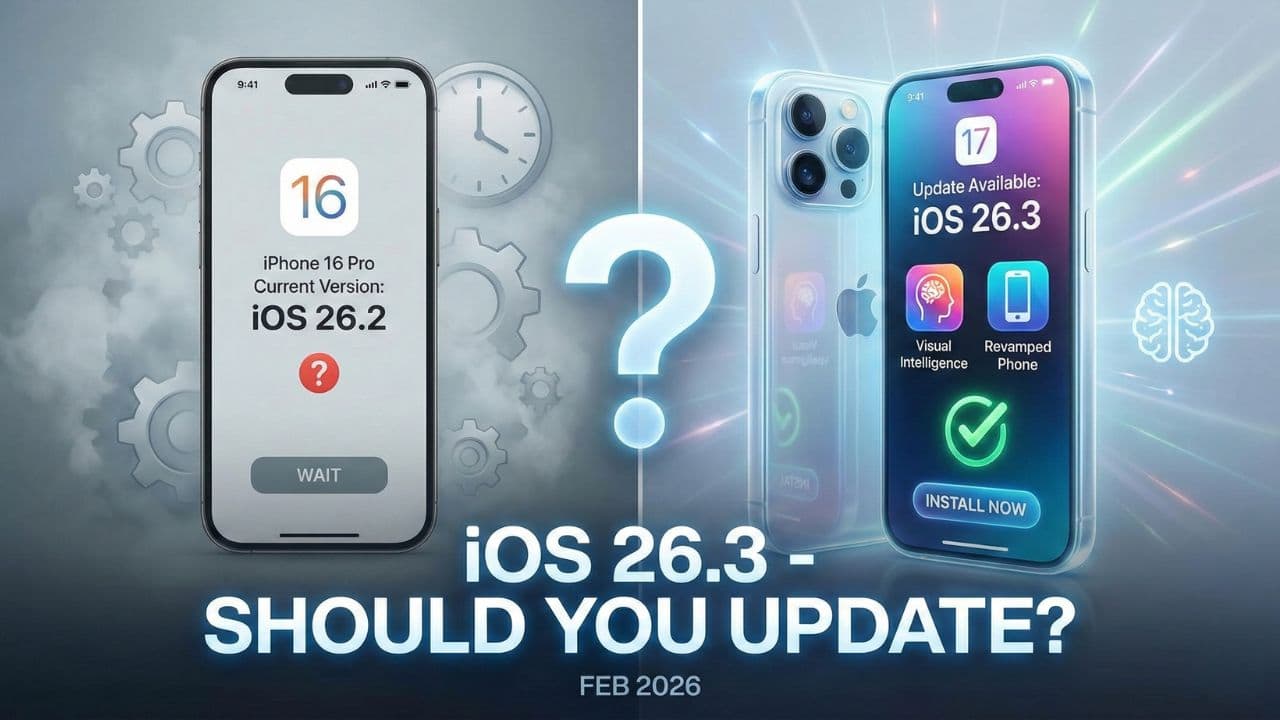
Apple just released iOS 26.3 and the short answer is yes, update it right now. I know that is not always my advice with every iOS release, but this one is different. This is not your typical update that tweaks a wallpaper or adds a few emoji.
This one has some serious stuff under the hood that you genuinely need on your iPhone.
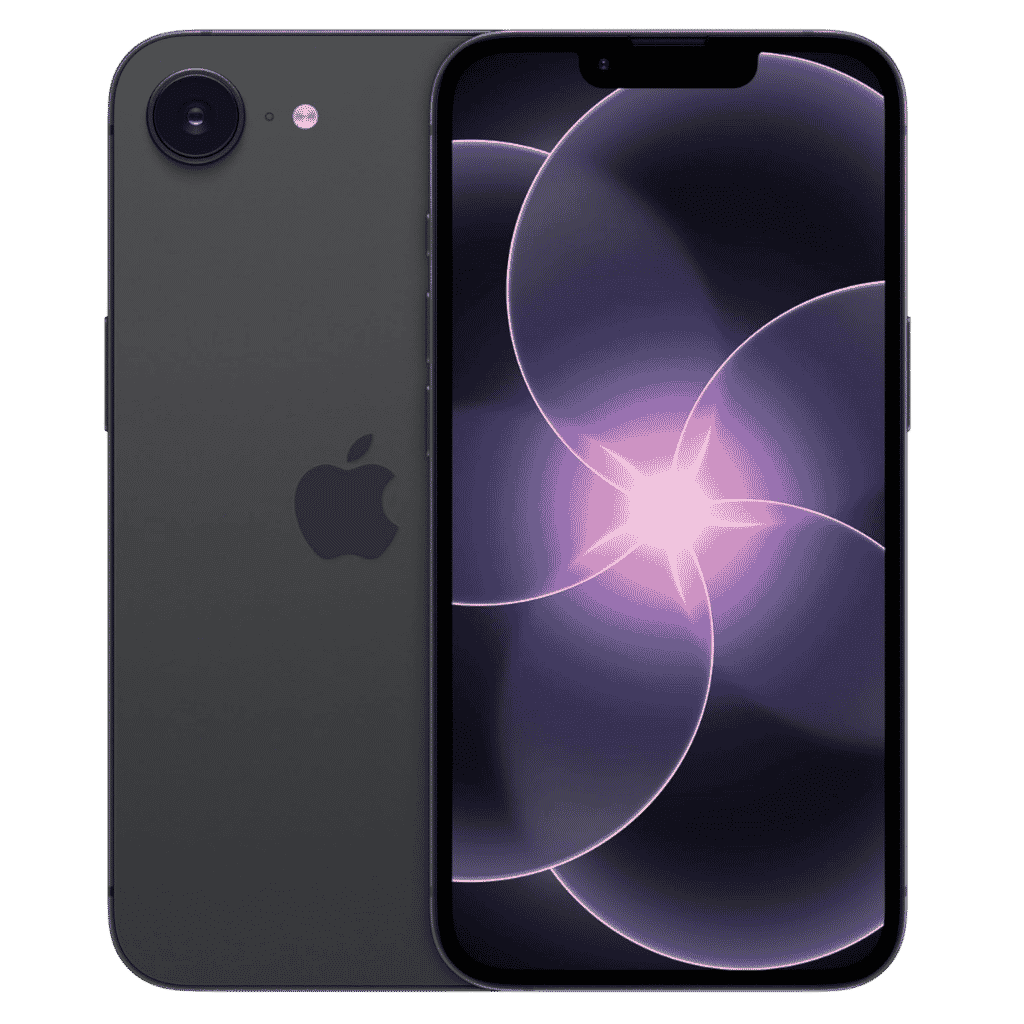
Apple iPhone 17e - 256GB
iPhone 17e features 6.1 inch Retina Display, 256GB Storage, Ceramic Shield 2 with 3X better scratch Resistant. Magsafe Wireless Charging and A19 Chip powers this beautiful device.
Affiliate link. As an Amazon Associate I earn from qualifying purchases.
Let me walk you through everything. The security fixes, the changelog, the update warning people are talking about, known issues, and whether older iPhones should be updating too.
Table of Contents
iOS 26.3 Changelog: What’s Actually New?
Before we get into the security stuff, let’s cover what Apple actually changed in this update.
iOS 26.3 brings a new tool that makes switching from iPhone to Android easier. I know, that’s a weird thing for Apple to add, but it’s real. You can now transfer photos, messages, notes, apps, passwords, and even your phone number to a new Android device.
No third-party apps needed. Apple quietly snuck this in without making a big deal about it. Probably because they don’t want to advertise people leaving the iPhone ecosystem.
There is also a new privacy feature that limits carrier location tracking.
iOS 26.3 Carrier Firmware Update fixes GPS Location issue reported in several countries networks. Boost Mobile in the US, EE and BT in the UK and Telekom in Germany are some popular carriers that received this bug fix.
It only works on devices with Apple’s C1 or C1X modems, so newer iPhones only for now.
For users in Europe, iOS 26.3 brings big changes for third-party wearables. Smartwatches and headphones can now pair with your iPhone with a single tap, just like AirPods do.
They can also receive richer notifications. This is a direct result of EU regulations pushing Apple to open up its ecosystem.
Apple also reorganized the wallpaper section. Weather and Astronomy wallpapers now have their own separate categories instead of being mixed together. Small change but a clean one.
39 Security Fixes Including One Already Being Exploited
This is the real reason you need to update today.
iOS 26.3 patches 39 security vulnerabilities. At least one of them was already being used in real attacks before Apple released the fix. That is what’s called a zero-day exploit. It was found and used by hackers before Apple even knew about it.
The vulnerability sits inside something called the dyld Dynamic Link Editor. Think of dyld as the doorman of your iPhone. Every single app that opens on your phone goes through this system first. It loads all the files and libraries that apps need to run.
The bug allowed an attacker with memory write access to run malicious code on your device. In plain English, someone could potentially install spyware on your iPhone without you even knowing.
Beyond the zero-day, there are three kernel-level flaws also patched in this update.
One of them allowed a malicious app to gain root privileges, which is basically full control of your device. There is also a bug in the Photos app that let someone with physical access view your photos from the lock screen without a passcode. And a Bluetooth vulnerability that could allow a denial-of-service attack by simply sending a crafted file to your device.
39 fixes. That is a lot for a point release. Don’t sit on this one.
iOS 26.3 Update Warning: Should You Be Worried?
A lot of people are searching about the iOS 26.3 update warning right now, and it is understandable. The massive file size showing up on some iPhones before installation has genuinely freaked people out.
Here is what is actually happening and why you should not panic.
When your iPhone shows a large number on the Software Update screen, it is often showing the total temporary storage needed to download, unpack, and install the update. Not just the download size itself. Apple needs extra working space to prepare the installation safely. Once the update finishes, that space gets freed up automatically.
The actual iOS 26.3 download is around 1.85 GB if you are already on iOS 26.2.1. That is a completely normal update size. The scary numbers people are seeing, like 10 GB or 12 GB, are mostly the temporary space requirement. Not what gets permanently used on your iPhone.
No major security warning has been issued about the update itself. The warning angle circulating online is mostly about file size confusion, not any problem with the update. It is safe to install.
How Big Is the iOS 26.3 File Size?
This is where things get interesting because the file size varies a lot depending on your device and which iOS version you are coming from.
Here is what real users are seeing based on community reports:
- Already on iOS 26.2.1: 1.85 GB to 4.15 GB
- Coming from an earlier iOS 26 version: 10 GB to 11.14 GB
- iPhone 17 Pro Max users who skipped updates: up to 11.9 GB
- iPhone 16 Plus users: around 10.6 GB
- iPhone 15 Pro on the latest prior version: around 4.15 GB
So if you have been skipping updates for a while, do not be surprised when you see a double-digit GB number. Your iPhone is bundling all the missed update content into one package. That is completely normal.
Apple recommends having at least 15 to 20 GB of free space before starting the update. You don’t need that space permanently. The phone just needs room to work during installation.
Can’t free up enough space?
Connect your iPhone to a Mac or PC and update through Finder or iTunes. This method downloads a more compact firmware file directly to your computer and installs it via cable. It requires much less free space on the device itself.
Battery and Performance: Will iOS 26.3 Affect It?
This is honestly what most people want to know before they hit that update button.
iOS 26.3 is primarily a security and stability release.
That usually means minimal performance impact. Apple did not introduce heavy new features that would stress the chip or drain the battery faster. Early user reports are not showing any significant battery issues after updating.
If anything, the bug fixes in system processes and memory management could slightly improve efficiency on some devices. Don’t expect a dramatic change either way, but you are definitely not going to suddenly lose hours of battery life from this update.
Bug Fixes: CarPlay, Wi-Fi, and Bluetooth
A few common iOS bugs got addressed in iOS 26.3 that are worth mentioning.
CarPlay had some lingering stability issues after earlier iOS 26 releases. This update patches those. If your CarPlay connection has been dropping randomly or lagging when loading navigation, it should be noticeably better after updating.
Bluetooth gets a meaningful fix here, and not just for stability. A Bluetooth vulnerability that could allow a denial-of-service attack has been patched. If you have had AirPods randomly disconnecting or switching between devices unexpectedly, this update addresses some of those connection issues too.
Wi-Fi connectivity problems that surfaced in the iOS 26 line also get attention here. The low-key frustrating stuff like Wi-Fi taking longer to reconnect or dropping briefly when you wake your phone gets tightened up in this release.
iOS 26.3 Issues and Problems: What Users Are Reporting
No major widespread issues have been reported after installing iOS 26.3, which is a good sign. It is one of the cleaner point releases in the iOS 26 cycle so far.
That said, a few minor things are worth knowing. Some users on forums are reporting occasional app refresh delays right after updating. This is almost always the system re-indexing in the background. It typically clears up within 24 to 48 hours on its own. A simple restart speeds that up if you don’t want to wait.
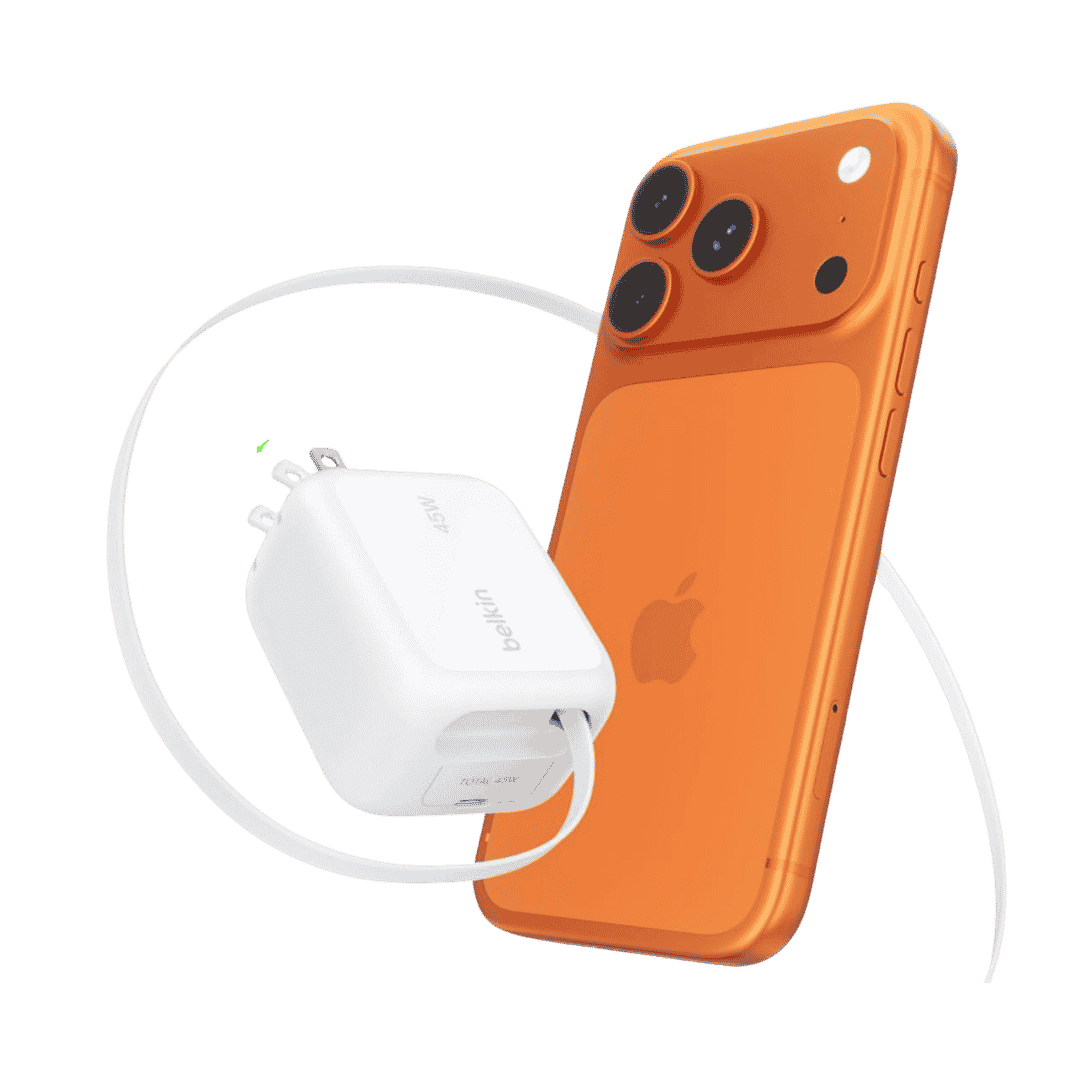
Belkin Wall GaN Charger 45W Retractable USB C Cable
Belkin GaN Charger 45W Power with Retractable USB C Cable. Supports iPhone Fast Charging and suitable for other AirPods, Apple Watch and more.
Affiliate link. As an Amazon Associate I earn from qualifying purchases.
The massive file size display is causing real confusion for people with limited storage, especially those on 64 GB or 128 GB devices. Using a computer to update via cable is the easy fix for this situation.
One important thing to keep in mind. Apple does not allow downgrades after you install iOS 26.3. Once you are on it, you are staying on it. Given how serious the security fixes are in this update, staying on an older version just to avoid a minor inconvenience is not the right call.
Should Older iPhones Update to iOS 26.3?
Yes, and the reason is simple. The zero-day exploit and kernel vulnerabilities patched in iOS 26.3 affect older devices just as much as new ones. This is not a feature update that only benefits iPhone 16 and 17 users. It is a security update that matters for every supported device.
iOS 26.3 is available for iPhone 11 and later. Apple even released iOS 18.7.5 for people on older hardware that cannot run iOS 26 at all. That tells you how serious Apple is about getting these patches out. They backported the fixes for legacy devices.
For iPhone 13 and 14 users, there is no performance downside to worry about here. These devices handle iOS 26 well, and a security-focused update like 26.3 is not going to slow anything down.
For iPhone 11 and 12 users already on iOS 26, this update will not make things worse.
Performance stays roughly the same. If iOS 26 already feels a bit heavier than iOS 18 did on your device, that is the operating system itself, not this specific update.
How Long Does the iOS 26.3 Update Take?
A lot of people are searching this before they hit the install button. Fair enough, because nobody wants to be stuck with a frozen screen for two hours.
Download time depends entirely on your internet speed and which version you are coming from. If you are on a fast Wi-Fi connection and already on iOS 26.2.1, the download should take about 5 to 15 minutes. If you are downloading a 10+ GB package from an older version, expect 45 minutes to over an hour for the full download and install process on a typical home connection.
One user on MacRumors reported their update from iOS 26.1 to 26.2 took just under two hours. So if you are several versions behind, plan accordingly and don’t start the update right before bed.
Keep your iPhone plugged in, stay on Wi-Fi, and do not force restart it in the middle of the update.
How to Update to iOS 26.3?
It is a simple process. Go to Settings, then General, then Software Update, and tap Download and Install. Make sure your iPhone is charged to at least 50% or plugged in before you start.
If you want to make sure you never miss a critical security update like this in the future, turn on Automatic Updates while you are there. Go to Settings, then General, then Software Update, then Automatic Updates, and toggle everything on.
Your iPhone will download and install security patches overnight without you having to think about it.
Final Verdict: Update iOS 26.3 Right Now
I don’t say this about every update, but iOS 26.3 is one you should not wait on. A zero-day exploit that was actively used in real attacks, 39 total security fixes, Bluetooth vulnerabilities, and kernel-level patches. This is a meaningful update regardless of which iPhone you are using.
The file size situation looks scarier than it actually is. If you are already up to date on iOS 26, you are looking at a 2 to 4 GB download, not 12 GB. And if you are seeing a big number, the cable update method through your Mac or PC makes it completely painless.
No major post-install problems are being reported, performance stays solid, and older iPhones are fully supported. There is really no good reason to wait on this one.
If your iPhone is showing the update notification, tap and update right away. Have a great day.