
If your YouTube app keeps closing a few seconds after you open it on your iPad, you are not alone. Many iPad users (including iPad 10th Generation owners) are seeing a popup that says:
“YouTube crashed. Would you like to contribute to anonymous crash reports to help us fix this issue and similar issues?”
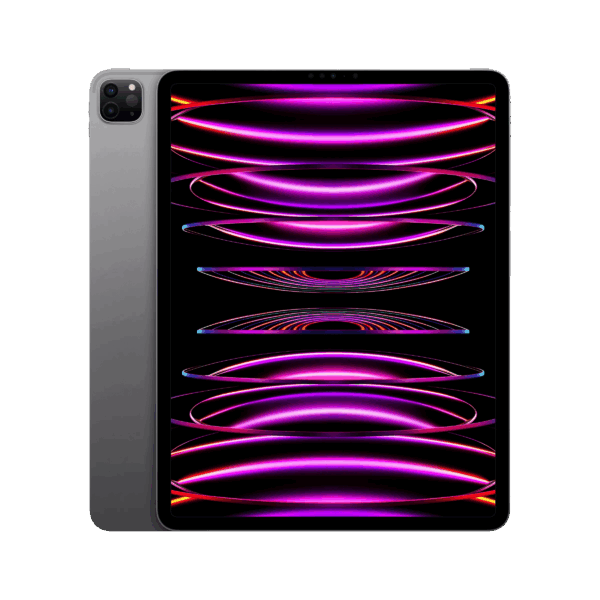
iPad Pro 11 Inch M5 Deals
iPad Pro 11 inch with M5 Chip. Ultra Retina XDR Display, 256GB Storage, LiDAR Scanner, Apple N1 Chip and All Day Battery Life.
Affiliate link. As an Amazon Associate I earn from qualifying purchases.
Whether you tap Yes or No, the app force-closes immediately and loops back to the same error when you reopen it.
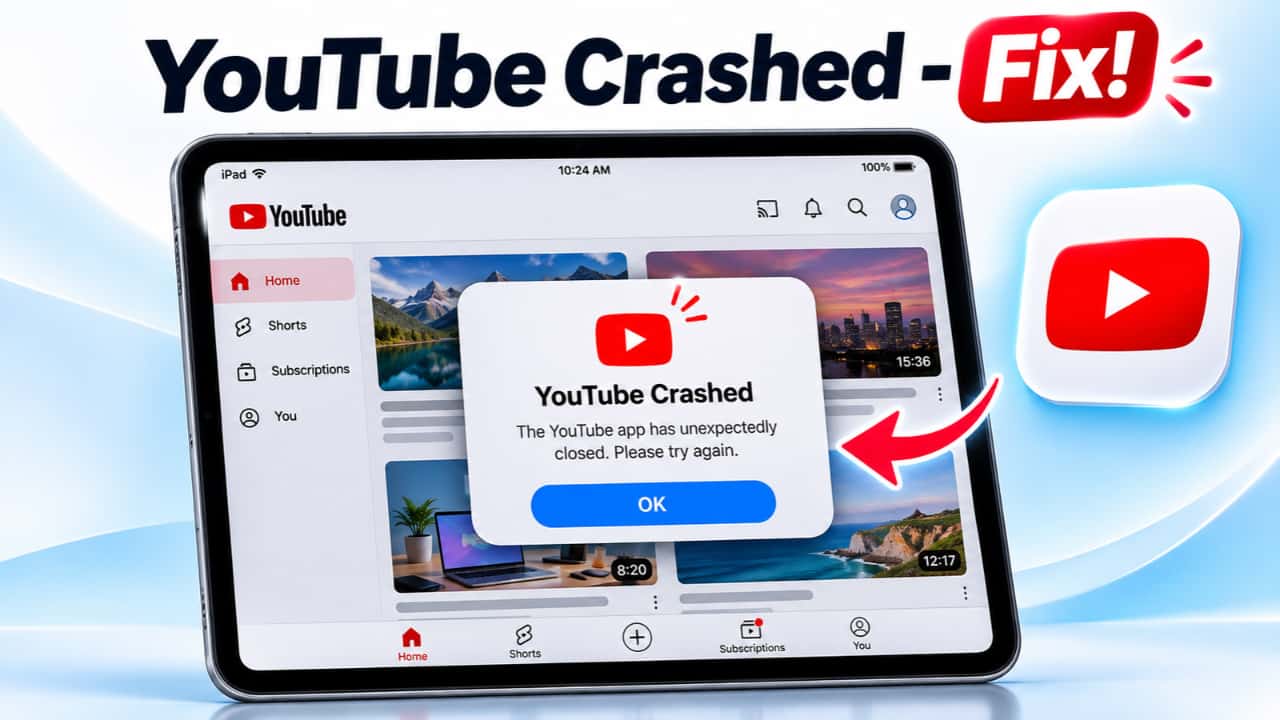
Table of Contents
1. Update Your iPadOS Software
Running an older version of iPadOS often causes conflicts with newer YouTube app updates. Start by making sure your system software is current.
- Connect your iPad to a stable Wi-Fi network.
- Open Settings and go to General – Software Update.
- If an update is available, tap Download and Install.
- Once your iPad restarts, open the YouTube app and test it for a few seconds to see if the crash stops.
2. Update the YouTube App in the App Store
YouTube regularly pushes small bug fixes to resolve sudden crash loops and performance bugs.
- Open the App Store on your iPad.
- Tap your Profile Icon in the top-right corner.
- Pull down on the screen to refresh your pending updates list.
- Tap Update next to YouTube (or tap Update All to refresh your other daily apps at the same time).
3. Completely Delete and Reinstall the YouTube App
If both your iPad and the YouTube app are up to date, corrupted app data is likely causing the crash. A full reinstall clears out the bad cache.
- Tap and hold the YouTube app icon on your Home Screen.
- Tap Remove App.
- Select Delete App (do not choose Remove from Home Screen, because that only hides the icon while keeping the broken app files in your App Library).
- Open the App Store, search for YouTube, and install it again.
- Sign back into your Google account and check if videos play normally.
4. Check If Your iPad Is Too Old for the YouTube App
If none of the steps above stop the crashes, check which version of iPadOS your tablet is running under Settings – General – About.
- Recent iPads (iPadOS 18, iPadOS 26, or iPadOS 27): Your device is fully supported, so a fresh reinstall or software update will normally resolve the bug.
- Older iPads (7 to 8+ years old): If your iPad can no longer install newer iPadOS versions or YouTube app updates, YouTube may have stopped supporting the older app protocols on your device. If you are still holding onto an older model, see our guide on whether older iPads like the iPad Air 2 are still worth using or if it is time to upgrade.
5. Use YouTube in Safari or Chrome (Best Workaround for Older iPads)
If your older iPad still works well and you are not ready to upgrade yet, you do not need the YouTube app to watch videos.
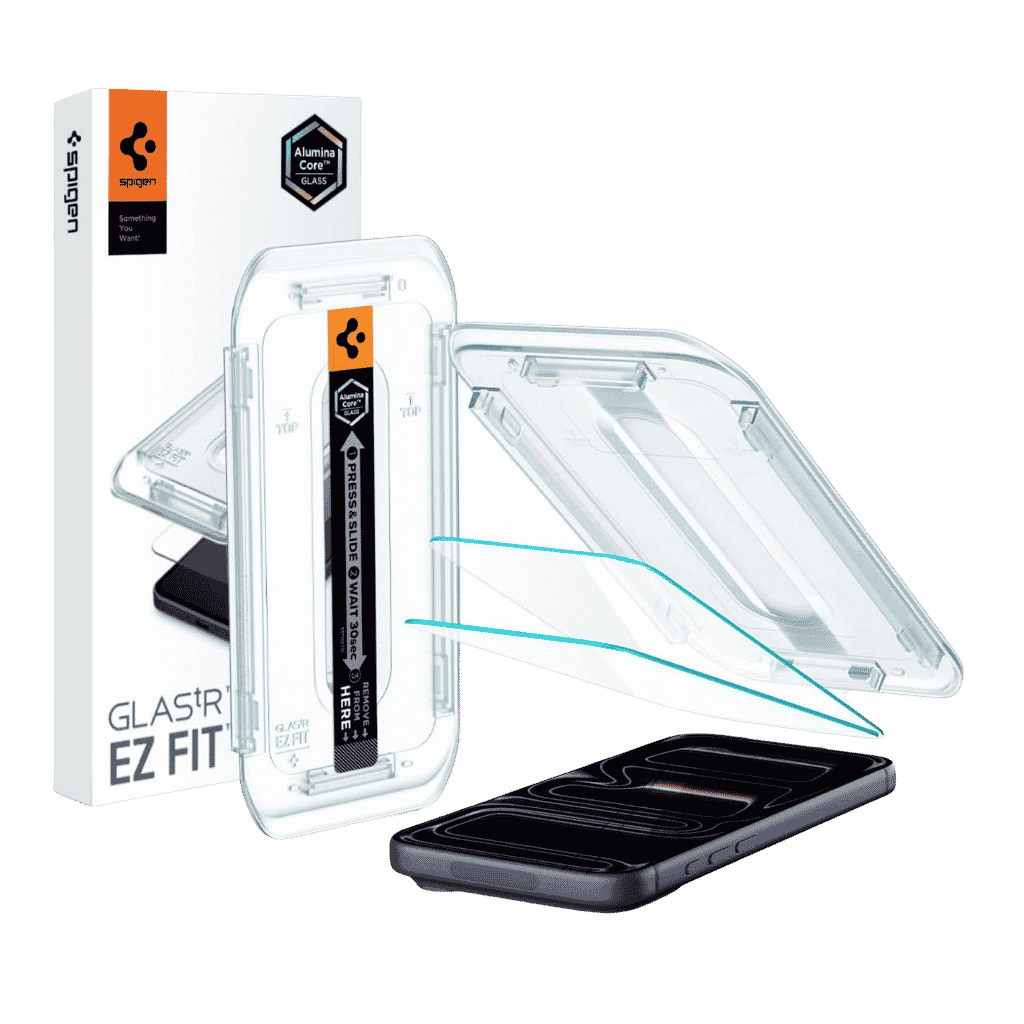
iPhone 17 Tempered Glass (Screen Protector)
Spigen iPhone 17 and 17 Pro Screen Protector with Application Kit. Tempered Glass for iPhone with 9H+ Hardness and Enhanced Durability.
Affiliate link. As an Amazon Associate I earn from qualifying purchases.
- Open Safari or Google Chrome on your iPad.
- Go to youtube.com and sign in to your account.
- Tap the Share button in Safari and choose Add to Home Screen if you want a quick one-tap shortcut that looks like an app.
The browser version bypasses the outdated app requirements and lets you keep using YouTube smoothly. If you use your iPad mainly for streaming, pairing it with a good stand or cover from our best iPad accessories guide makes watching in Safari even more comfortable.
Frequently Asked Questions
Is the “YouTube crashed” anonymous crash reports popup a virus or hack?
Why does YouTube keep crashing on my iPad even after I tap Yes or No?
Will I lose my YouTube subscriptions or playlists if I delete the app?
How do I watch YouTube on an old iPad that no longer supports the app?
Let me know in the comments which troubleshooting step helped you to fix the Youtube App Crash issue on your iPad.
Have a great day.