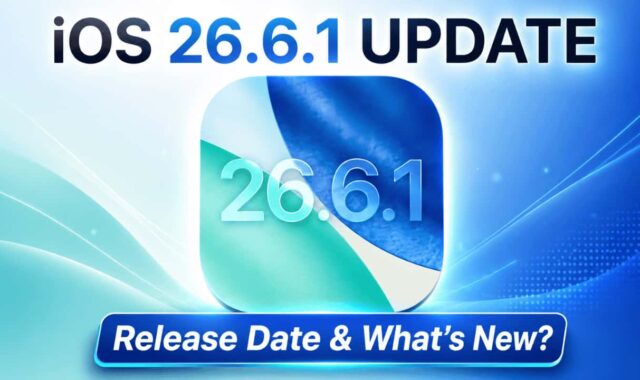

Apple has released iOS 26.6.1 Update for all compatible iPhone and iPad models. It’s a smaller update compared to iOS 26.6, but it is an important one. Let’s quickly see why you should update right away.
If you are on iOS 26 or iOS 26.6 or any of the iOS 26 versions, then this update is safest to do. Some users reported battery drain issues and performance problems with previous iOS 26 updates. This update has no mention about any of the bug fixes, but it brings 20+ security fixes to your iPhone and iPad.
So users could see some good improvements in terms of battery drain and overall performance.
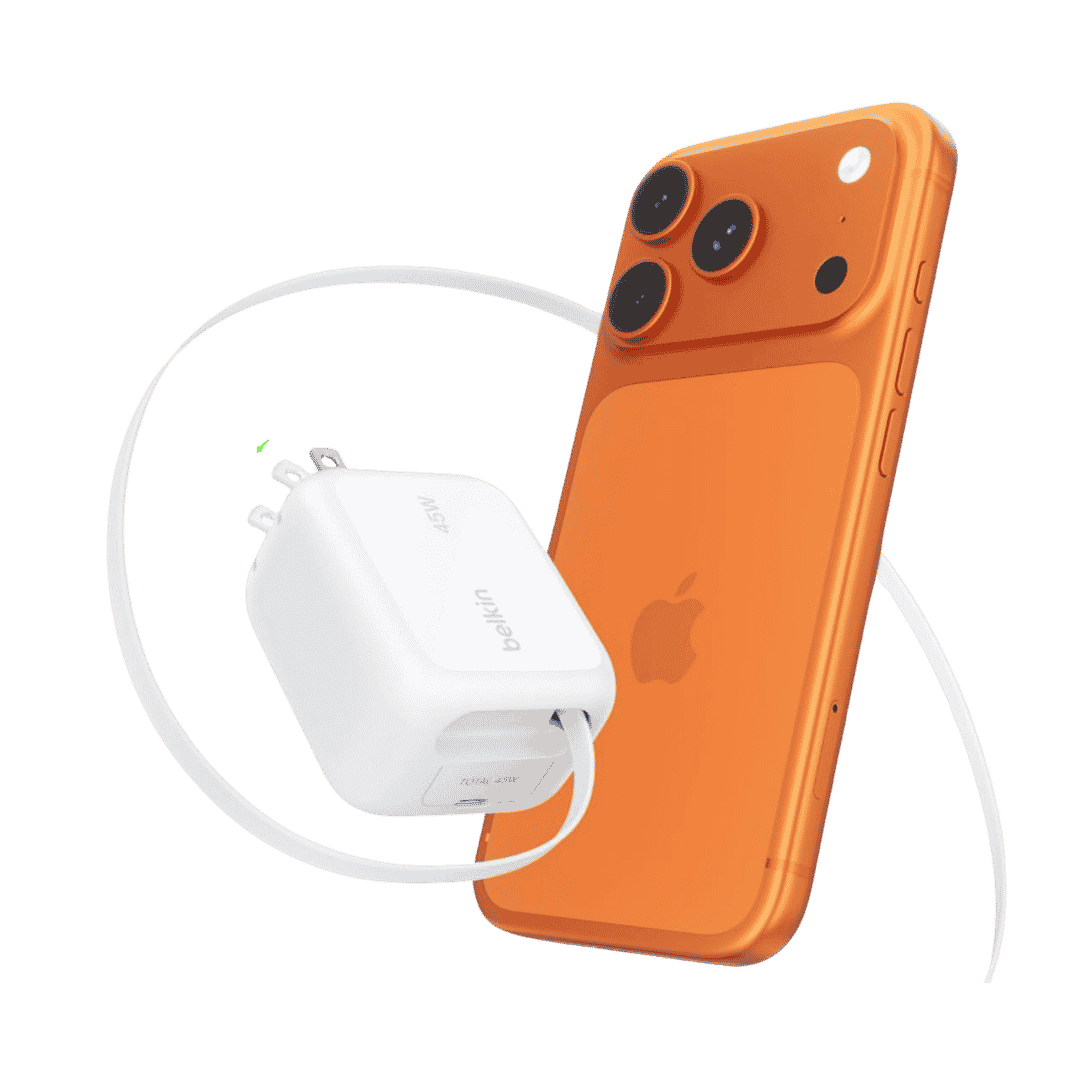
Belkin Wall GaN Charger 45W Retractable USB C Cable
Belkin GaN Charger 45W Power with Retractable USB C Cable. Supports iPhone Fast Charging and suitable for other AirPods, Apple Watch and more.
Affiliate link. As an Amazon Associate I earn from qualifying purchases.
Table of Contents
What’s New in iOS 26.6.1?
The official update notes for iOS 26.6.1 are very simple.
Apple says:
This update provides security fixes for your iPhone.
There are no new features mentioned in the release notes.
So don’t expect new apps, interface changes, camera features or any other noticeable improvements after installing the update.
This is probably the most important reason to install the iOS 26.6.1 Update.
Apple has confirmed that the security fixes included with this release were previously made available through the iOS 27 beta versions.
Anker MFi Lightning to USB C Cable (2 Pack)
Anker New Nylon USB C to Lightning Cable, Apple MFi Certified for iPhone and comes in 6.6 feet length. You can select Cable Length and 1 or 2 Packs during Checkout.
Affiliate link. As an Amazon Associate I earn from qualifying purchases.
Apple normally recommends keeping your iPhone software updated because software updates can include fixes for security vulnerabilities that may otherwise leave the device exposed.
Even though you may not notice anything different after updating, the security improvements happening behind the scenes are important.
Are There Any New Features on iOS 26.6.1?
No major new features have been mentioned in the release notes of iOS 26.6.1.
We are not expecting any new features for this 3 digits update too. Usually it will be bug fixes or security fixes only.
The previous iOS 26.6 update included bug fixes, security updates and changes to the Spotlight index in preparation for iOS 27.
iOS 26.6.1 appears to be a much smaller follow-up release focused specifically on security fixes.
So if you are looking for new features, you probably won’t notice anything new after the update.
What About Battery Life and Performance?
Since iOS 26.6.1 is a small security update, we shouldn’t expect any major difference in performance or battery life.
After installing any iOS update, your iPhone may perform some background processes for a short period. So you may sometimes notice temporary battery drain, warmth or slightly different performance immediately after updating.

Baseus Picogo QI2.2 Magsafe Powerbank
Baseus Picogo Magsafe Power Bank 10,000 mAh. Qi2.2 and 25W Charging support. 45W Wired Charging Wireless Powerbank for Travel.
Affiliate link. As an Amazon Associate I earn from qualifying purchases.
It is better to give your iPhone a day or two to let the background processing and indexing completed, before judging battery performance after an update.
Should You Update to iOS 26.6.1?
For most users, YES, I would recommend installing iOS 26.6.1.
There are no major new features to worry about, and the main purpose of this update is improving security.
If your iPhone is currently working perfectly on iOS 26.6 and you usually prefer waiting before installing new updates, you can wait for a short time and see whether any widespread problems are reported.
But since this is mainly a security update rather than a major feature update, there is a good reason to install it.
How to Install iOS 26.6.1
To check for the update on your iPhone, go to:
Your iPhone will check Apple’s servers and show the iOS 26.6.1 Update if it is available for your device.
Before updating, make sure your iPhone has enough battery power and preferably create an iCloud or computer backup.
Have you installed iOS 26.6.1 on your iPhone? Let us know if you notice any difference in battery life, performance or bugs after the update.