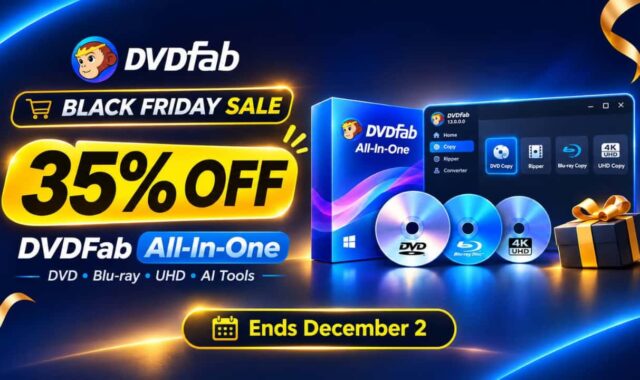

What is the reliable way to copy DVDs to your computer or external SSD drive? Well, I have an answer for your search right here. DVDFab DVD Copy is one of the tools many people still use.
In this DVDFab DVD Copy review, I will cover what it does, how it performs, current pricing, dvdfab discount coupon codes to help you save more and finally, whether it is safe to use.
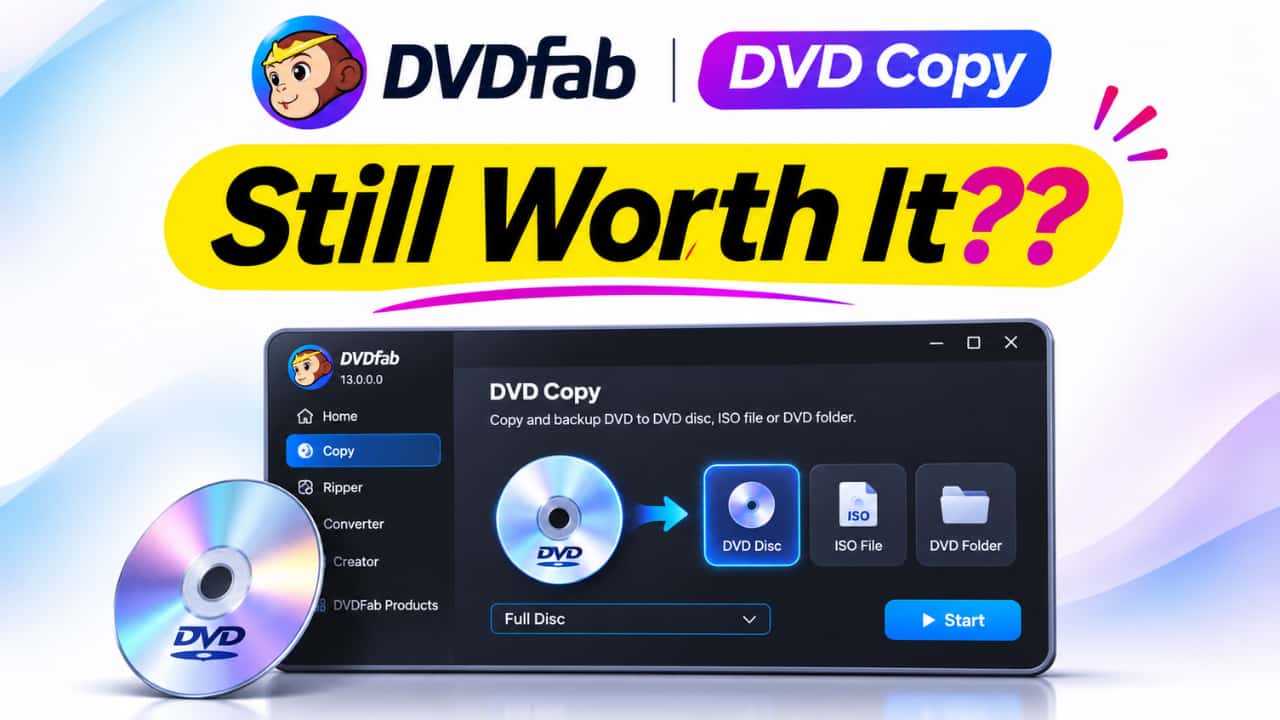
You can also watch the full video above to see how it works in real time.
Table of Contents
What Is DVDFab DVD Copy?
DVDFab DVD Copy is software that lets you copy DVD discs to your hard drive or another blank DVD. It can remove copy protection, create ISO files, or compress larger DVDs so they fit on a single disc.
It works on both Windows 11 and Mac. Many users prefer it because it is straightforward and handles most commercial DVDs without issues.
DVDFab DVD Copy Key Features
Here are the main things it can do:
- Copy full DVD or only the main movie
- Create ISO image or DVD folder on your computer
- Compress DVD-9 to DVD-5 with good quality
- Remove most copy protections and region codes
- Burn the copied content back to a blank DVD
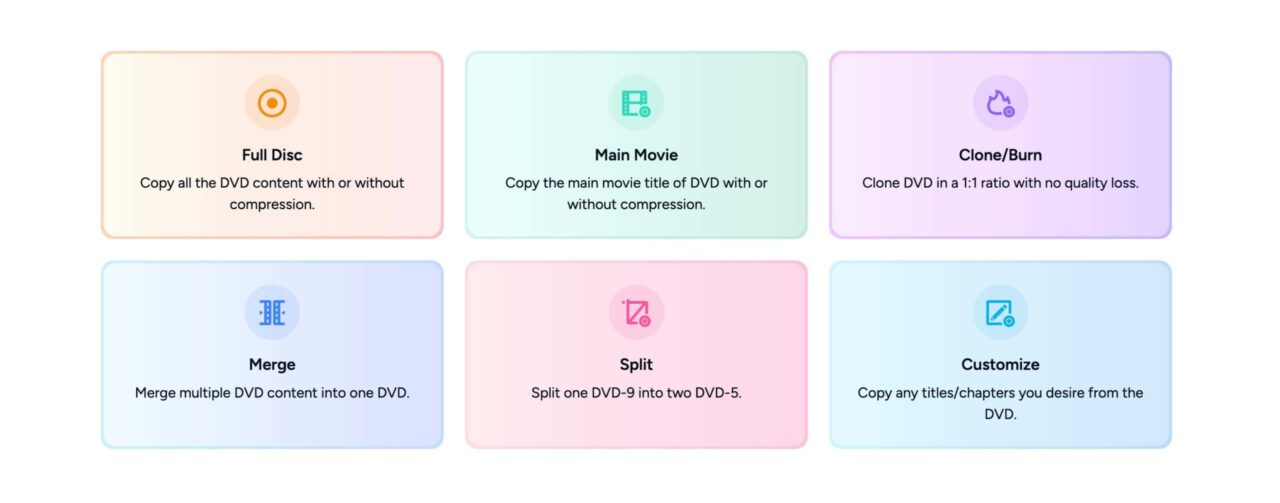
- Multiple copy modes (Full Disc, Main Movie, Customize, etc.)
The process is usually simple. Insert the disc, choose the mode, select the output location, and start the copy.
DVDFab DVD Copy vs DVD Ripper – Which One Should You Get?
Many people get confused between these two tools.
- DVDFab DVD Copy is better if you want to keep the DVD structure and burn it back to another disc or create a backup ISO.
- DVDFab DVD Ripper is better if you want to convert the DVD into video files (MP4, MKV, etc.) to watch on your phone, tablet, or computer without a DVD player.
If your main goal is to make a backup of the disc itself, DVD Copy is the right choice. If you want video files, go with the Ripper.
Is DVDFab Safe and Legit?
Yes, DVDFab is a legitimate company that has been around for many years. Their software is widely used for DVD and Blu-ray tasks.
As with any software, it is safer to download it only from the official website. Avoid third-party download sites that may bundle extra programs. When used normally, DVDFab DVD Copy is considered safe by most long-time users.
DVDFab DVD Copy Pricing and Lifetime License Deal
DVDFab usually sells DVD Copy as a one-time purchase or as part of a bundle. Lifetime licenses are often available during promotions, which means you pay once and get updates for life.
Buy DVDFab DVD Copy with Discount Offer
Lifetime deals are generally better if you plan to use the software for years. We make sure to update this page with latest dvdfab deals and discount coupons.
DVDFab DVD Copy Discount Coupon and Promo Code
DVDFab frequently offers discounts through promo codes. You can often save 20–30% or more depending on the current promotion.
We update this page with latest DVDFab promo code on their official page or through trusted deal sites. Applying the code at checkout reduces the price of DVD Copy or any bundle that includes it.
If a lifetime license deal is running, that is usually the best time to buy.
How to Download DVDFab DVD Copy
For Windows 11:
- Go to the official DVDFab website.
- Download the DVD Copy installer.
- Run the setup file and follow the instructions.
- Activate it with your license key after purchase.
For Mac:
- Download the Mac version from the official site.
- Open the .dmg file and drag the app to your Applications folder.
- Launch it and enter your license details.
Always download from the official site to avoid issues.
Who Should Buy DVDFab DVD Copy?
DVDFab DVD Copy is a good option if you still have a collection of DVDs and want reliable backups. It is useful for people who prefer keeping the original disc format instead of converting everything to video files.
Buy DVDFab DVD Copy with Discount Offer
If you only need to convert a few discs once in a while, you might manage with free tools. But for regular use and better handling of protected discs, the paid version is more convenient.
Final Thoughts
DVDFab DVD Copy remains a solid choice in 2026 for anyone who wants to copy DVDs easily. It is straightforward, works on both Windows and Mac, and handles most discs without problems.
Check the current pricing and any active promo codes before buying. A lifetime license is usually the better long-term option if it is available.
Have you used DVDFab DVD Copy before? What was your experience? Let me know in the comments.