
If you shoot a lot of videos on your iPhone but hate editing them on that small screen, Instagram just gave Mac users something useful. Their free video editing app “Edits” has now moved from phones and iPads to macOS.
It is still early, but it already looks like a solid option for people who want something simpler than Final Cut Pro or Premiere Pro without going back to CapCut on a phone.
Could this be finally a capcut alternative for mac? Let’s explore the features and a video to show how the UI and Design looks. List of features it brings to your desktop.
Insta360 Link 2 Pro is a 4K Webcam for PC and Mac. 1/1.3" Sensor delivers excellent low light, AI Tracking, HDR and Directional Noise Cancelling MIcs. Supports Stream Deck, Zoom, Youtube Live, Twitch and more.
Affiliate link. As an Amazon Associate I earn from qualifying purchases.
Table of Contents
Instagram Edits: Free Video Editor App
Edits is Instagram’s own video editing app. Until now it lived only on mobile. The Mac version is completely free and aimed at creators who find full professional suites too heavy. You get a bigger screen and proper mouse and keyboard control while still working with the same Instagram-style tools you already know from the phone.
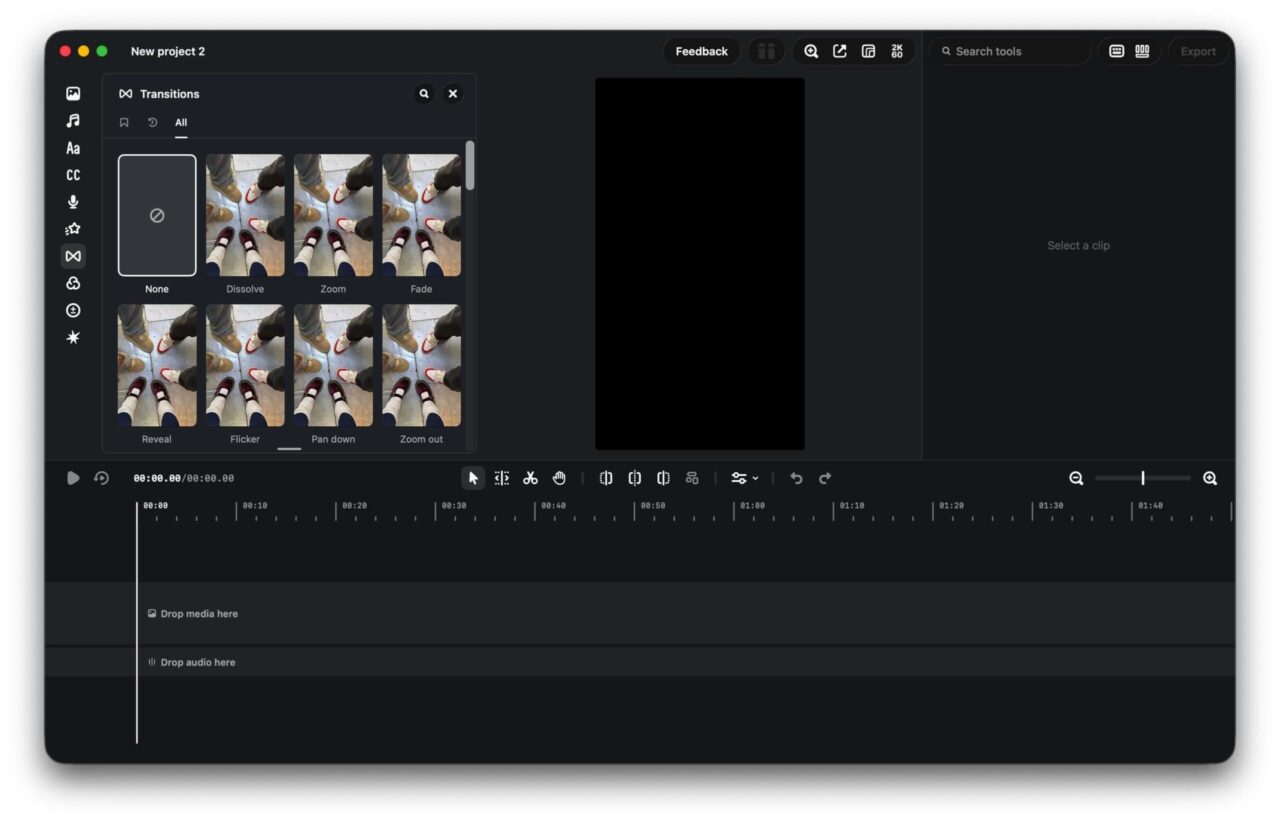
It is basically a version 1.0 desktop release. Simple projects work well, though you may still hit a few bugs and rough edges as the app matures.
Who should use Instagram Edits on Mac?
This is made for people who shoot multi-clip videos on their iPhone and want more breathing room than a phone gives them. If Final Cut Pro, DaVinci Resolve, or Premiere Pro feel overwhelming, but CapCut on a phone feels cramped, Edits sits in the middle.
You can pull your clips straight onto the Mac and edit without jumping between devices.
What creative tools does it include?
On the left side you get direct access to Instagram’s built-in audio library. There is also a sound effects tab so you can browse, add, and bookmark the sounds you use often.
Text tools are straightforward. You get different styles plus an automatic caption generator that creates subtitles synced to the audio on your timeline.
You can record voice overs right inside the app once you give it microphone permission.
For polish, there are drag-and-drop transitions, color filters, manual adjustment sliders, and the ability to save your own presets.
Spensio Expense Tracker for iPhone
Track your Expenses, Subscriptions, Loans and EMIs all in One App. Try Spensio for iPhone Free today.
How does setup and keyboard control work?
You need to sign in with your Instagram account when you first open the app. Keyboard shortcuts exist and you can remap them in a dedicated menu so they feel closer to the editors you already know.
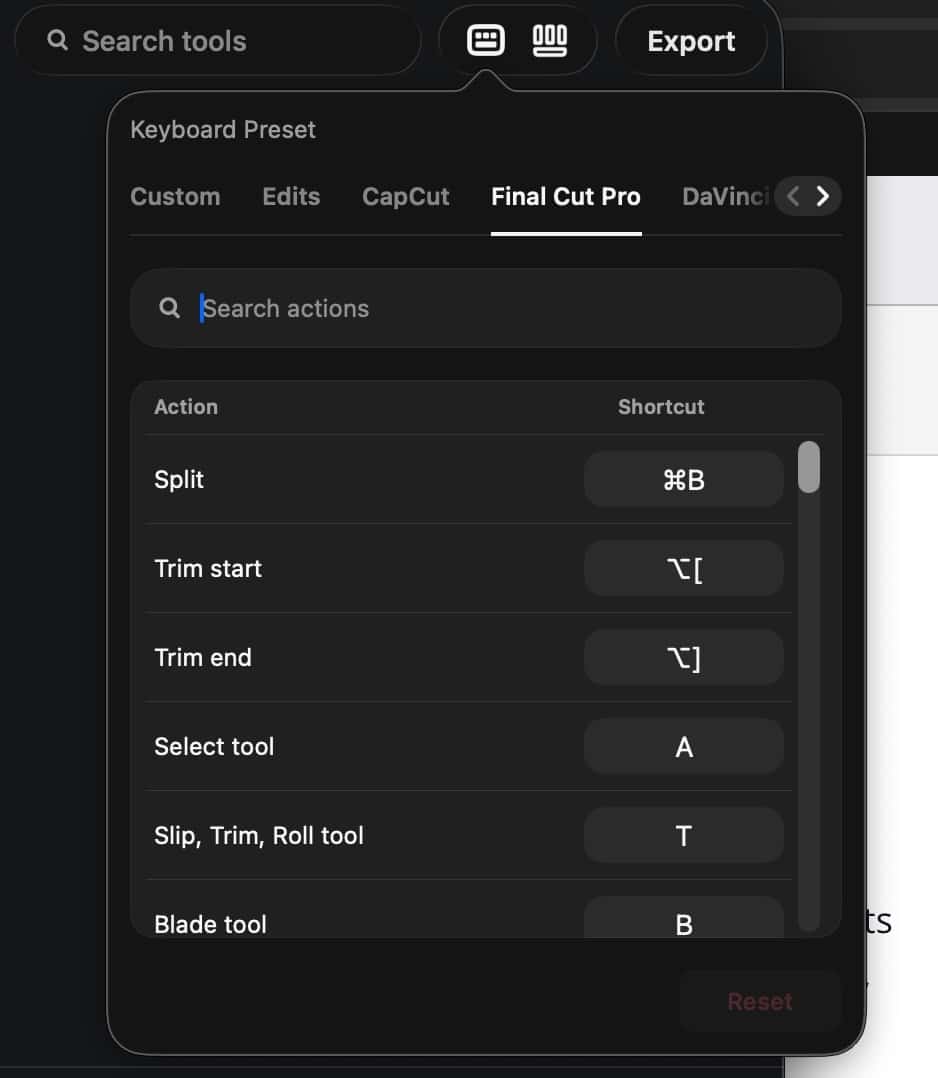
It is not as deep as Final Cut or Davinci Resolve, but it is better than most free mobile tools.
Which aspect ratios and export options are available?
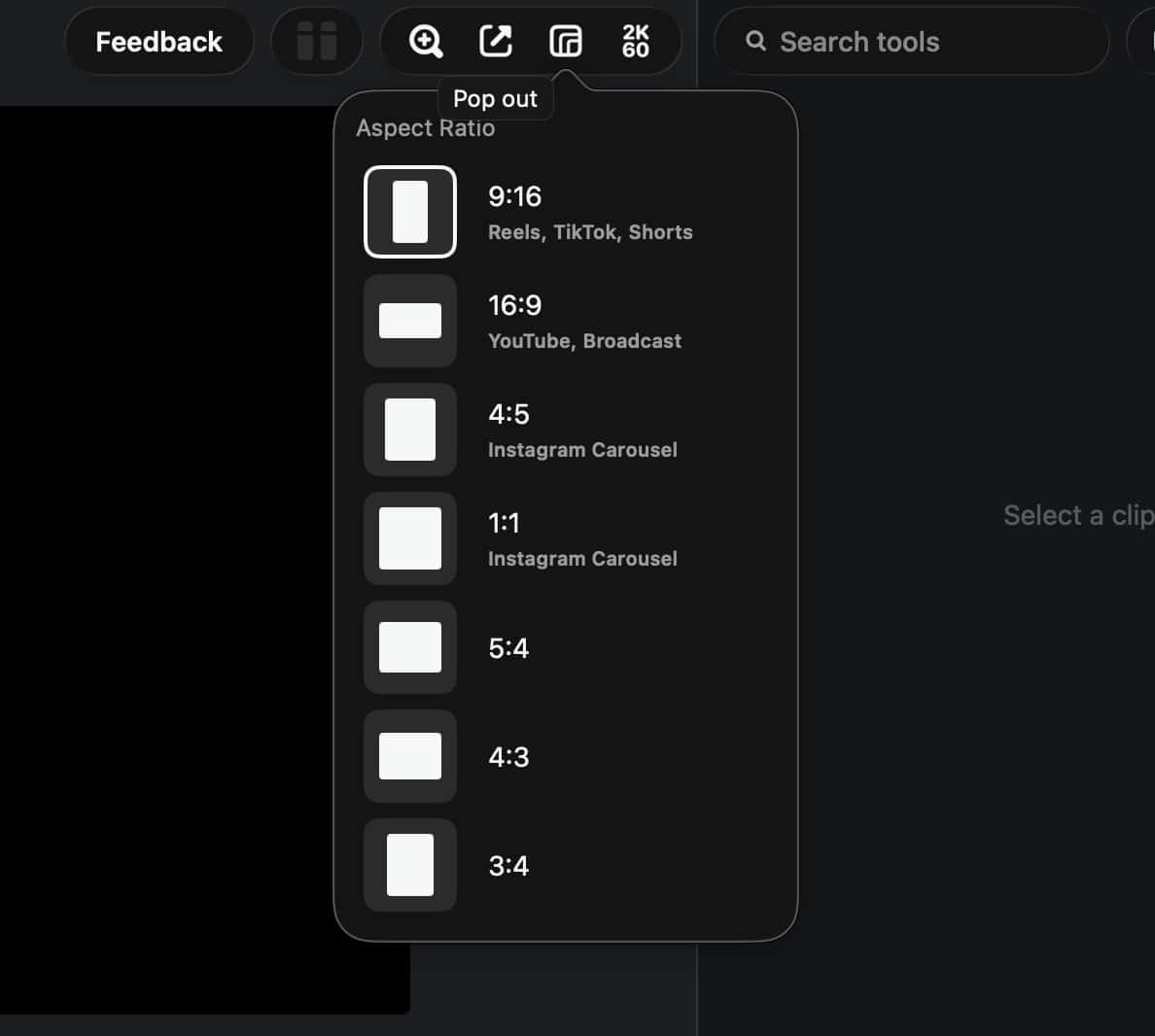
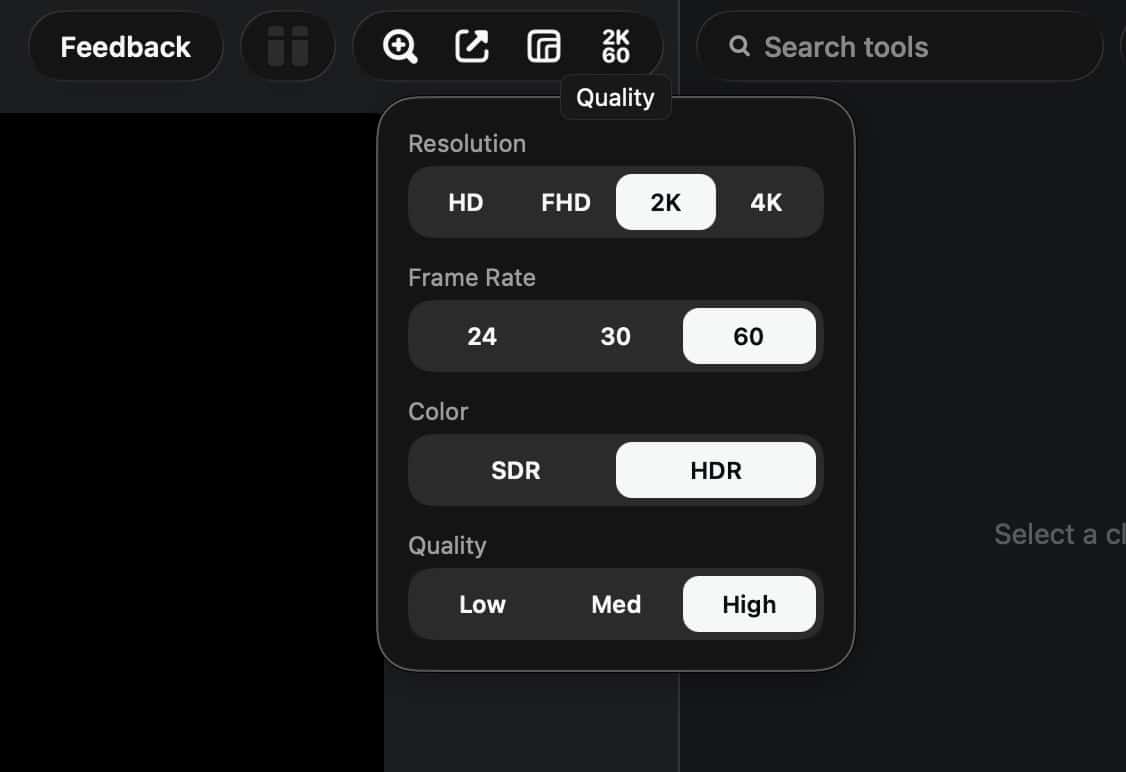
You can work in vertical 9:16 for Reels and Shorts, standard 16:9 for longer videos, or 1:1 square. Export goes from 720p up to 4K, and you can push 60 frames per second even at 4K.
Can Instagram Edits replace CapCut or pro editors?
Not yet for complex, multi-layered work. CapCut on desktop and the big professional apps still have more power and maturity. For quick social content, though, Edits is already useful. It is free, native on Mac, and gives you desktop space and precision without a subscription.
As a first step from Instagram into proper desktop editing, it is a strong start. If you mostly make Reels and simple multi-clip videos, it is worth trying right now while they keep improving it.
Download Instagram Edits for Mac
Let me know in the comments, how the app overall looks and feels to edit your video. Have a great day.
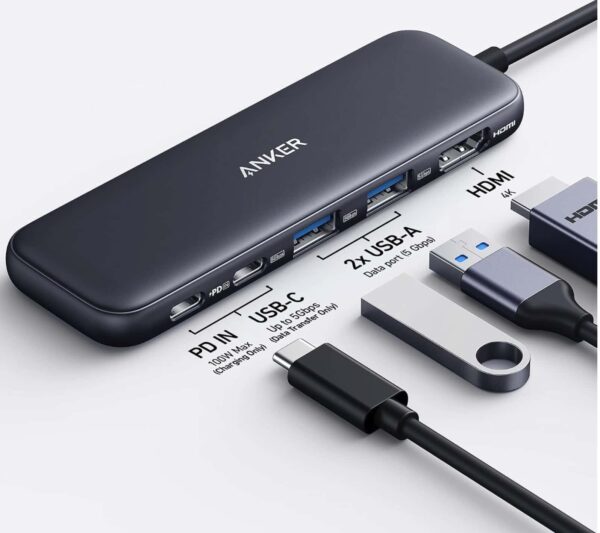
Anker 5 in 1 USB C Hub
85W Max PD, 1 Powered USB-C 5Gbps & 2 Powered USB-A 3.0 5Gbps Data Ports, for MacBook Pro, MacBook Air, Dell and More (Black)