

If your Mac is constantly warning you about low storage, you’ve probably looked at cleaning apps. CleanMyMac is one of the most popular ones, but a lot of people online say it’s unnecessary or even call it malware. I’ve been using it for years, and my experience has been different.
It has helped me to free mac storage by clearing out big chunks of unwanted cache from apps like Final Cut Pro, Xcode, and browsers.
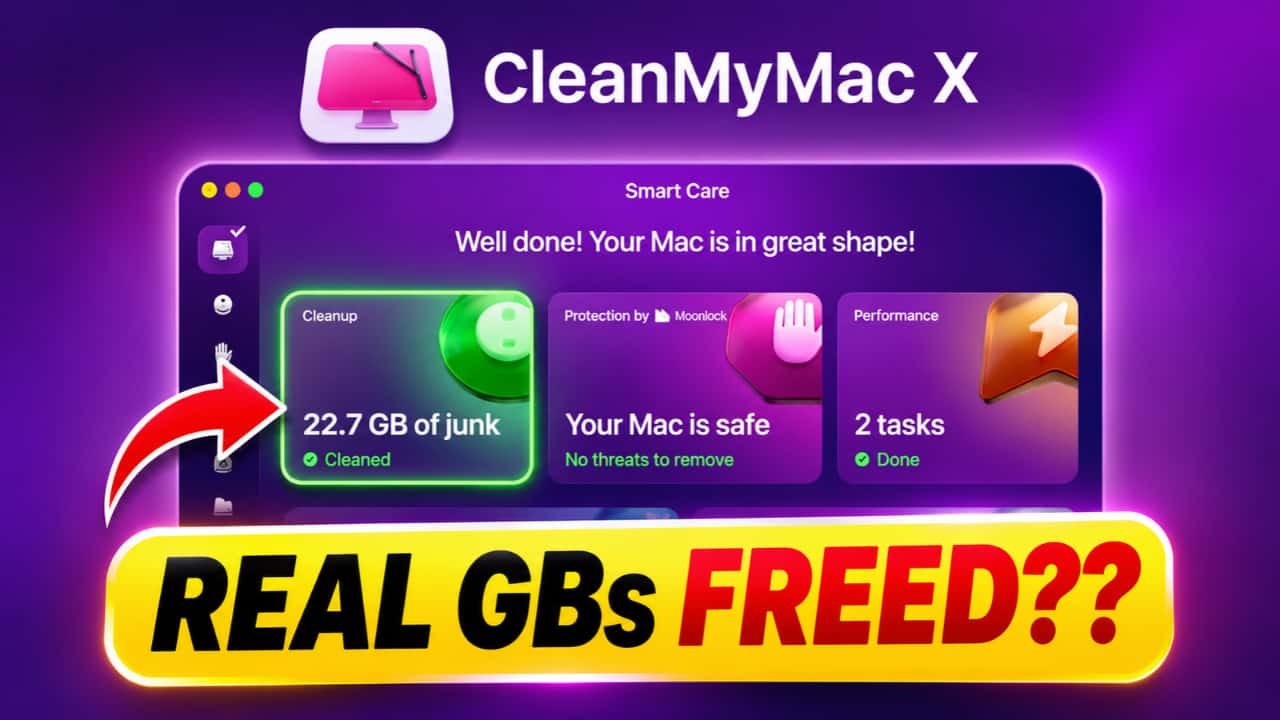
Usually I run it once a month and it frees up 10GB to 20GB or more.
But does it actually delete those files and free up real storage? I decided to test it properly and share the data with you today.
If you are planning to buy Cleanmymac X for your mac to manage storage automatically, then this post is for you.
Cleanmymac X
An All-In-One solution to keep your mac storage clean. Declutter, Remove Junk files, Optimise and Boost Performance.
Table of Contents
How Much Storage Did CleanMyMac Recover in My Test?
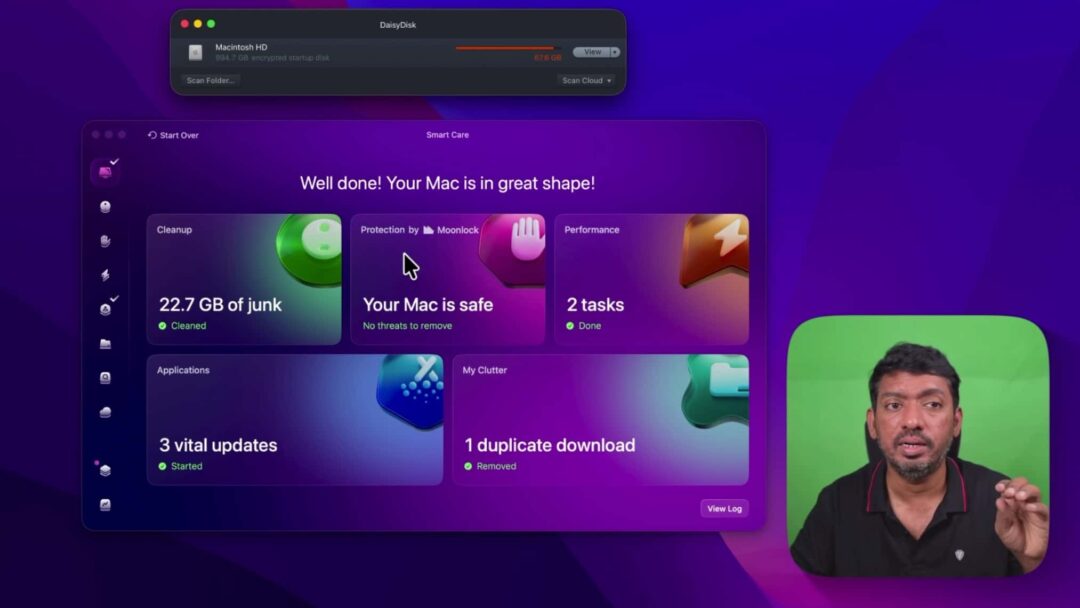
I tested this on my Mac with a 1TB SSD (about 948GB usable). Before running CleanMyMac, I checked free space with DaisyDisk, a tool that shows exactly what’s using your drive.
After opening CleanMyMac and running a scan, it found around 22.7GB of junk. Most of it was application caches, temporary files, and other clutter that builds up over time. It also has malware scanning and other tools, but I mainly use it for cache cleanup.
The malware scan found nothing in my case.
How to Free Up Mac Storage Using CleanMyMac
Here’s the simple process I followed:
1. Open CleanMyMac and run the system scan.
2. Review the files it wants to remove.
3. Uncheck anything you’re not sure about (especially if you use creative apps that store temporary project files).
4. Click the cleanup button.
5. Enter your Mac password if it asks.
6. Close browsers if it needs to clear their cache.
It took a few minutes. While it runs, macOS sometimes updates the free space number slowly, so don’t panic if it doesn’t jump right away.
CleanMyMac vs DaisyDisk: What’s the Difference?
Both tools help with Mac storage, but they work differently.
DaisyDisk is great when you want to dig through folders yourself and find large files or forgotten projects. CleanMyMac focuses more on automated cleanup of caches and temporary files. You still get to review and choose what to delete.
I use both. DaisyDisk when I want full control, and CleanMyMac when I just want a quick cleanup without hunting through hidden folders.
CleanMyMac Test Results: Did It Actually Free Up Space?
After the cleanup finished, CleanMyMac said it removed 22.7GB.
I checked DaisyDisk again. Free space went from 45.8GB to more than 65GB. The numbers matched closely enough to confirm it really worked. The exact free space can shift a little as macOS runs background tasks, but the big jump was real.
Is CleanMyMac Worth Buying?
If you just bought a new Mac and have plenty of free space, you probably don’t need it yet. macOS already has built-in storage tools, and you can clear things manually.
But if your Mac has been in use for a few years, especially with apps like Final Cut Pro, Xcode, or heavy browser use, cache files can pile up fast. In those cases CleanMyMac makes the job much easier and faster.

Affiliate link. As an Amazon Associate I earn from qualifying purchases.
Good reasons to use it:
- Quickly finds and removes unwanted application cache
- Saves time compared to searching folders manually
- Helpful when storage is already low
- Extra tools for maintenance and malware scanning
Who can skip it:
- New Mac owners with lots of free space
- People who prefer managing storage themselves
- Anyone who only occasionally needs to delete big files
Should You Buy Cleanmymac X?
Based on my test, yes, CleanMyMac really does free up storage space. It removed more than 22GB and DaisyDisk confirmed the increase.
Cleanmymac X
An All-In-One solution to keep your mac storage clean. Declutter, Remove Junk files, Optimise and Boost Performance.
Clearing storage won’t magically make a slow Mac fast, but it can help when you’re constantly running low on space. If you deal with large caches from creative apps or just want an easier cleanup option, it’s worth considering. If your Mac is running fine and has plenty of room, you can probably skip it.
Have you tried CleanMyMac or another Mac cleaner? Did you notice a real difference in free space? Let me know in the comments.