

Upgraded to the newer iPhone? Check our updated guide to the best external SSDs for iPhone 18 Pro and Pro Max (including 4K 120fps ProRes RAW and MagSafe picks).
Shooting 4K ProRes video on the iPhone 17 Pro or iPhone 17 Pro Max looks incredible, but those huge video files fill up internal storage in minutes. If you are tired of seeing the “iPhone Storage Full” warning right in the middle of a shoot, connecting a fast USB-C external drive is the easiest fix.
Here are the 5 best external SSDs for iPhone 17 Pro and Pro Max that support direct Apple ProRes recording and double as fast editing drives for your MacBook Pro or Mac Studio.
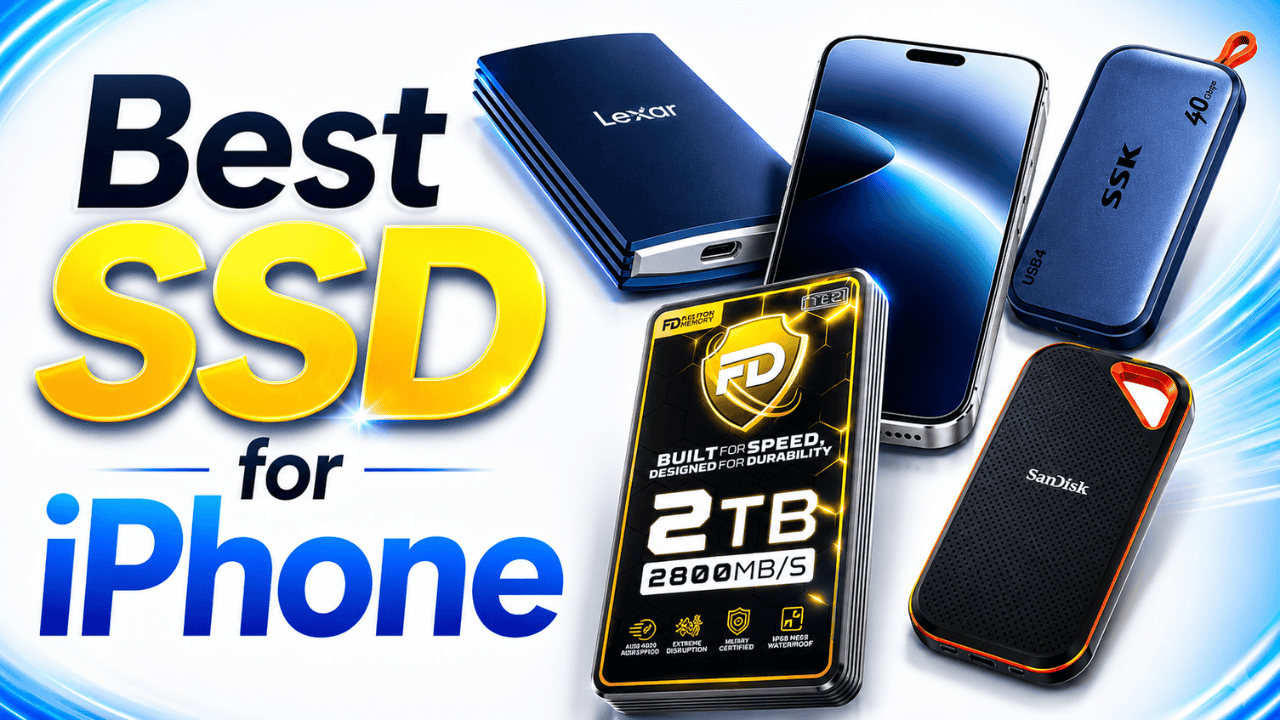
Table of Contents
Quick Picks & ProRes SSD Requirements
- Best Overall (iPhone + Mac Editing): Fantom Drives Extreme 2TB — solid aluminum heat control and up to 2,800 MB/s Thunderbolt speeds on Mac.
- Best Rugged Outdoor Picks: Lexar Armor 700 2TB (IP66) or SanDisk Extreme Pro 2TB (IP65) for travel and outdoor shoots.
- Required for Direct ProRes Recording: Format the SSD as exFAT, leave password encryption off, and use a certified 10Gbps (or faster) USB-C data cable.
Apple lets you record ProRes footage straight onto an external SSD without saving it to your iPhone first. Because 4K 60fps ProRes needs at least 220 MB/s sustained write speed (and 4K 120fps needs 440 MB/s), picking a reliable USB 3.2 or Thunderbolt/USB4 drive is essential so your recording never drops frames.
If you are a content creator, YouTuber, or photographer shooting a lot of 4K video, an external SSD is one of the smartest accessories you can buy. You can also check our iPhone 17 Pro Max specs guide if you are comparing camera features across models.
Quick Specs Comparison: Best External SSDs for iPhone 17 Pro
| Drive Name | Rated Speed (Read/Write) | Rugged / IP Rating | Best For |
|---|---|---|---|
| Fantom Drives Extreme 2TB | 2,800 / 2,300 MB/s | Aluminum body | Mac + iPhone creators |
| SSK 2TB USB4 SSD | 4,000 / 3,700 MB/s | Compact 35g design | Fastest USB4 option |
| Lexar Armor 700 2TB | 2,000 / 2,000 MB/s | IP66 + 3m drop rated | Outdoor / travel recording |
| SanDisk Extreme Pro 2TB | 2,000 / 2,000 MB/s | IP65 water/dust rated | All-round everyday use |
| ORICO O20 2TB | 2,000 MB/s | Shock + water resistant | Budget rugged option |
Important Note for Base iPhone 17 and iPhone 16 Users
Standard iPhone 17 and iPhone 16 models are limited to USB 2.0 speeds (around 480 MB/s). These SSDs will still work for backing up photos and videos through the Files app, but direct external ProRes recording is only supported on the Pro and Pro Max models with 10Gbps USB 3 ports.
5 Best External SSDs for iPhone 17 Pro and Pro Max
All five drives below clear Apple’s ProRes write-speed requirements easily. Pick the one that best fits your Mac editing speed, durability needs, and budget.
1. Fantom Drives Extreme 2TB: Best Thunderbolt SSD for iPhone 17 Pro & Mac
The Fantom Drives Extreme 2TB External SSD is my personal top recommendation from this list.
I use this exact SSD with my Mac Studio, and it is honestly the best external drive I have tested so far. It delivers full Thunderbolt performance and feels very close to editing directly off internal Mac storage in Final Cut Pro or DaVinci Resolve.
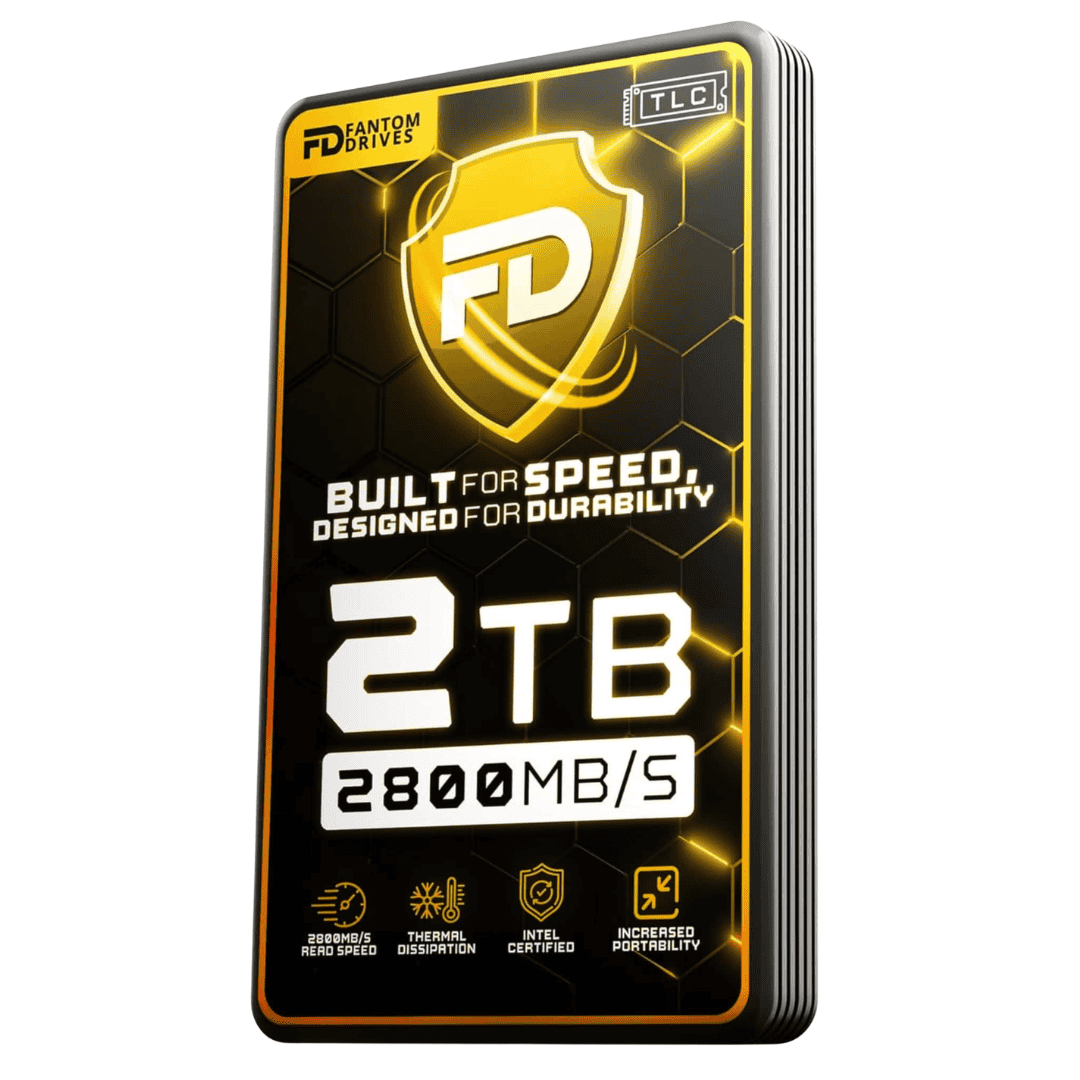
The Fantom SSD delivers up to 2,800 MB/s read speed and 2,300 MB/s write speed. Its thick aluminum enclosure acts as a natural heatsink so the drive stays cool during long 4K transfers.
It supports Thunderbolt 3, Thunderbolt 4, and is backward compatible with USB-C devices. While the iPhone 17 Pro caps transfers at 10Gbps (roughly 1,000 MB/s), you can record straight to the drive on your iPhone and plug it into your MacBook Pro or Mac Studio afterward for much faster editing.
Fantom Drives Extreme 2TB SSD 2800MB/s RW
Fantom Extreme SSD 2TB - 2800 MB/s Read and Write Speed. Thunderbolt 3, 4 and USB C Compactible. 3D NAND, TLC Aluminum Casing.
Affiliate link. As an Amazon Associate I earn from qualifying purchases.
2. SSK 2TB USB4 SSD: Fastest Compact Option for iPhone 17 Pro
The SSK 2TB USB4 SSD is one of the fastest compact drives available right now.
It offers advertised read speeds up to 4,000 MB/s and write speeds up to 3,700 MB/s when connected to a compatible Thunderbolt 4 or USB4 port on a Mac.
The drive includes a 40Gbps USB-C cable and a built-in LED activity indicator. That status light makes it easy to see when files are actively writing so you never unplug the drive too early.
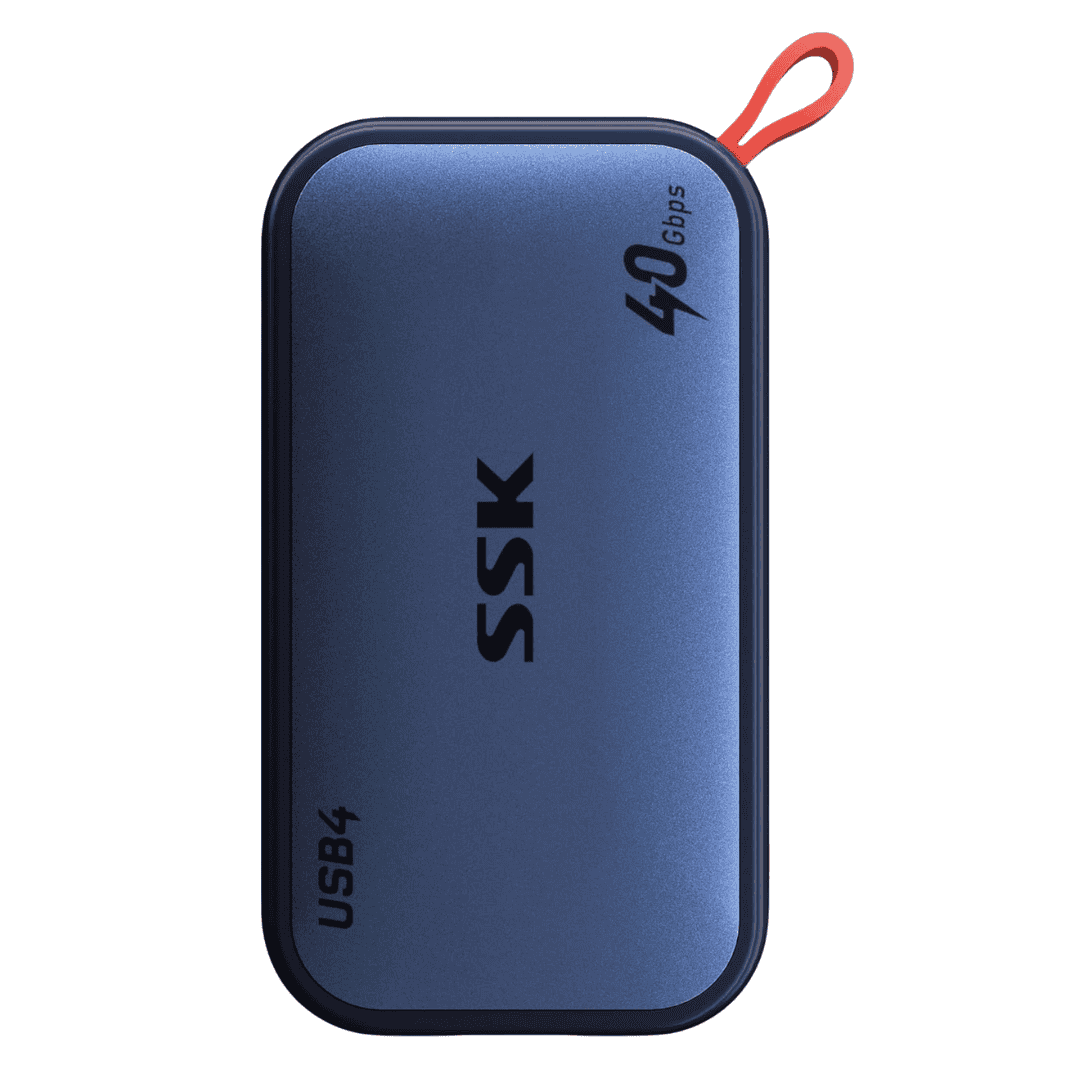
Weighing around 35 grams, it is light enough to mount onto an iPhone cage or carry in a small pocket. It works smoothly for direct iPhone ProRes recording as well as with MacBooks, iPads, cameras, and gaming consoles.
SSK 2TB USB 4 SSD Drive
SSK 2TB USB 4 External SSD delivers excellent Speed and data transfer rates. Thunberbolt 4 and supports upto 4000 MB/s. Best suitable for iPhone 15, 16 and 17 Pro models
Affiliate link. As an Amazon Associate I earn from qualifying purchases.
3. Lexar Armor 700 2TB: Best Rugged SSD for Outdoor Recording
The Lexar Armor 700 is built specifically for creators who shoot outdoors in tough conditions.
It delivers up to 2,000 MB/s read and write speeds over USB 3.2 Gen 2×2 and carries an IP66 rating for strong water and dust protection.
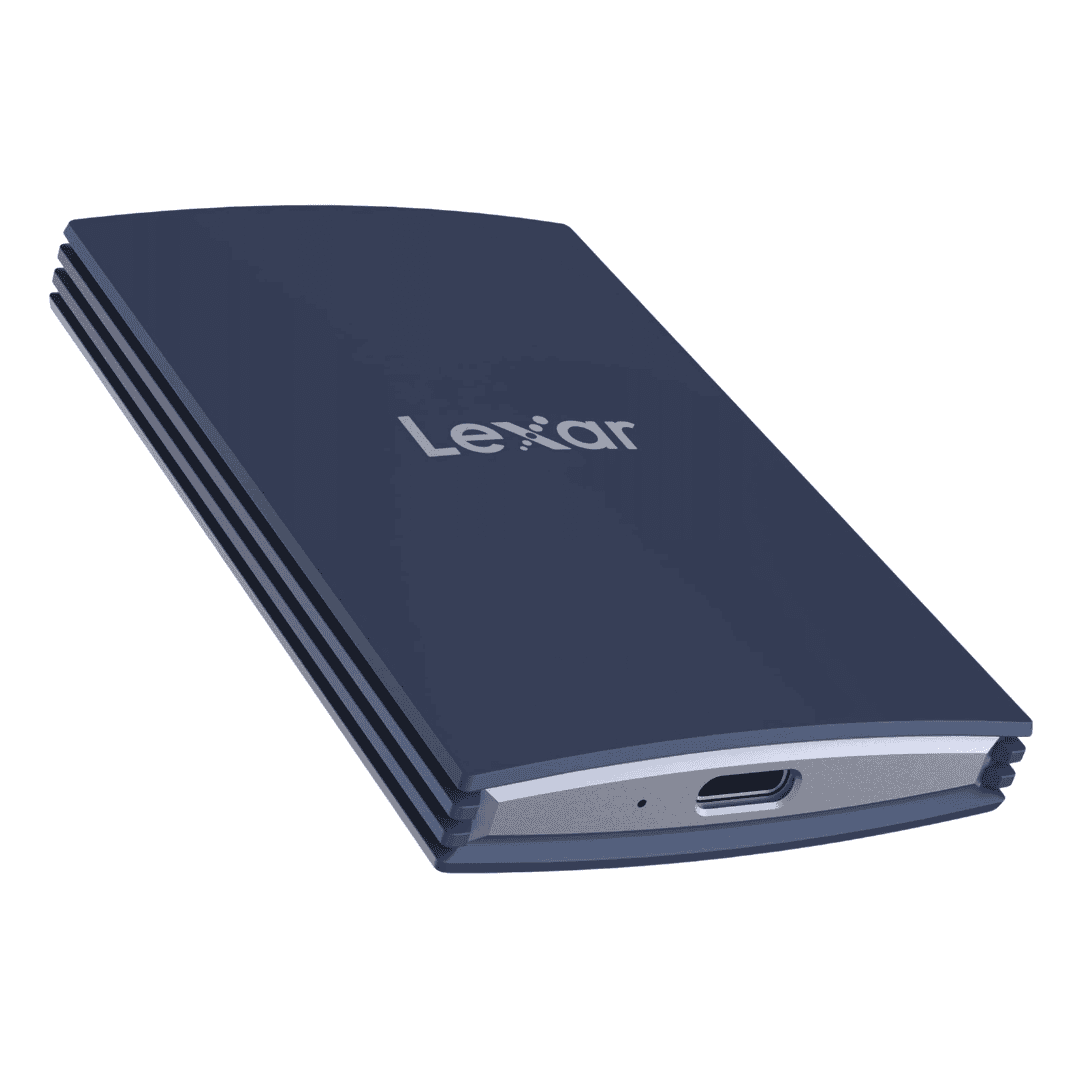
Lexar rates the rugged silicone-and-aluminum shell to survive drops of up to 3 meters. If you travel often or toss your gear into a camera bag every day, that extra durability gives real peace of mind.
The Lexar Armor 700 handles direct Apple ProRes 4K recording without overheating and keeps your footage safe in dusty or rainy environments.
Lexar Armor 700 2TB SSD
Lexar Armor 700 External SSD 2TB storage delivers upto 2000 MB/s read and write speed. Suitable for iPhone 17 and iPhone 17 Pro Max models. IP66 Water and Dust Resistance.
Affiliate link. As an Amazon Associate I earn from qualifying purchases.
4. SanDisk Extreme Pro 2TB: Reliable All-Round SSD for Everyday Use
The SanDisk Extreme Pro 2TB is one of the most popular portable SSDs among iPhone and MacBook Pro creators.
It offers rated speeds up to 2,000 MB/s read and write over USB 3.2 Gen 2×2, features an IP65 water- and dust-resistant chassis with a handy carabiner loop, and comes backed by a five-year limited warranty.
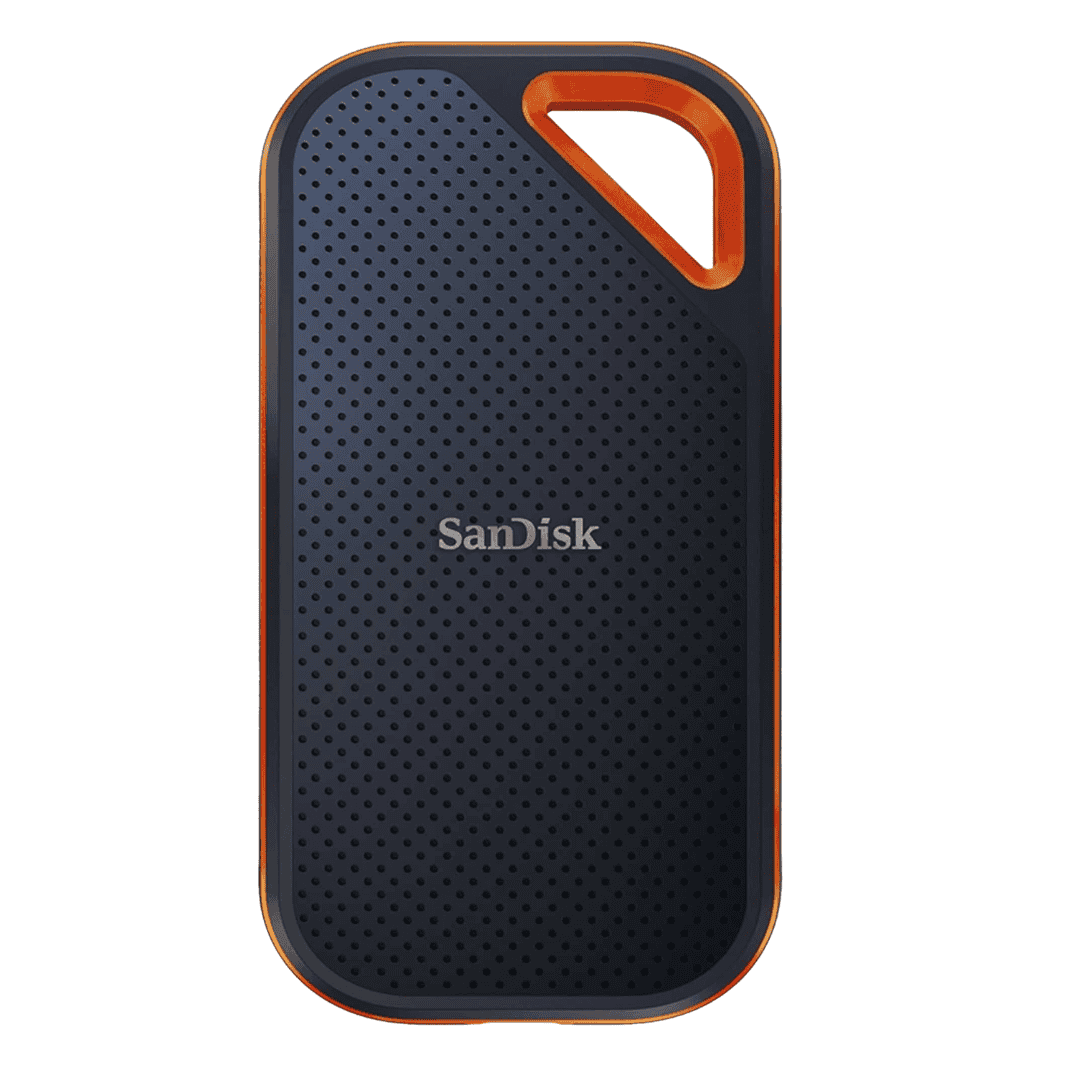
Speed Note for MacBook Pro & iPhone Users: Because Apple Silicon Macs and the iPhone 17 Pro support USB 3.2 Gen 2 (10Gbps) rather than Gen 2×2, the SanDisk Extreme Pro runs at roughly 900 to 1,050 MB/s on both iPhone 17 Pro and MacBook Pro. That is still plenty fast for 4K ProRes recording and multi-cam 4K timelines in DaVinci Resolve or Final Cut Pro.
Sandisk 2TB Extreme PRO SSD
Sandisk Extreme Pro series 2TB SSD Drive. Upto 2000 MB/s Read and Write speed. USB C 3.2 Gen supported. IP65 Dust and Water Resistant.
Affiliate link. As an Amazon Associate I earn from qualifying purchases.
5. ORICO O20 2TB: Best Budget Rugged SSD for iPhone Travel
If you want a tough external SSD without spending top dollar, the ORICO O20 2TB is a strong budget pick.
It delivers transfer speeds up to 2,000 MB/s and pairs a solid aluminum core with a protective silicone outer sleeve.
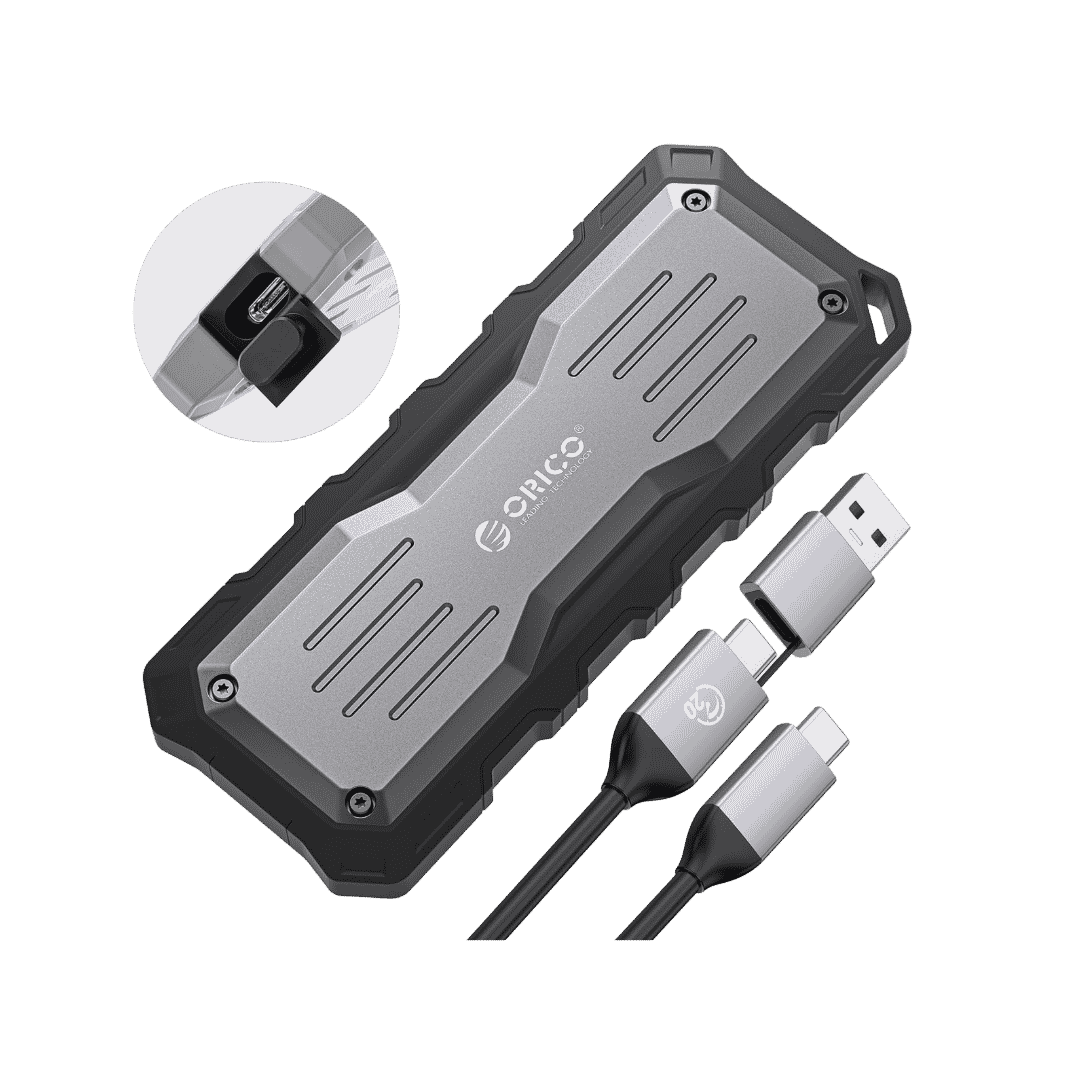
The body resists shocks, drops, splashes, and dust, and includes a built-in hanging loop so you can clip it to a backpack or camera strap. ORICO also includes a handy 2-in-1 USB-C and USB-A cable in the box so you can plug it into iPhones, Macs, Windows PCs, and cameras right away.
ORICO External SSD 2TB
Affiliate link. As an Amazon Associate I earn from qualifying purchases.
Which Is the Best SSD for iPhone 17 Pro?
For my personal workflow, I recommend the Fantom Drives Extreme 2TB SSD. I already use it with my Mac Studio, and its sustained speed and cooling are hard to beat. You can shoot ProRes straight to the drive on your iPhone and plug it into your Mac afterward for smooth 4K editing.
If you want a pocket-sized USB4 drive, go with the SSK 2TB USB4 SSD. For outdoor shoots and travel, the Lexar Armor 700 and SanDisk Extreme Pro 2TB give you reliable IP-rated protection, while the ORICO O20 2TB is the best budget-friendly rugged choice.
Upgraded to Apple’s newer flagship? Check our updated best external SSDs for iPhone 18 Pro and Pro Max guide, or browse our roundup of the fastest portable SSDs for Mac and video editing.
Frequently Asked Questions
Can you record ProRes directly to an external SSD on iPhone 17 Pro?
Yes. Both the iPhone 17 Pro and iPhone 17 Pro Max can record Apple ProRes video straight to a compatible USB-C external SSD. Make sure the drive is formatted as exFAT with password encryption turned off, and connect it using a USB-C cable rated for at least 10Gbps.
Will a 2,000 MB/s or 4,000 MB/s SSD run at full speed on iPhone 17 Pro?
No. The iPhone 17 Pro USB-C port tops out at USB 3 speeds of 10Gbps (roughly 1,000 MB/s), which is more than double what 4K ProRes requires. Buying a faster USB4 or Thunderbolt drive like the Fantom Extreme or SSK still pays off when you plug the drive into a Mac Studio, MacBook Pro, or iPad Pro for editing.
How fast is the SanDisk Extreme Pro 2TB on MacBook Pro and iPhone 17 Pro?
On both an Apple Silicon MacBook Pro and the iPhone 17 Pro, the SanDisk Extreme Pro 2TB runs at around 900 to 1,050 MB/s because Apple devices cap USB 3.2 Gen 2×2 drives at 10Gbps. That speed is still fast enough for 4K ProRes recording and 4K video editing in DaVinci Resolve.
How do I format an external SSD for iPhone 17 Pro?
Format the drive as exFAT so it works seamlessly across iPhone, Mac, and Windows computers without file-size limits. You can format it using Disk Utility on a Mac or directly inside the Files app on your iPhone.
Does the base iPhone 17 support direct external SSD ProRes recording?
No. The standard iPhone 17 uses a USB 2.0 port (480 MB/s), so it can only transfer files through the Files app and does not support direct external ProRes recording like the iPhone 17 Pro and Pro Max.
Which SSD are you picking for your iPhone 17 Pro or Mac setup? Let me know in the comments!



Great insights! This is a helpful guide for choosing the right external SSD for iPhone 17 Pro, especially for ProRes video recording and storage management.