

The best external SSD for iPhone 17 Pro can help you record longer ProRes videos without filling your iPhone storage. One of the toughest job for iPhone users is managing iPhone Storage. When you get the right external SSD, this storage management becomes lot easier.
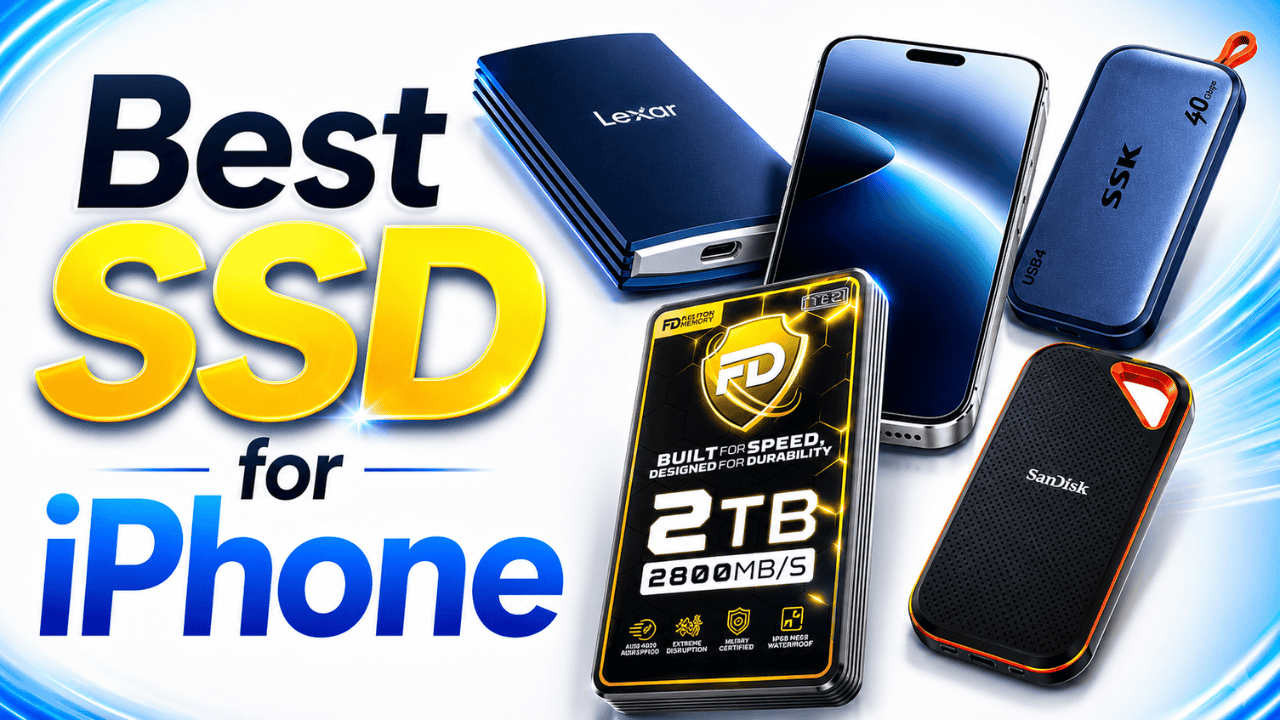
Apple allows you to record ProRes videos directly into external SSDs. You don’t have to save the file to your iPhone storage, it records directly into external SSD. So it’s important to choose the Best SSD external drive that delivers good Read and Write speed.

Kevio: Family Medicine Tracker
No more missing of Medications, Tests and Doctor Appointments. Let Kevio keep a track of it, and Remind you right on time. Take Prescriptions, Blood Tests, Injections right on time with Kevio.
If you are a content creator, YouTuber, photographer, or someone who records a lot of 4K videos, an external SSD is a useful investment. Due to increasing
Table of Contents
Best SSDs for iPhone 17 and iPhone 17 Pro Max
Start transferring your iPhone Photos, Videos and files to external ssd and free up the iPhone storage. Things are going to be super easier with offline backup of your important data.
You can order anyone based on its data transfer speed, build quality, existing user reviews and other facrors.
To iPhone 17, 16 Users
iPhone 17 won’t allow faster data transfer as their USB C port limited to 480 MB/s (USB 2.0) speeds. So these drives are still good for your data transfer, but transfer speed will not be same as in 17 Pro and 17 Pro Max models.
Fantom Drives Extreme 2TB External SSD
The Fantom Drives Extreme 2TB External SSD is my personal recommendation from this list.
I have been using this SSD with my Mac Studio, and it is honestly the best external SSD I have used so far. It delivers excellent Thunderbolt performance and feels very close to using internal storage.
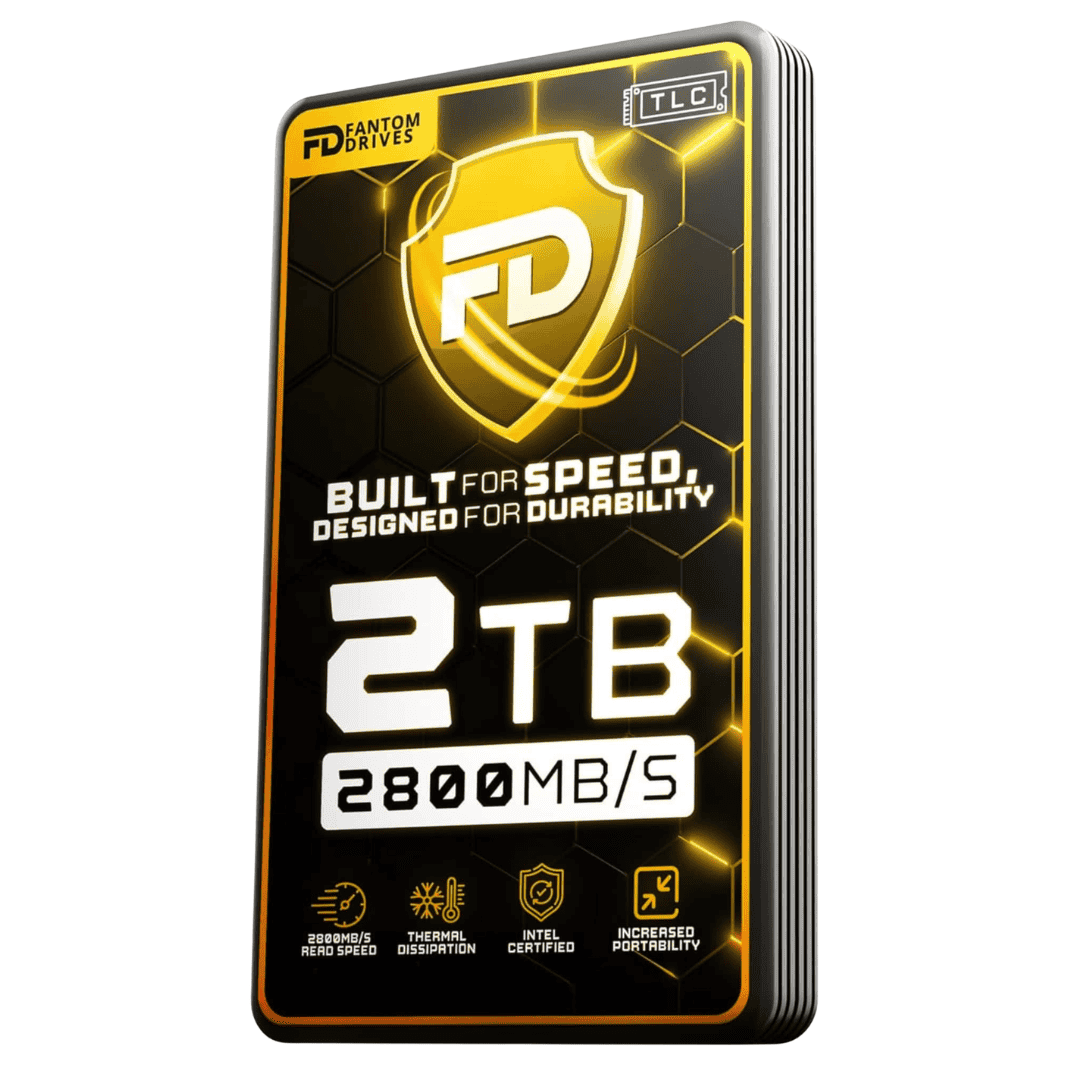
The Fantom SSD offers up to 2,800MB/s read speed and 2,300MB/s write speed. It has a strong aluminum enclosure, which also helps control heat during large file transfers.
The Fantom Drives Extreme SSD enclosure feels solid and suitable for professional use. It also supports Thunderbolt 3, Thunderbolt 4, and backward compatibility with USB-C devices.
Right now, the 2TB model is available for around $359. With SSD prices increasing, I think this is a good deal for creators who also want to use the drive with a Mac.
You will not get its complete Thunderbolt speed on the iPhone. But you can use the same drive with your iPhone for external recording and connect it to your Mac for faster editing and file transfers.
Fantom Drives Extreme 2TB SSD 2800MB/s RW
Fantom Extreme SSD 2TB - 2800 MB/s Read and Write Speed. Thunderbolt 3, 4 and USB C Compactible. 3D NAND, TLC Aluminum Casing.
Affiliate link. As an Amazon Associate I earn from qualifying purchases.
SSK 2TB USB4 SSD for iPhone 17 Pro
The SSK 2TB USB4 SSD is one of the fastest options on this list.
It offers advertised read speeds up to 4,000MB/s and write speeds up to 3,700MB/s when connected to a compatible Thunderbolt 4 or USB4 port.
The SSD comes with a 40Gbps USB-C cable and has an LED indicator. The activity light helps you know when a file transfer is happening, so you do not accidentally disconnect the SSD.
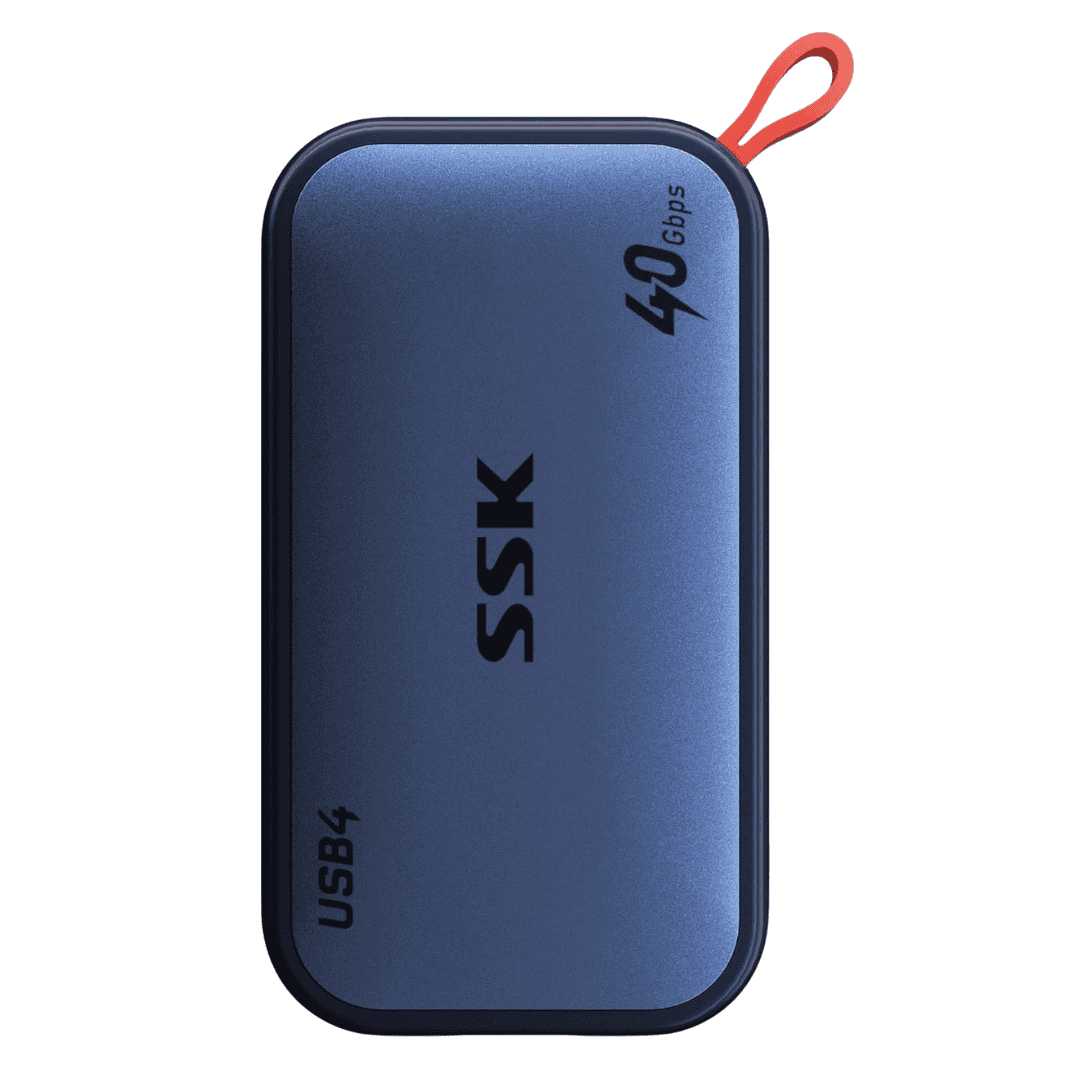
It is also very small and weighs around 35 grams. This makes it a good compact SSD for iPhone video recording.
The SSK SSD supports iPhone ProRes recording and can also be used with Macs, laptops, cameras, tablets, and gaming consoles.
SSK 2TB USB 4 SSD Drive
SSK 2TB USB 4 External SSD delivers excellent Speed and data transfer rates. Thunberbolt 4 and supports upto 4000 MB/s. Best suitable for iPhone 15, 16 and 17 Pro models
Affiliate link. As an Amazon Associate I earn from qualifying purchases.
Lexar Armor 700 2TB Portable SSD
The Lexar Armor 700 is a good choice for people who record videos outdoors.
It delivers up to 2,000MB/s read and write speed through USB 3.2 Gen 2×2. It also has an IP66 rating for water and dust resistance.
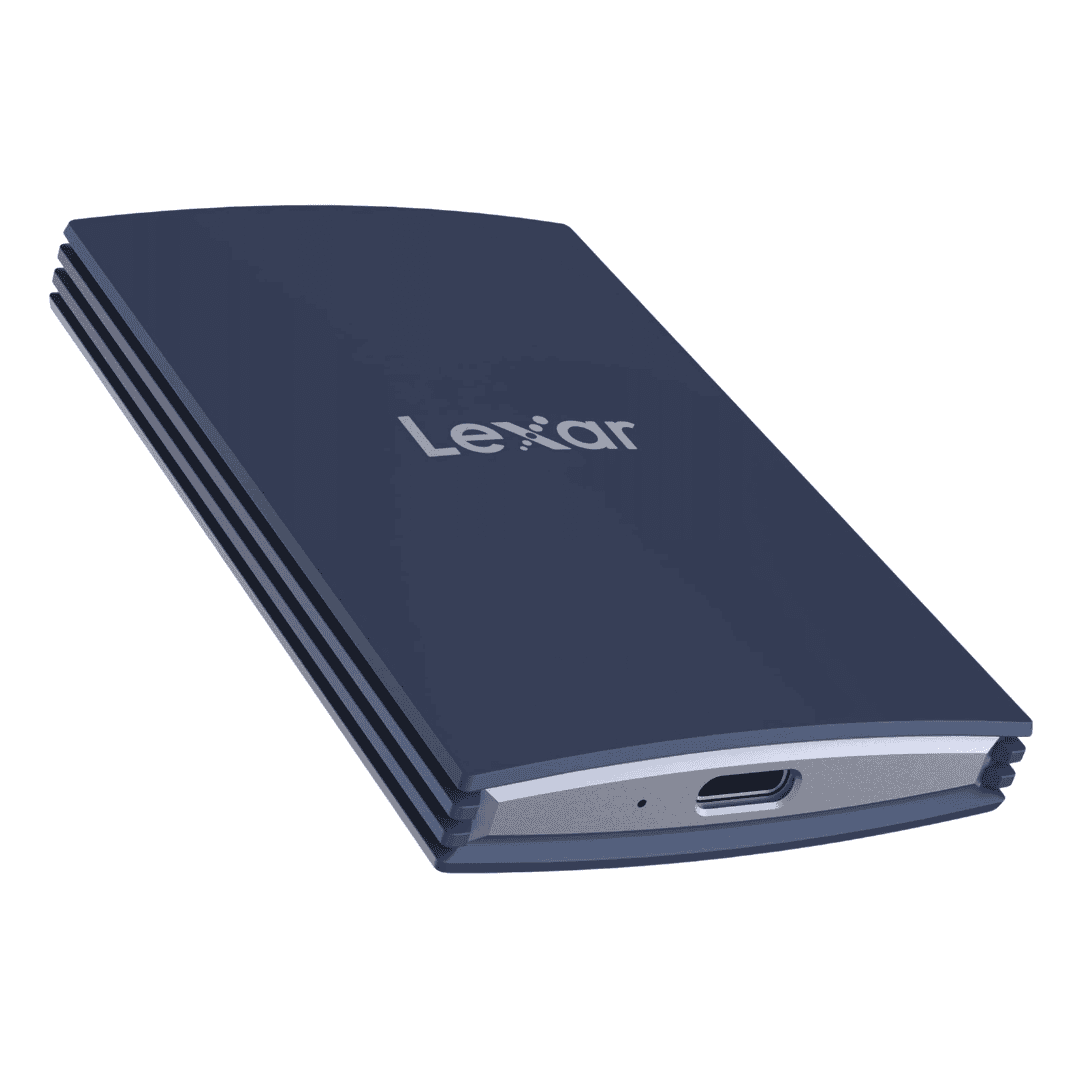
Lexar says the rugged design can survive drops of up to three metres. This makes it suitable for travel creators, outdoor photographers, and people who regularly carry their SSD in a camera bag.
The Lexar Armor 700 also supports direct Apple ProRes video recording. Its strong design is the main reason to choose it over a normal portable SSD.
If you want the best 2TB SSD for iPhone 17 Pro outdoor recording, the Armor 700 is worth considering.
Lexar Armor 700 2TB SSD
Lexar Armor 700 External SSD 2TB storage delivers upto 2000 MB/s read and write speed. Suitable for iPhone 17 and iPhone 17 Pro Max models. IP66 Water and Dust Resistance.
Affiliate link. As an Amazon Associate I earn from qualifying purchases.
SanDisk Extreme Pro 2TB Portable SSD
The SanDisk Extreme Pro is one of the most popular external SSD options.
This 2TB model offers up to 2,000MB/s read and write speed through USB 3.2 Gen 2×2. It has a USB-C connector and comes with IP65 water and dust resistance.
SanDisk also provides a five-year limited warranty with this model.
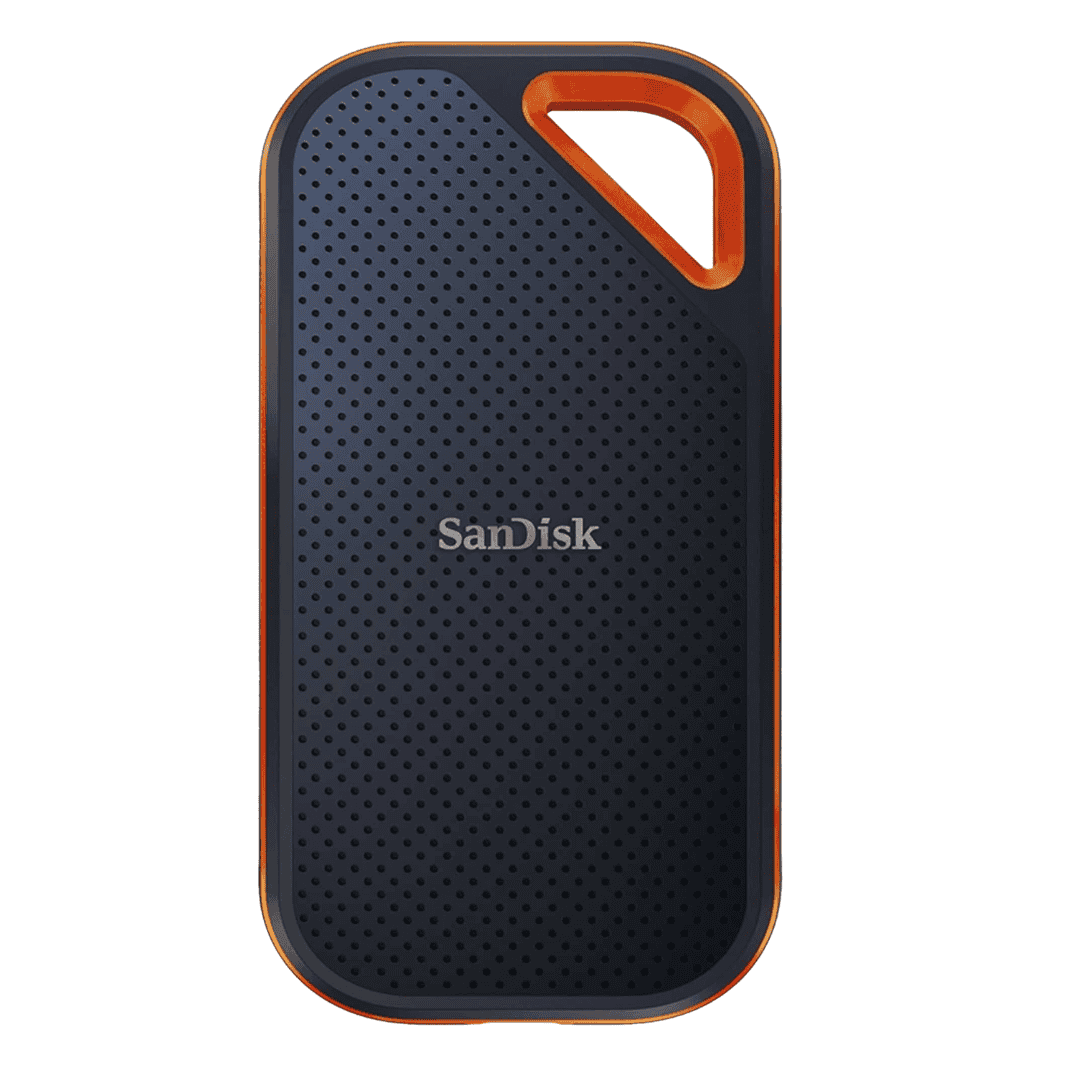
The Extreme Pro has a compact design, so it is easy to carry along with your iPhone, camera equipment, or MacBook.
It is a good all-round option for ProRes recording, storing photos, moving large video files, and keeping project backups.
Sandisk 2TB Extreme PRO SSD
Sandisk Extreme Pro series 2TB SSD Drive. Upto 2000 MB/s Read and Write speed. USB C 3.2 Gen supported. IP65 Dust and Water Resistant.
Affiliate link. As an Amazon Associate I earn from qualifying purchases.
ORICO O20 2TB Rugged External SSD
The ORICO O20 is another rugged external SSD made for outdoor use.
It offers transfer speeds up to 2,000MB/s and comes with a solid aluminum body covered by protective silicone.
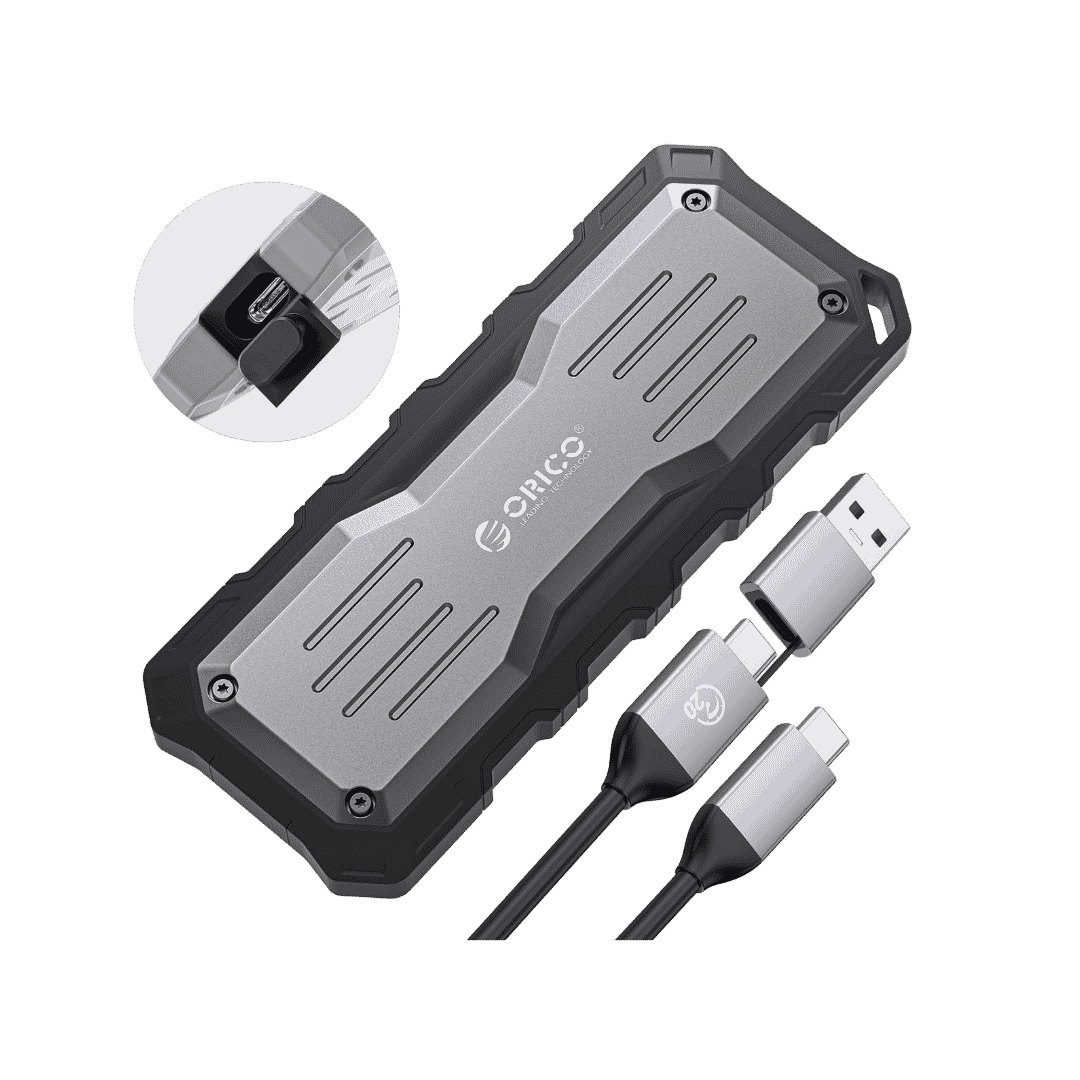
The design provides protection against shocks, drops, water, and dust. It also has a hanging hole, allowing you to attach it to a backpack or belt using a carabiner.
ORICO includes a two-in-one USB-C and USB-A cable. This makes the drive easier to use with iPhones, Macs, Windows computers, cameras, and other devices.
ORICO External SSD 2TB
Affiliate link. As an Amazon Associate I earn from qualifying purchases.
It is a good affordable SSD for iPhone users who need strong protection while travelling.
Yes. The iPhone 17 Pro and iPhone 17 Pro Max can record ProRes video directly to compatible external storage.
The SSD should be formatted in exFAT. You should also use a USB 3 cable supporting at least 10Gbps speed.
Once connected, the external drive indicator will appear inside the Camera app when ProRes recording is enabled.
No. The iPhone 17 Pro USB-C port supports USB 3 speeds up to 10Gbps.
This means high-speed USB4 and Thunderbolt SSDs will be limited by the iPhone connection. However, buying a faster SSD can still be useful if you plan to use it with a Mac Studio, MacBook Pro, iPad Pro, or USB4 computer.
Which is the Best SSD for iPhone 17 Pro?
For my personal workflow, I would choose the Fantom Drives Extreme 2TB SSD.
I already use it with my Mac Studio, and its performance has been excellent. I can record or move files using the iPhone and later connect the same SSD to my Mac for faster editing.
The SSK USB4 SSD is another interesting option if you want a very small drive with faster USB4 performance.
For outdoor use, the Lexar Armor 700 and ORICO O20 provide better physical protection. The SanDisk Extreme Pro is a good choice for people who prefer a popular and widely available brand.
All five SSDs are useful options. Your final choice depends on whether you need maximum Mac speed, rugged protection, compact size, or better value.
Great insights! This is a helpful guide for choosing the right external SSD for iPhone 17 Pro, especially for ProRes video recording and storage management.