10 Reasons to Download ScreenFlow, Is it Worth the Money?
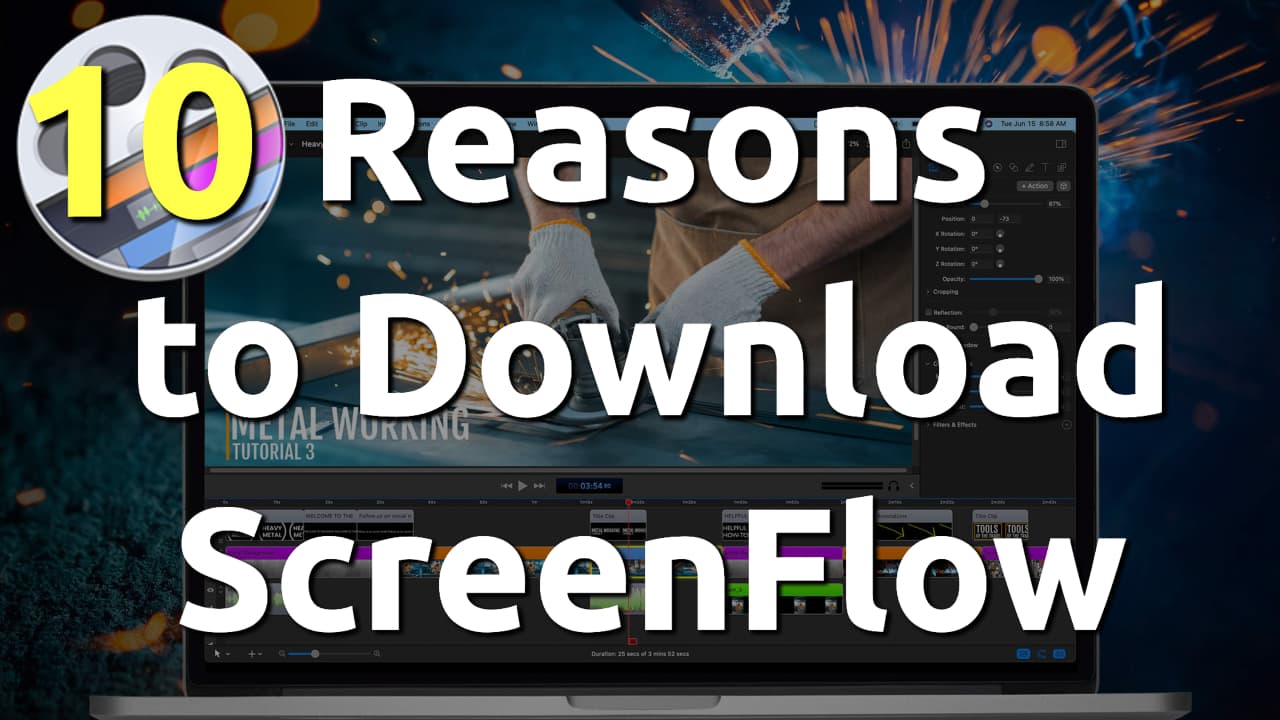
Got a new MacBook? new to Video Editing? want a better app than iMovie? Here are 10 Reasons, Why you Should Download ScreenFlow and Is it Worth the Money? Telestream ScreenFlow is…


Got a new MacBook? new to Video Editing? want a better app than iMovie? Here are 10 Reasons, Why you Should Download ScreenFlow and Is it Worth the Money? Telestream ScreenFlow is…
When you are in a hurry for a Zoom meeting, and suddenly see the "There is No Connected Camera" error on your MacBook? Here is how you can fix it quickly and…
Recently Mac users who use Google Maps as their Default map application faced a black screen instead of the location content. The following steps can fix Google Maps not working properly on…
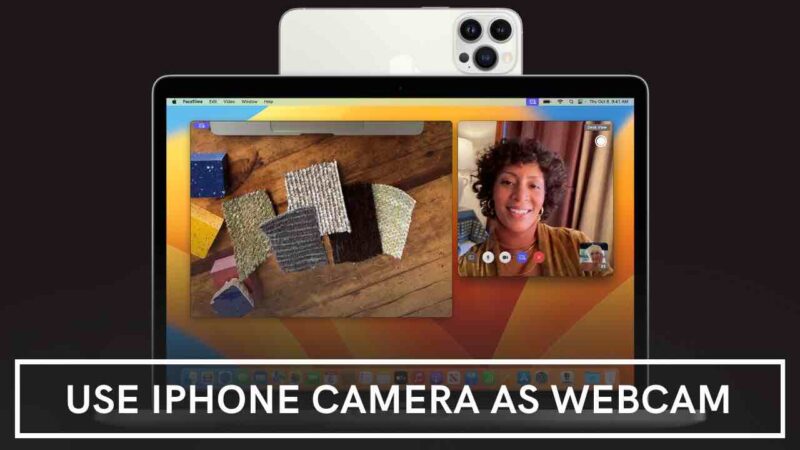
The time has come. We can use our Powerful iPhone Camera as a Webcam with Macbook. Works on iMac, Mac mini, and Mac Studio as well. Things you should know before you…
Is your iCloud Sync not working on your iPhone, iPad and Mac? The ability to sync data between devices on iCloud has recently been disabled even though it used to sync normally…
We all know VLC is one of the most widely used popular video players for Mac and Windows available today, it is feature-rich and has a ton of useful features, It is…
Apple released macOS 12.3 and iPadOS 15.4 that brings the Universal Control feature to Mac and iPad. Let's Quickly see how to setup and use Universal Control on Mac and iPad. Once…
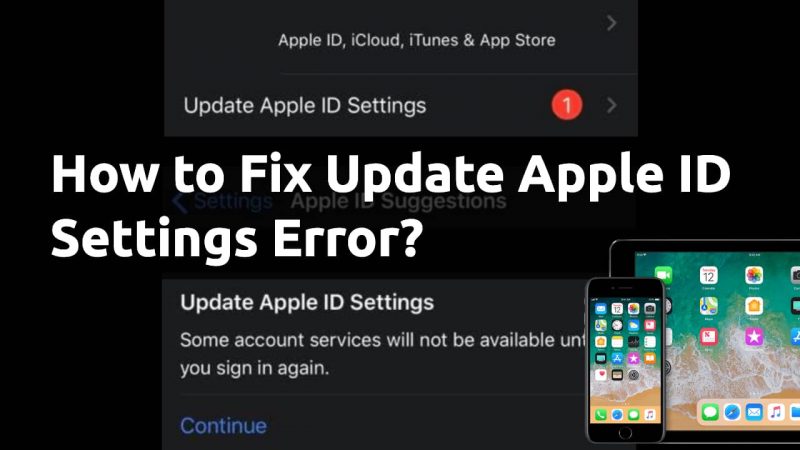
It must feel like, you are stuck in an Endless loop in an attempt to Update Apple ID Settings. I felt the same and here is a fix for update apple id…