
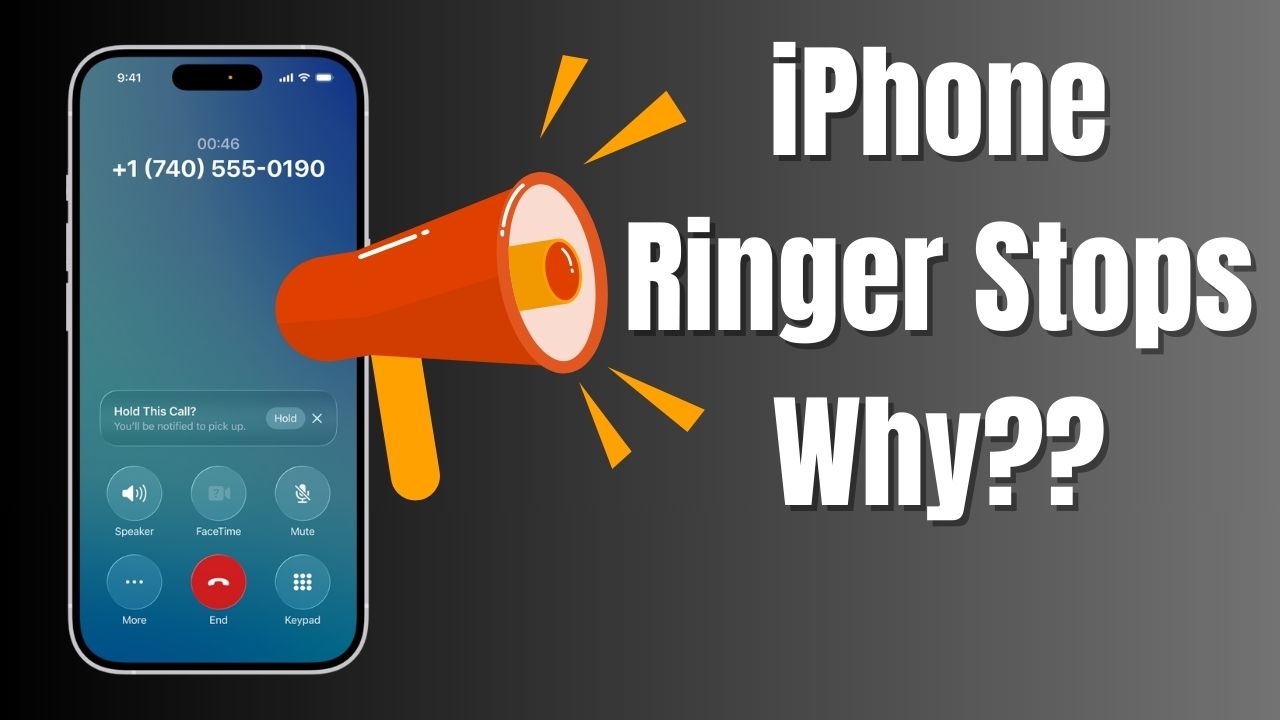
You got a new iPhone and while receiving incoming call, you have picked up and noticing that the ringtone stops playing. Wondering is there any problem with iPhone or any settings change needs to be done, so iPhone will keep on playing your ringtone.
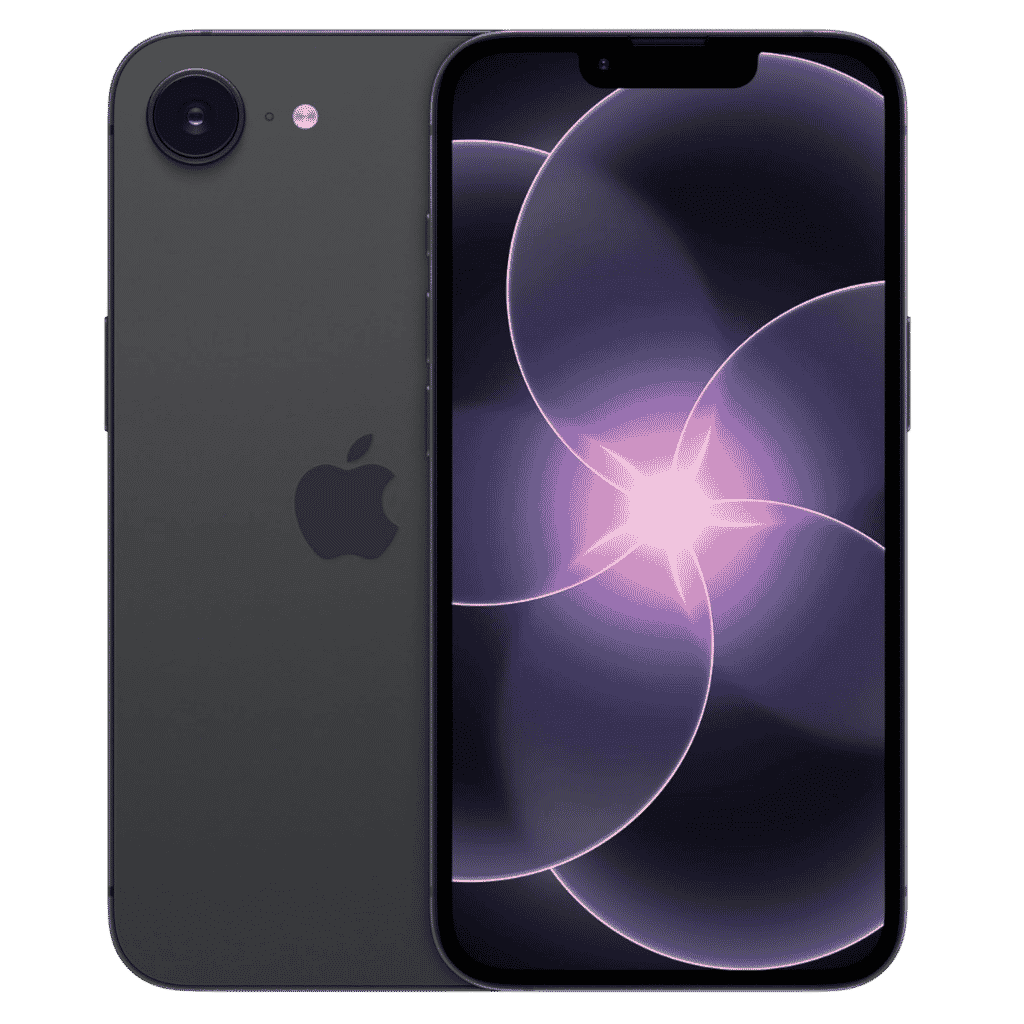
Apple iPhone 17e - 256GB
iPhone 17e features 6.1 inch Retina Display, 256GB Storage, Ceramic Shield 2 with 3X better scratch Resistant. Magsafe Wireless Charging and A19 Chip powers this beautiful device.
Affiliate link. As an Amazon Associate I earn from qualifying purchases.
Apple does provide us full control over this feature. You can turn it ON or OFF based on your preference.
Table of Contents
Why iPhone Stops Ringing When Picked Up?
Apple implemented a feature called “Attention Aware Features“, which detects whether the user picked up the iPhone and looking at it or not. So Face ID system unlocks automatically and further the Ringtone volume also reduced.
Some users find the loud ringtone playback annoying, so they can keep this setting toggle ON.
For others, if you are coming from Android or don’t like this feature at all, you can turn it OFF following these simple steps. So iPhone Face ID detection based ringtone volume lowering will be stopped.
How to Turn Off Attention Aware Features?
Step 1: Open the Settings app on your iPhone.
Step 2: Scroll down and tap Face ID and Passcode.
Step 3: Enter your passcode when asked.
Step 4: Find Attention Aware Features and turn it off.
That is all you need to do. Here after when you pick up your iPhone when you receive an incoming call, it will keep on playing the ringtone without lowering the volume.
What Happens After Turning It Off?
Once Attention Aware Features are disabled, your iPhone will continue ringing at full volume.
- Picking up the phone will not reduce the ringtone.
- Looking at the screen will not silence incoming calls.
You will not miss calls because of sudden volume reduction.
Does This Affect Face ID or Security
Turning off Attention Aware Features does not disable Face ID.
Spensio Expense Tracker for iPhone
Track your Expenses, Subscriptions, Loans and EMIs all in One App. Try Spensio for iPhone Free today.
- Face ID will continue to work for unlocking your iPhone, app authentication, and payments.
- Only the attention based volume behavior is disabled.
If your iPhone ringer stops when picked up, this setting is almost always the reason. Disabling Attention Aware Features is the simplest and most effective fix.
This works on all Face ID enabled iPhones and applies even after iOS updates.
Only if there are any iOS bugs, then this feature may not work correctly. Initially with iOS 26 release we experienced this problem. Even after Turning OFF attention aware features, Face ID Unlock didn’t happen and that results in ringtone volume not lowering when user look at the iPhone.
So if suddenly you see iPhone ringing volume reduce or not working when picked up, this could be the reason.
Update to latest iOS software and check whether this feature is working correctly or not. That will help. Have a wonderful day.