

iPhone 17 and Pro models Not Charging or Not Turning all of a sudden. You pick up your iPhone and it’s just… black. Zero percent, no Apple logo, nothing. Before you start thinking it’s dead forever, try these steps in order.
Most of the time it’s just a deeply drained battery or a temporary glitch.
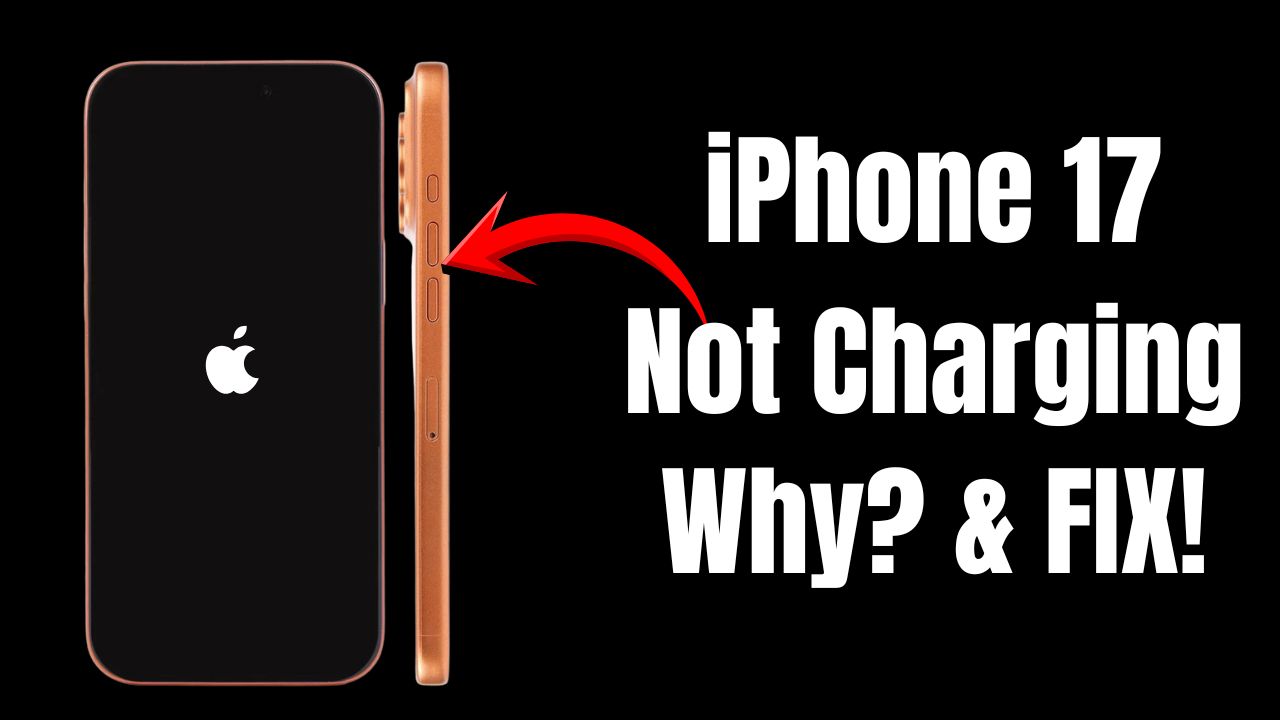
First, the Important Basics If the phone was at 0% for a long time, it sometimes needs 10 – 20 minutes of charging before it even shows the battery icon. That’s normal.

Kevio: Family Medicine Tracker
No more missing of Medications, Tests and Doctor Appointments. Let Kevio keep a track of it, and Remind you right on time. Take Prescriptions, Blood Tests, Injections right on time with Kevio.
Use a proper wall charger (20W or higher). Laptop USB ports are good charging source too. Always start with a known-good USB-C cable and a good adapter.
Table of Contents
iPhone 17 Not Charging or Not Turning ON
Step 1: Charge It Properly (Do This First) Plug the iPhone straight into a wall charger (20W or faster is best). Leave it alone for at least 30 minutes. Don’t keep pressing buttons or checking it every 10 seconds. If nothing shows after 30 minutes, keep it plugged in for up to 2–4 hours.
Quick tips while charging: Try a different cable + adapter combo if available. You can try higher watt charger any day. 35W, 40W chargers are safe to use with iPhone 17, iPhone 17 Pro and Max model.
Step 2: Force Restart While It’s Still Plugged InDo this with the charger connected. Quick sequence:
– Press and release Volume Up
– Press and release Volume Down
– Press and hold the Side button until you see the Apple logo (can take 10–20 seconds)
Keep holding even if the screen stays black for a while. If you let go too early, start over.
Users in Reddit and Apple support communities have confirmed that Force Restart helped them to see the apple logo again and iPhone booted normally.
When to visit Apple Service Center?
If the above steps didn’t help and you still don’t see the iPhone booting up even after several hours of trying. Its recommended to visit nearest apple service center.

Apple Watch Series 11 Deals
Apple Watch Series 11 - Aluminum 46mm Smartwatch with Sleep Score, Fitness Tracker, Health Monitoring, Always ON Display and Water Resistant.
Check latest price on AmazonAffiliate link. As an Amazon Associate I earn from qualifying purchases.
You can book an appointment and make a visit to let the technician inspect and fix the iPhone 17 Not charging or Not turning ON problem. They take few minutes usually and your data will be safe.
Repair & Replacement Program
If the issue is wide spread then soon we can expect an iPhone 17 repair and replacement program announced by apple. So certain batch manufactured iPhone 17, 17 Pro and Max models could be identified and eligible for such repair/replacement program.
99% of “dead” iPhones I’ve seen come back with step 2. Don’t panic and don’t rush to the store until you’ve given it a proper long charge and force restart.
You may share this post to help out more fellow users experiencing similar issue with their iPhone 17 or iPhone 17 Pro and Max. Have a wonderful day.

iPhone 17 Tempered Glass (Screen Protector)
Spigen iPhone 17 and 17 Pro Screen Protector with Application Kit. Tempered Glass for iPhone with 9H+ Hardness and Enhanced Durability.
Affiliate link. As an Amazon Associate I earn from qualifying purchases.


iPhone 17 Pro max 0% hone ke bad switch off Ho Gaya uske bad on nahi
ho raha hai iska reason kya hai