
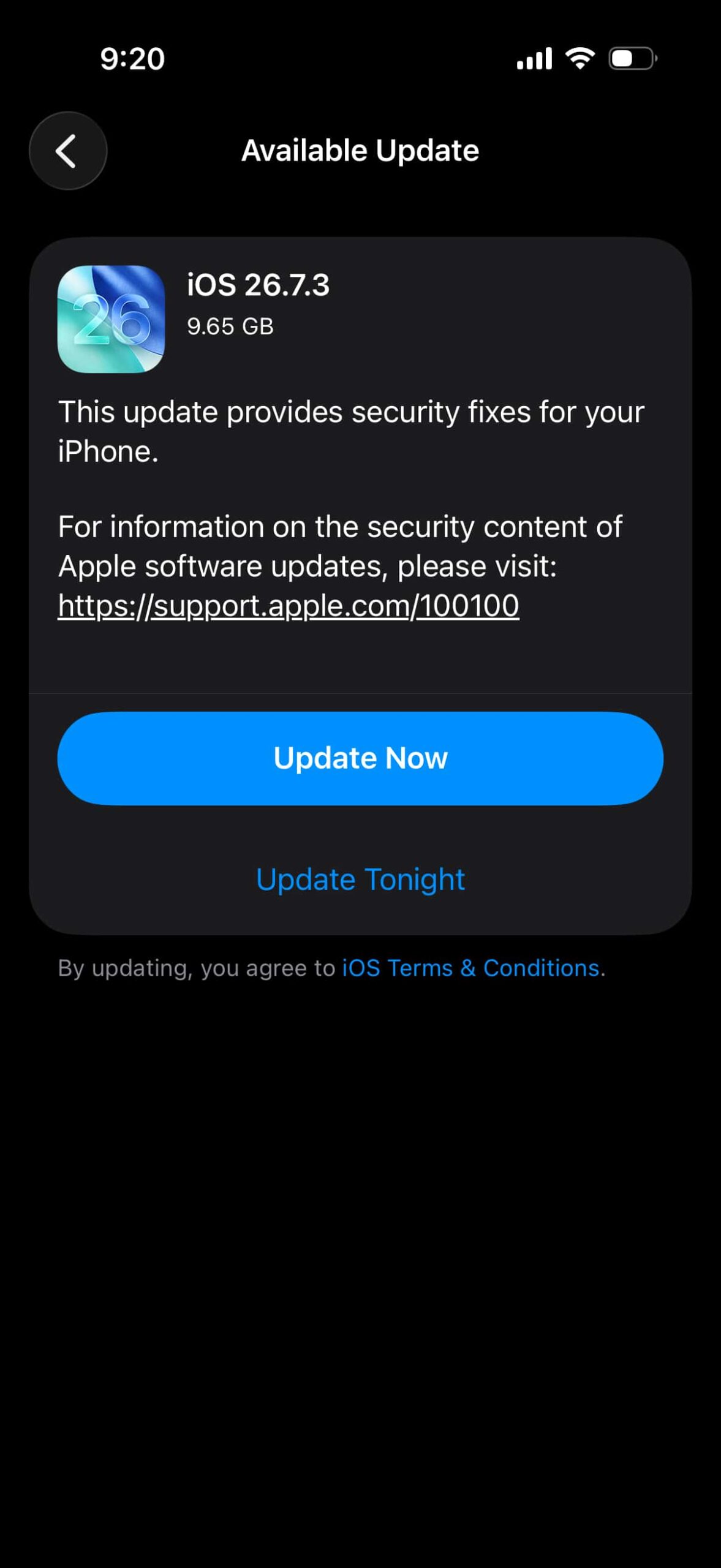
If you are still on iOS 26 and open (Settings – General – Software Update), you will see two options. One is iOS 27.2.1 and the other is iOS 26.7.3 under the “Also Available” section.
Many people are confused about which one to pick. The answer mostly depends on your iPhone’s battery health.
Table of Contents
Should You Update to iOS 27 or Stay on iOS 26?
Struggling with a decision to update your iPhone or iPad with 2 different software versions available? You are not alone.
Let’s run some quick checks which will help you with the decision making.
Kevio: Family Medicine Tracker
No more missing of Medications, Tests and Doctor Appointments. Let Kevio keep a track of it, and Remind you right on time. Take Prescriptions, Blood Tests, Injections right on time with Kevio.
Check Your Battery Health First
If your battery health is around 80% or below, it is better to stay on your current iOS 26 version for now. You can still install iOS 26.7.3 if you want the latest security fixes, but avoid jumping to iOS 27 right now.
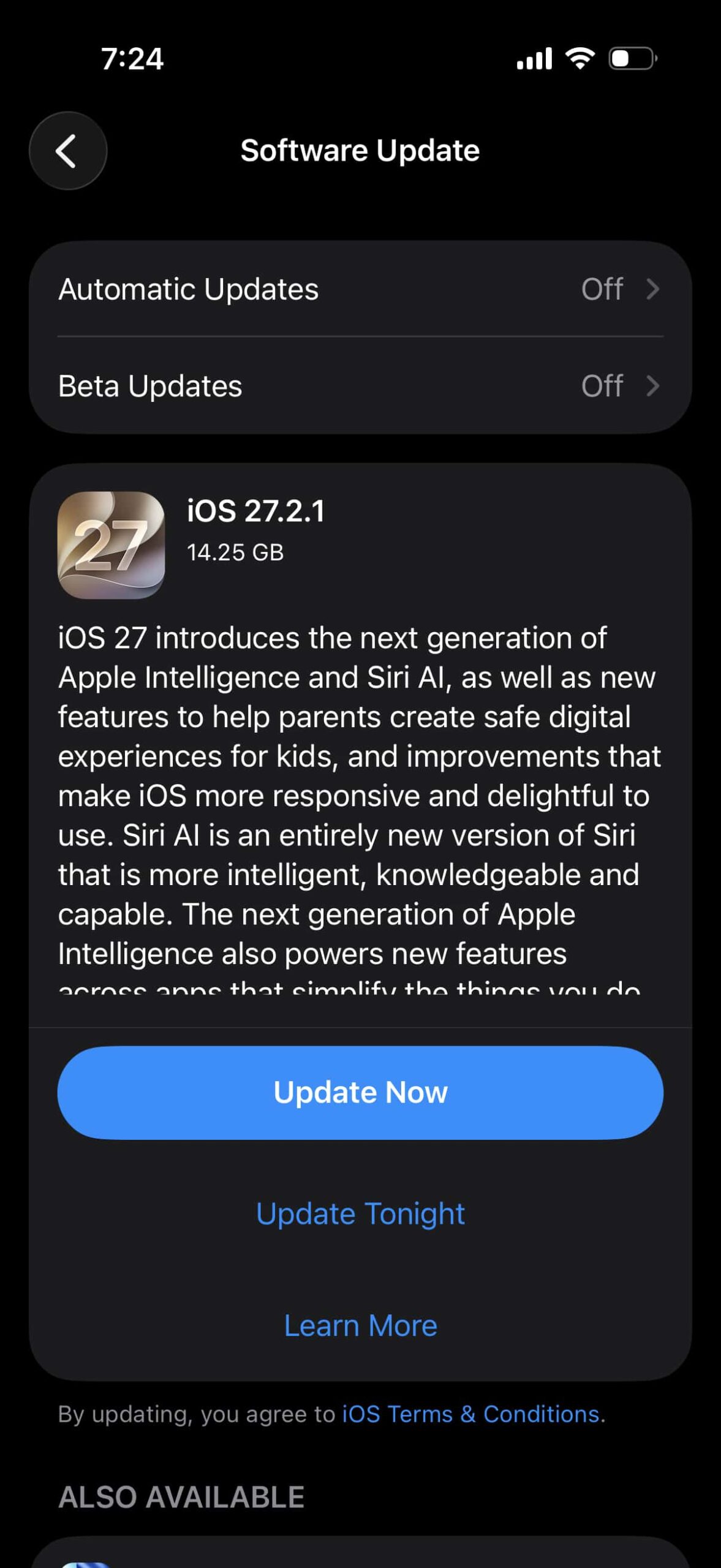
iOS 27 is running fine on many devices, including older iPhones. Still, lower battery health phones can show more heating or faster drain after a big update. After you replace the battery at an Apple service center, you can consider moving to iOS 27.2.1.
When Battery Health Is 85% or Higher
If your battery health is 85% or above and your current iOS 26 version feels stable, you can stay on the iOS 26 line for a bit longer.
Installing iOS 26.7.3 is a safe choice if you only want security fixes and do not want any risk of faster battery drain or performance changes. Many users prefer this option when everything is already working well.
What Security Fixes Are Included?
Both iOS 26.7.3 and iOS 27.2.1 include important security patches. Apple has fixed issues related to AirPlay, Bluetooth, Core Utilities, the Messages app, and other system services.
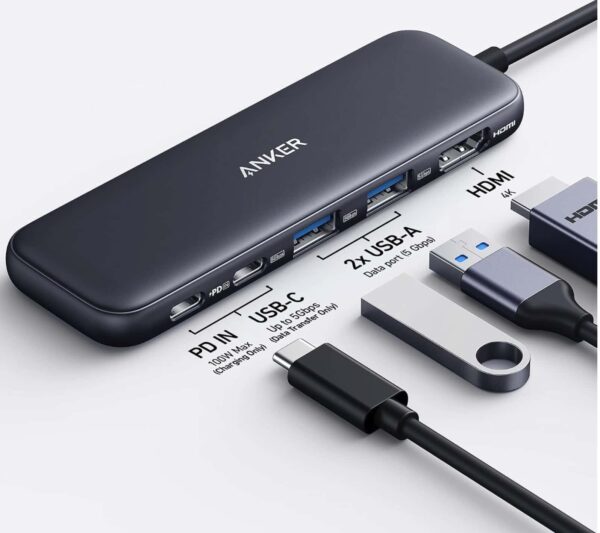
Anker 5 in 1 USB C Hub
85W Max PD, 1 Powered USB-C 5Gbps & 2 Powered USB-A 3.0 5Gbps Data Ports, for MacBook Pro, MacBook Air, Dell and More (Black)
Previous 26.7 updates already brought a large number of security fixes. The latest point release adds a few more critical ones. If security is your main concern, either update will help.
Should Latest iPhone Models Update to iOS 27?
If you have a newer iPhone and are still on iOS 26, you can wait for iOS 27.3 before moving to the new major version.
For now, Its good to stay on 26.7.3 and update to iOS 27.3 when it arrives in the coming weeks.
My Recommendation
-
Battery health 80% or below: Stay on iOS 26 or install only iOS 26.7.3.
-
Battery health 85% or higher and current version is stable: iOS 26.7.3 is a safe choice.
-
Latest iPhone models: Wait for iOS 27.3 if you can.
Conclusion:
There is no single right answer for everyone. The best choice depends on your battery health and how stable your current version feels.
If everything is working well and your battery is still healthy, waiting a little longer is fine. If you mainly want security fixes without a big jump, iOS 26.7.3 is the safer option right now.
Which version are you planning to install? Let me know in the comments.