It’s time to do WatchOS 27 Supported Devices Compatibility Check. If you own an Apple Watch and are wondering whether it will get watchOS 27, you are not the only one asking. Apple has made some big changes this year.
The new WatchOS 27 update drops support for several older models, including the Series 8 and below.
Accidentally apple left out Apple Watch Series 9, later they realised and updated the Compatible, Supported Devices list in Apple website.
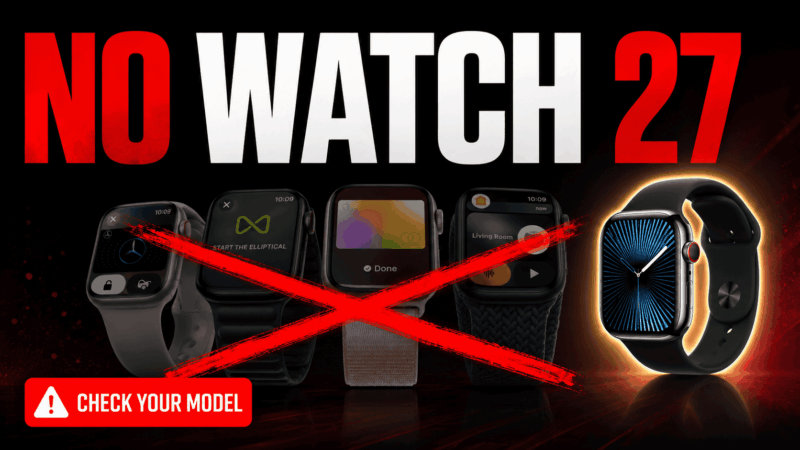
Many people are searching for things like “Apple Watch Series 9 watchOS 27”, “does Series 9 get watchOS 27”, or “watchOS 27 supported models”. Let’s clear up the confusion with the latest information.
Table of Contents
Which Apple Watch Models Support watchOS 27
Apple has confirmed the models that will receive watchOS 27. Here is the list:
- Apple Watch SE 3
- Apple Watch Series 9
- Apple Watch Series 10
- Apple Watch Series 11
- Apple Watch Ultra 2 and newer
So yes, the Apple Watch Series 9 will get watchOS 27. There was some initial confusion because Apple’s first list missed it, but they later confirmed that Series 9 is supported.
If you have a Series 10 or newer, or the latest SE and Ultra models, you are good to go.
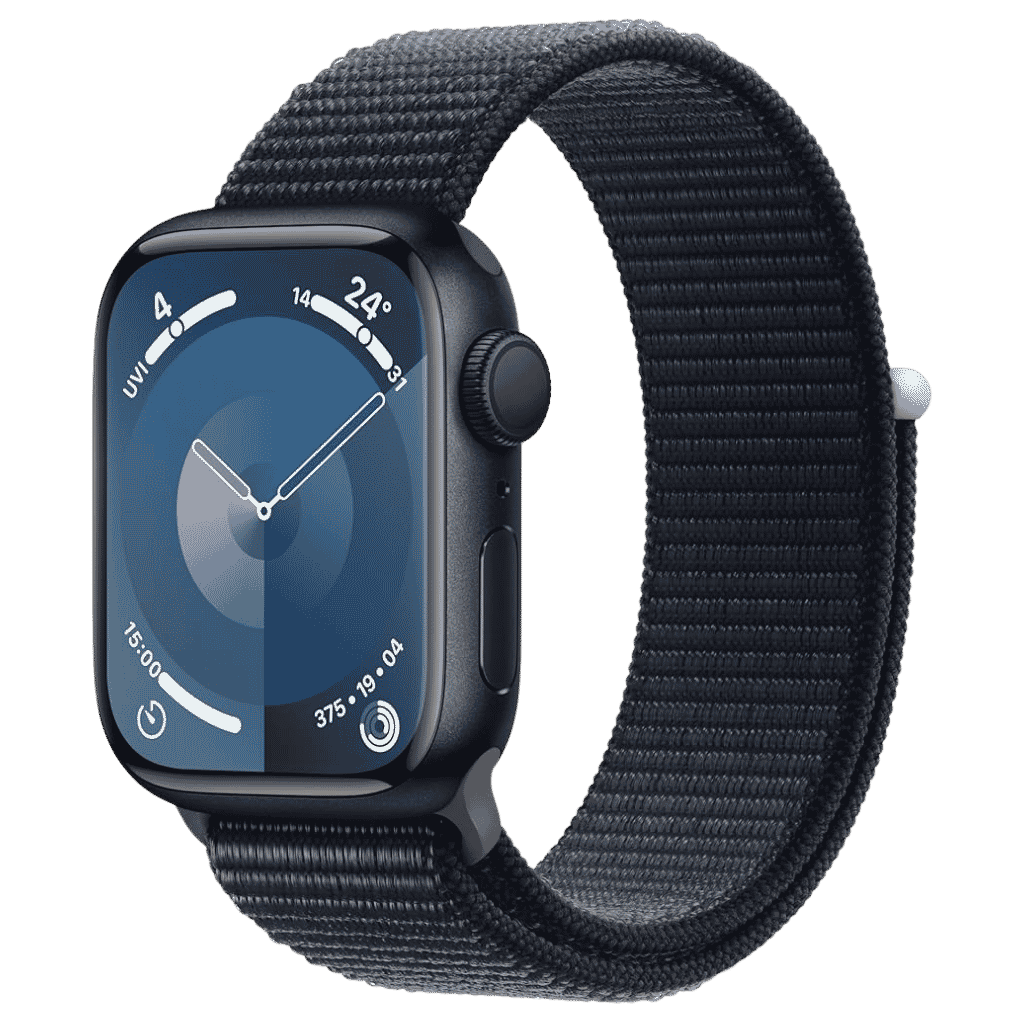
Apple Watch Series 11 Deals
Apple Watch Series 11 - Aluminum 46mm Smartwatch with Sleep Score, Fitness Tracker, Health Monitoring, Always ON Display and Water Resistant.
🛒 Buy on AmazonWatch Models That Will Not Get watchOS 27
These older watches are being left behind:
- Apple Watch Series 8 (2022)
- Apple Watch Series 7 (2021)
- Apple Watch Series 6 (2020)
- Apple Watch SE (2nd generation – 2022)
- Apple Watch Ultra (first generation – 2022)
If you have any of these models, you will not be able to install watchOS 27. They will stop getting major new features but will still receive important security updates for some time.
Why Apple Dropped Support for Older Watches
Apple says the decision comes down to performance. WatchOS 27 brings advanced features like SIRI AI and few other intelligence features that requires more processing power to run smoothly.
Older chips in the Series 8 and below simply cannot deliver the experience Apple wants. This is the biggest cut in support Apple has made for the Apple Watch in one update.
What Happens If Your Watch Is Not Supported?
Your older Apple Watch will continue to work normally with your iPhone. You can still use it every day. It just won’t get the new features coming in watchOS 27.
Apple usually provides security updates for a few more years even after dropping major OS support. So your watch is not suddenly useless.
What You Should Do Now?
If you have a supported model (Series 9 or newer), you can install the developer beta right now if you want to try it early.
If your watch is no longer supported, think about whether you want to upgrade. The new features in watchOS 27 work best on the latest hardware.
Always back up your watch before installing any beta software. Chances of data loss or device getting bricked is there.
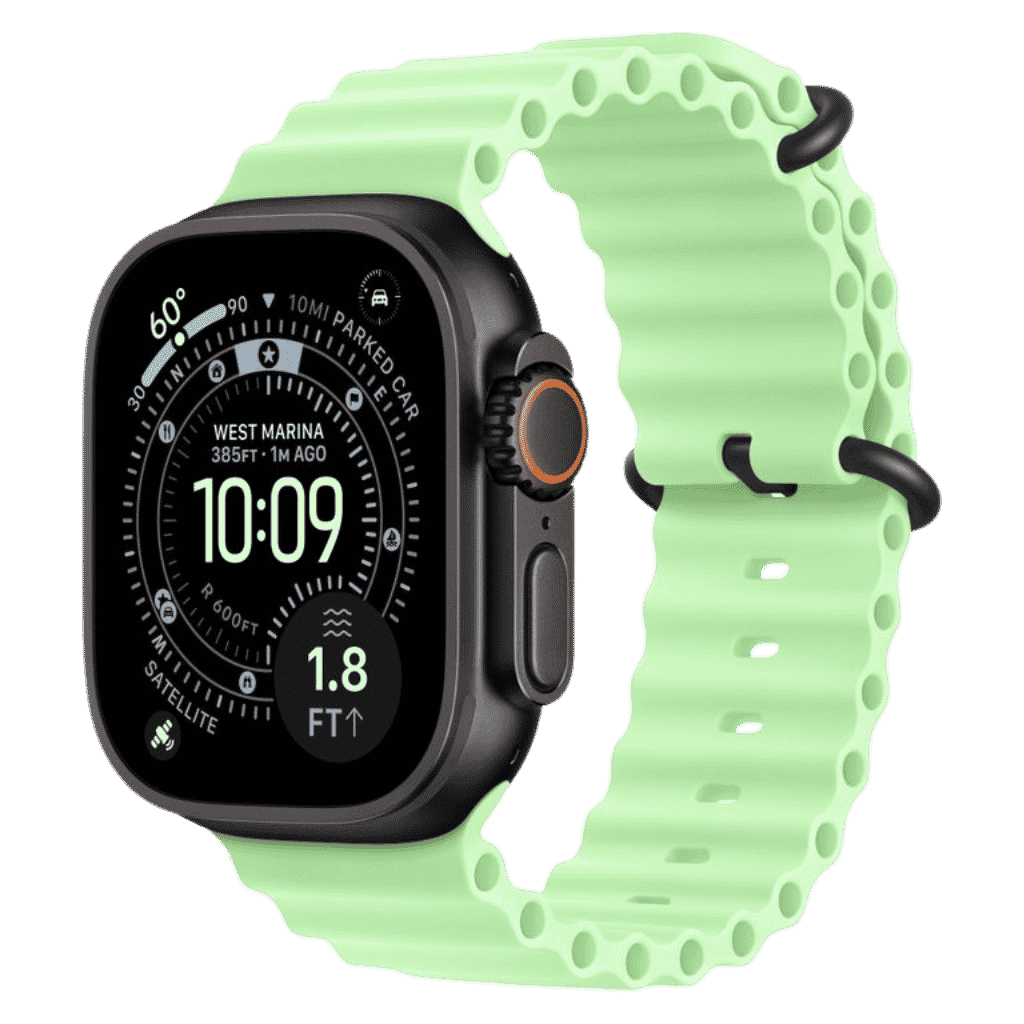
Apple Watch Ultra 3 Deals
Apple Watch Ultra 3 GPS + Cellular 49mm. Rugged Titanium Case, Satellite Communication and Advanced Health & Fitness Tracking.
🛒 Buy on AmazonIt’s time to Upgrade your Apple Watch
watchOS 27 support starts properly from the Apple Watch Series 9 and above, along with the SE 3 and Ultra 2. It is a bigger cut than usual, but Apple wants to push the Apple Watch forward with smarter features.
If you are planning to buy a new Apple Watch soon, going for Series 10 or newer will give you the longest software support.
Which Apple Watch model do you have right now? Are you thinking of upgrading because of this change? Let me know in the comments.