

Apple just rolled out the Apple Watch SE 3 back in September 2025, marking the first proper update to the budget lineup since the SE 2 hit in 2022. Buyers are confused to choose between SE 2 vs SE 3, and like to know important differences between these two devices.
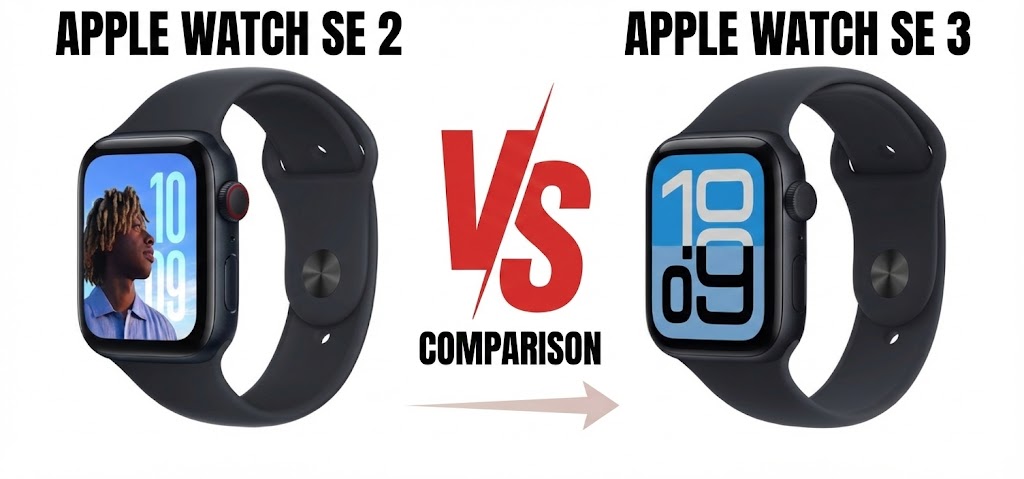
Will SE 2 model sufficient for my usage or getting SE 3 will be a worthy option?
The older model handled the basics just fine, like notifications and workout tracking, but this new version pulls in some nice perks from the pricier Series 11, including the S10 chip and that always-on screen, all while sticking to the same $249 starting price.
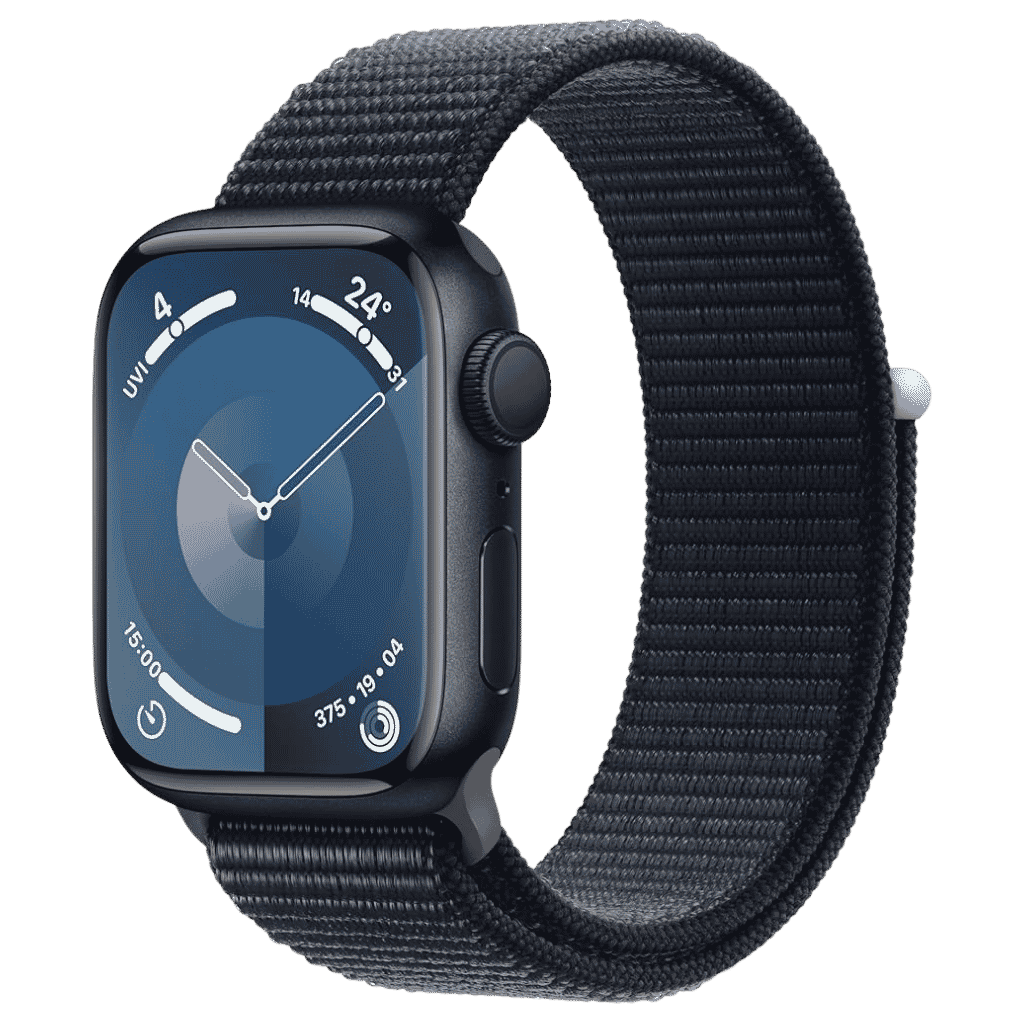
Apple Watch Series 11 Deals
Apple Watch Series 11 - Aluminum 46mm Smartwatch with Sleep Score, Fitness Tracker, Health Monitoring, Always ON Display and Water Resistant.
Check latest price on AmazonAffiliate link. As an Amazon Associate I earn from qualifying purchases.
Table of Contents
Apple Watch SE 2 vs SE 3:
If you’re hunting for a solid, no-frills Apple Watch to handle fitness stats, alerts, or even as a starter device for family members or kids, here’s a quick side-by-side look at the key differences.
Display: Always-On Finally Shows Up
SE 3 (2025): Always-On Retina LTPO OLED.
You can see the time, widgets, and complications right away, no need to raise your wrist.
Still hits up to 1000 nits for outdoor visibility.
SE 2 (2022): Regular Retina LTPO OLED.
The screen sleeps when your wrist drops, so you have to tap or lift to wake it.
This change alone makes daily glances way easier and more natural.
Processor: Snappier and More Capable
SE 3: S10 SIP (matches the Series 11).
Faster overall, better Neural Engine, and it runs Siri right on the device for quicker replies and offline use, including health queries.
Kevio: Family Medicine Tracker
No more missing of Medications, Tests and Doctor Appointments. Let Kevio keep a track of it, and Remind you right on time. Take Prescriptions, Blood Tests, Injections right on time with Kevio.
SE 2: S8 SIP. It gets the job done, but it’s older and leans more on cloud for Siri.
The S10 chip also enables native Double Tap (just pinch your thumb and index finger) plus Wrist Flick gestures, so controlling things one-handed feels smoother.
Battery & Fast Charging: Gets a Real Speed Boost
SE 3: Fast Charging. You hit 0-80% in roughly 45 minutes, and even a quick 15-minute plug-in adds up to 8 hours of runtime.
SE 2: Standard charging. A full top-up takes about 2.5 hours.
If you’re always short on time in the morning, this is a noticeable improvement.
Battery life: Both offer all-day 18 hours (up to 32 hours in Low Power Mode on SE 3).
Storage: Doubled to 64GB (from 32GB) for more apps, music, or offline content.
Sizes: 40mm and 44mm aluminum, colors like Midnight and Starlight.
Health Sensors: Extra Insights Included
SE 3: Wrist temperature sensing (for cycle tracking, retrospective ovulation estimates, richer Vitals data). Sleep Apnea notifications. Sleep score in the app. Second-gen optical heart sensor remains, plus the new additions.
SE 2: Second-gen optical heart sensor only. Basic sleep tracking, no temperature or apnea detection.
SE 3 closes the gap to Series-level health features. Great for women’s health cycles or monitoring potential breathing issues overnight.
Gestures: Native and Convenient
SE 3: Double Tap (thumb-index pinch) and Wrist Flick native support.
SE 2: AssistiveTouch only (no built-in Double Tap).
Simple hand motions to answer calls, scroll, or pause music without touching the screen.
Connectivity: 5G Support Added
SE 3: 5G capable (RedCap for efficient, faster cellular on models with it).
SE 2: 4G LTE.
Cellular versions handle downloads and streaming better with less battery hit.
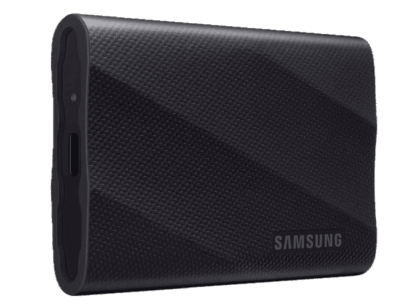
Samsung T9 Portable 1TB SSD 2000 MB/s
2000 MB/s Read and Write Speed, 1TB USB 3.2 Gen 2x2 SSD. Best suited for Gaming, Students and Professionals.
Check latest price on AmazonAffiliate link. As an Amazon Associate I earn from qualifying purchases.
Durability: Tougher Front Glass
SE 3: Enhanced Ion-X glass (4x more crack-resistant).
SE 2: Standard Ion-X glass.
Same aluminum case design, but the glass upgrade helps against drops or daily knocks.
Water resistance: 50m on both models.
WatchOS: Runs the latest (watchOS 26 with Liquid Glass UI, new faces, etc.).
Conclusion: SE 2 vs SE 3, Which is Best Buy?
Bottom line: The SE 3 keeps the familiar look but packs in meaningful upgrades. Always-On display, S10 chip for speed and gestures, fast charging, temperature sensing, sleep apnea alerts, and better connectivity make it feel much more current.
If you have an older SE or no Watch at all, go for the SE 3. Upgrading from SE 2? Only if Always-On, quicker charging, advanced health tracking, or the new gestures matter most.
Otherwise, the SE 2 still gets full software support and handles basics well.
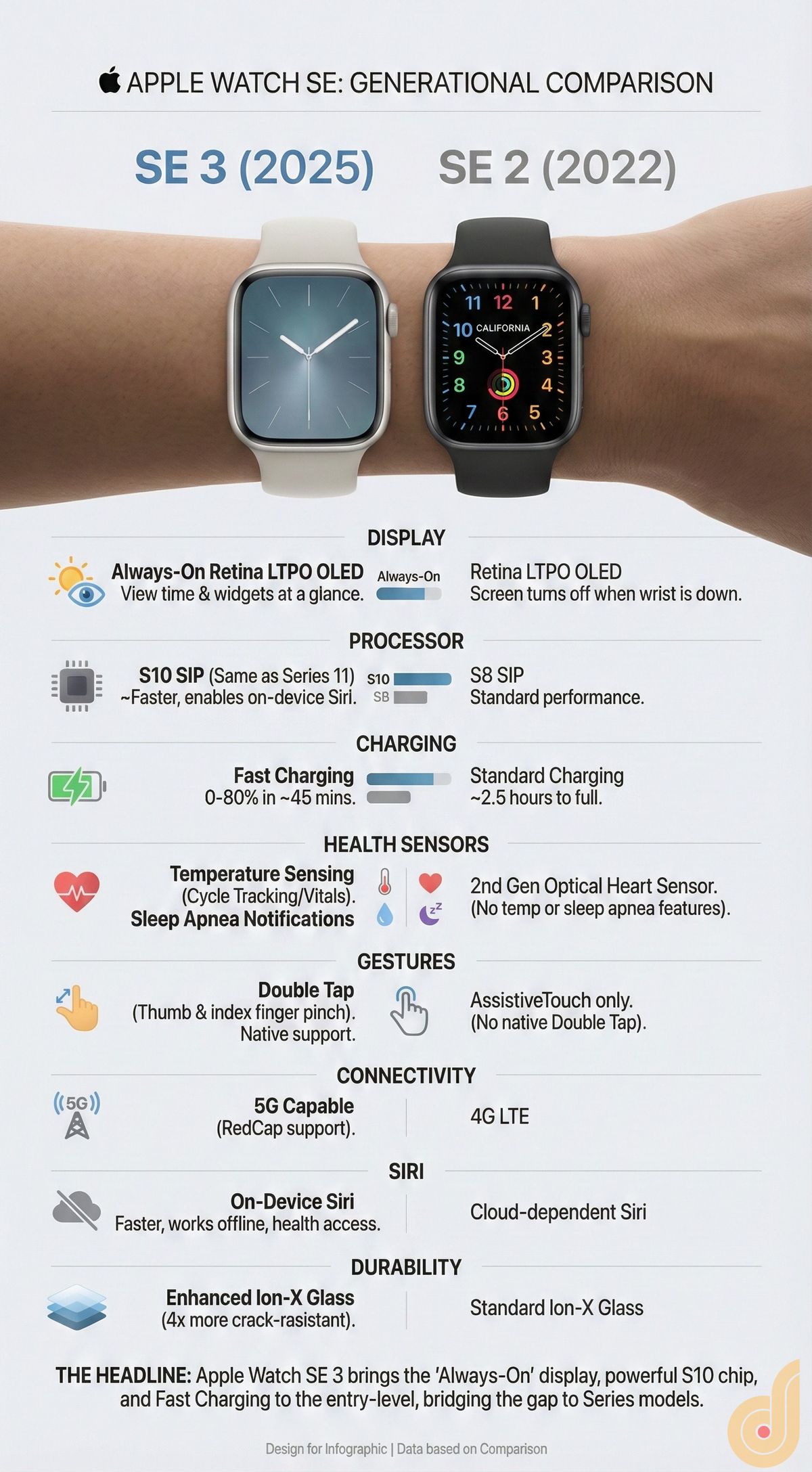
Here is a Quick SE 2 vs SE 3 Comparison shown in an Infographic. feature highlights that may help you to decide.
Thank you and don’t forget to share this post with your friends. Have a wonderful day.
Apple AirPods Pro 3 Deals
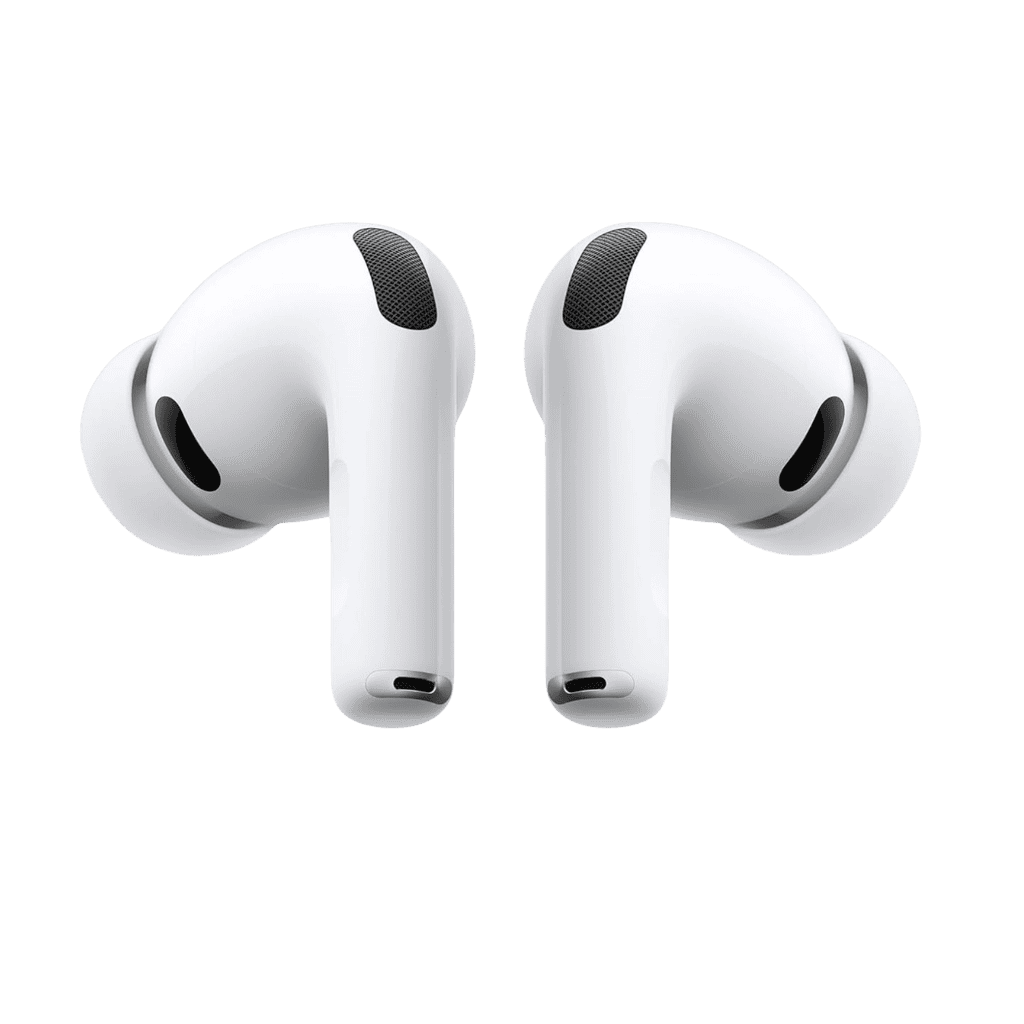
Apple Airpods Pro 3 with Active Noise Cancellation, Live Translation, Heart Rate Sensing, Hearing Aid Feature, Spatial Audio and High Fidelity Sound. USB-C Charging and more.
Affiliate link. As an Amazon Associate I earn from qualifying purchases.
The added health features on the SE 3 are more significant than I expected, especially sleep apnea notifications and wrist temperature tracking. That definitely makes the SE feel less “budget” than before.