

Google has enabled a new feature in its Google Video that lets users to transfer all their existing videos to Youtube account. Google recently announced that it is going to shutdown their Google Video service by April 29, 2011. Google video users were so disappointed and felt bad about their precious video uploads very much. There was an inconvenience at first and google has come up with a solution now to let users transfer their google video content to youtube easily.
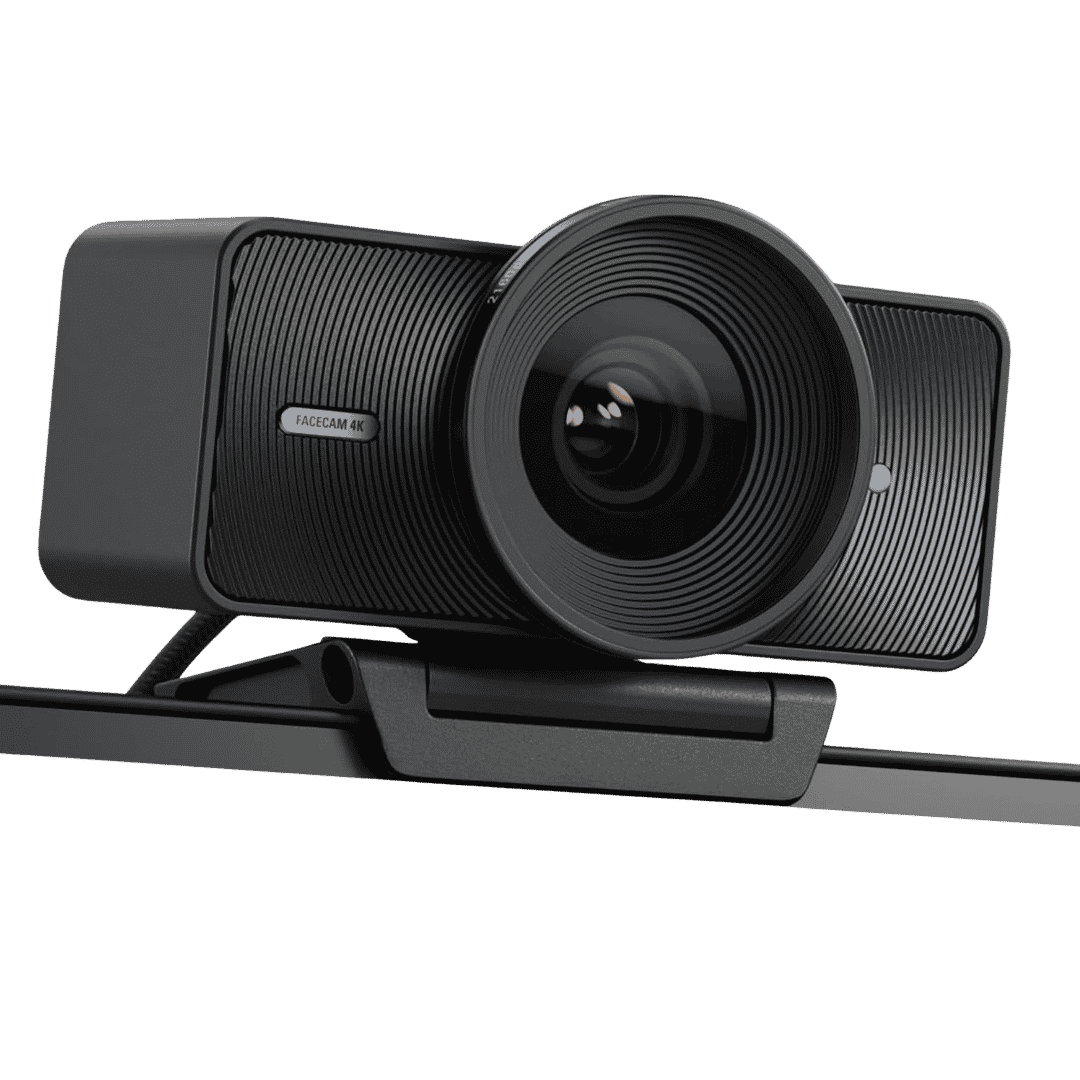
Elgato Facecam 4K Studio Webcam
4K 60 Fps Studio Webcam with Sony Sensor, DSLR Link Controls, Cinematic Effects, 49mm Lens Filters, Uncompressed Video output. Optimized Focus Area. Suitable for OBS, Zoom, Teams, Twitch and Youtube Live!.
Affiliate link. As an Amazon Associate I earn from qualifying purchases.
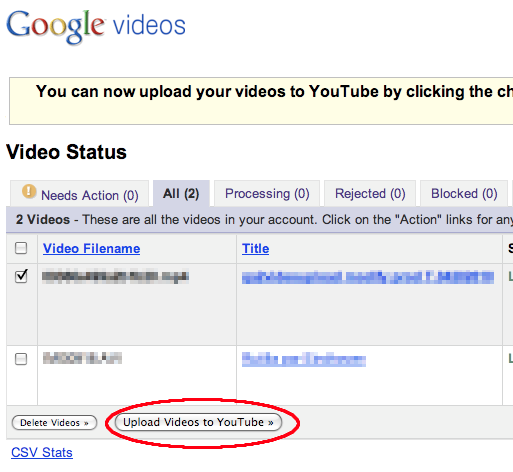
Steps to Transfer Google Videos to Youtube
Step 1: Visit Google Video Upload Status page and accept the terms and conditions.
Step 2: Select your videos to be transferred and click on “Upload to Youtube” Button.
That is all 🙂 You will get your precious video uploads right into your Youtube account.
You may subscribe to your FREE Newsletters on the right side or Like our Facebook Page, Twitter to get instant Tech updates.


the transfer process is rather painless 🙂
It’s simple one. Every one has to do easily 🙂 thanks a lot Robinson for given here 🙂