
Apple finally added a touchscreen to the MacBook Pro. The new touchscreen MacBook Pro models with the PROLED XDR Display look tempting, especially with the switch to OLED, but they cost more. Many buyers are wondering if the extra money is worth it or if a regular MacBook Pro is still the smarter buy.
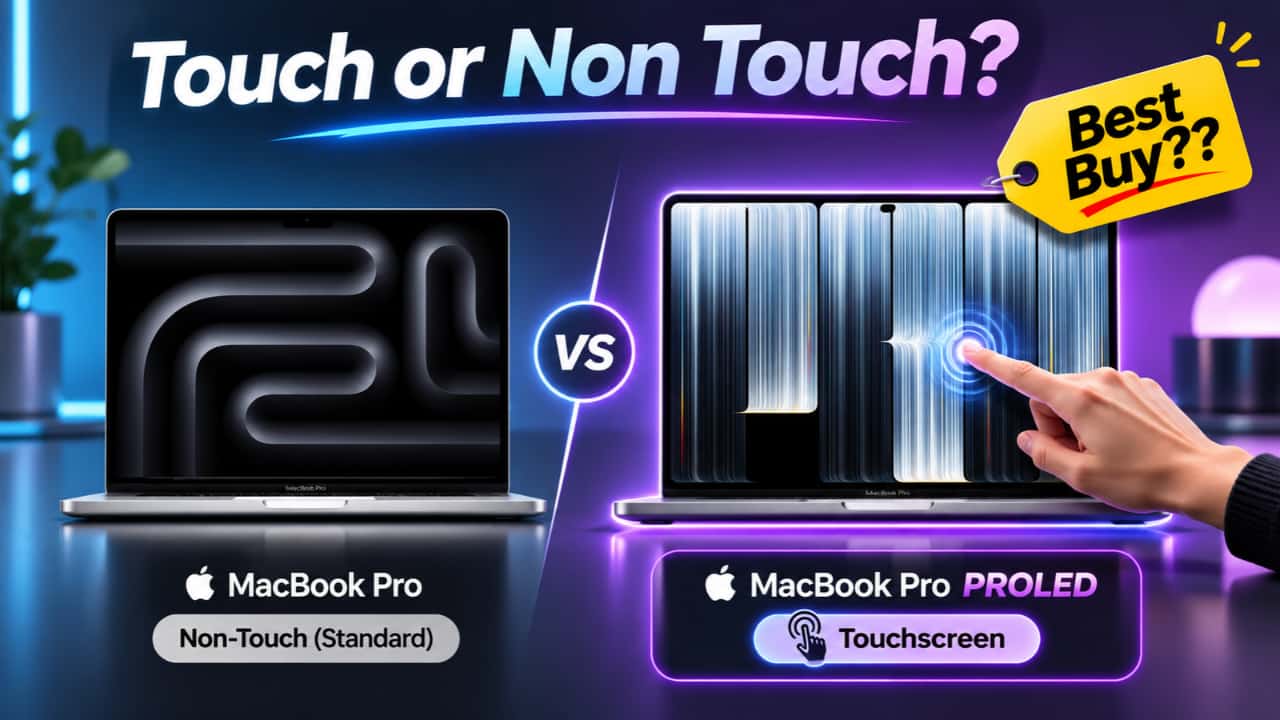
Here is a clear look at the current MacBook Pro touch screen price in the USA for both 14-inch and 16-inch models, how the new MacBook Pro OLED screen compares to mini-LED, real user experiences, and which model fits your workflow.
Table of Contents
Touchscreen MacBook Pro vs Regular: Key Differences at a Glance
Before diving into the details, here is how the new Apple MacBook Pro with touch screen compares side by side with the regular non-touch lineup.
| Feature | Regular MacBook Pro | Touchscreen MacBook Pro (OLED) |
|---|---|---|
| Display Type | Liquid Retina XDR (mini-LED) | PROLED XDR (Tandem OLED) |
| Touch Support | No touch screen | Full multi-touch gestures (swipe, pinch, tap) |
| Apple Pencil | Not supported | Not supported |
| Chip Options | M6, M5 Pro, M5 Max | M5 Pro, M5 Max (no base M6) |
| Weight & Design | Slightly thicker and heavier | Thinner and lighter (~3 lbs for 14-inch, ~4 lbs for 16-inch) |
| Battery Life | Same class-leading battery life | Similar to regular models |
| Starting Price (USA) | $1,999 (M6) / $2,499 (M5 Pro) | $2,899 (M5 Pro) |
| Price Gap | Baseline | +$400 more for matching specs |
MacBook Pro Touch Screen Price in the USA (14-Inch & 16-Inch)
Apple sells both regular MacBook Pro models (with Liquid Retina XDR display) and the new MacBook Pro touch screen models (with PROLED XDR Display) side by side.
When you compare the same chip, memory, and storage, the touchscreen version always costs $400 more.
| Model Size | Chip | Regular Model Starting Price | Touchscreen Model Starting Price | Difference |
|---|---|---|---|---|
| 14-inch | M6 | $1,999 | Not available | Regular only |
| 14-inch | M5 Pro | $2,499 | $2,899 | +$400 |
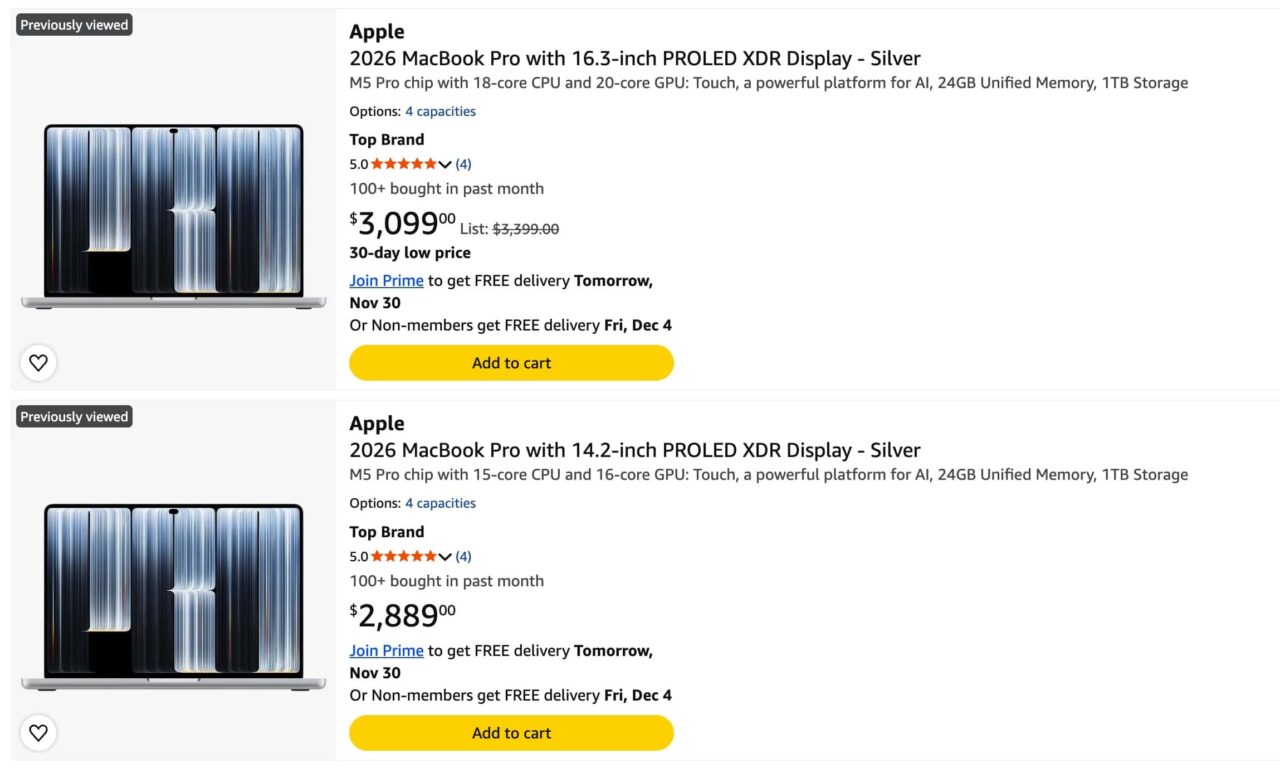
| 16-inch | M5 Pro | $2,999 | $3,399 | +$400 |
| 14-inch | M5 Max | $4,099 | $4,499 | +$400 |
| 16-inch | M5 Max | $4,399 | $4,799 | +$400 |
Education pricing is lower on all models. Fully loaded configurations can go much higher, though most buyers stick to the base or mid-range options. Prices can change, so always verify current configurations on the Apple website before ordering.
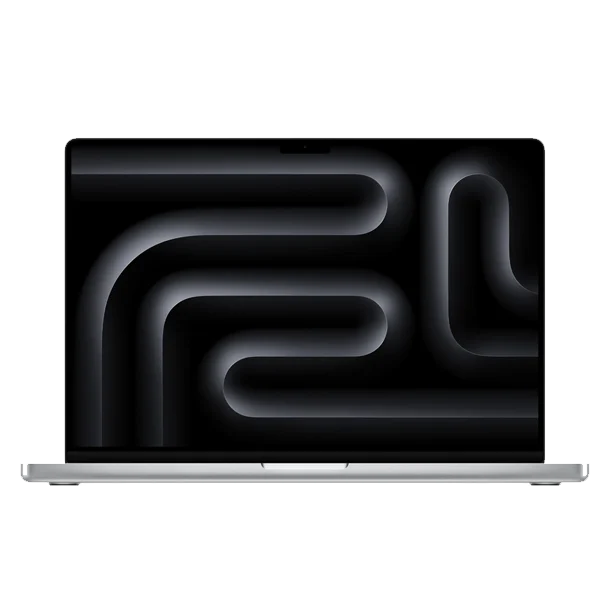
Macbook Pro 14 Inch Deals
Macbook Pro 14 inch Display, M5 Chip, Liquid Retina XDR Display, 1TB SSD and 16GB RAM
Affiliate link. As an Amazon Associate I earn from qualifying purchases.
What Is Different on the Touchscreen MacBook Pro?
The biggest upgrade is not just touch input. It is the MacBook Pro OLED display and the slimmer hardware around it.
- Tandem OLED Screen (PROLED XDR): mini-LED screen is good, but OLED panel delivers deeper true blacks, stronger contrast, higher peak brightness and richer colors across a wider color range.
- Fast, Responsive Touch Gestures: You can swipe, pinch to zoom, and drag elements directly on screen. macOS automatically enlarges nearby buttons and menus when it detects your finger.
- Thinner and Lighter Build: The 14-inch touchscreen model weighs about 3 pounds, and the 16-inch weighs about 4 pounds. Both are noticeably lighter and thinner than the regular models.
- Identical Speed and Battery: Performance is identical because both lines run the same M5 Pro or M5 Max chips, and real-world battery life stays very similar.
Do People Actually Use the MacBook Touchscreen?
Early feedback from buyers and reviewers is consistent: the MacBook touchscreen feels responsive and well-built, yet most people still rely on the trackpad and keyboard for 90% of their day.
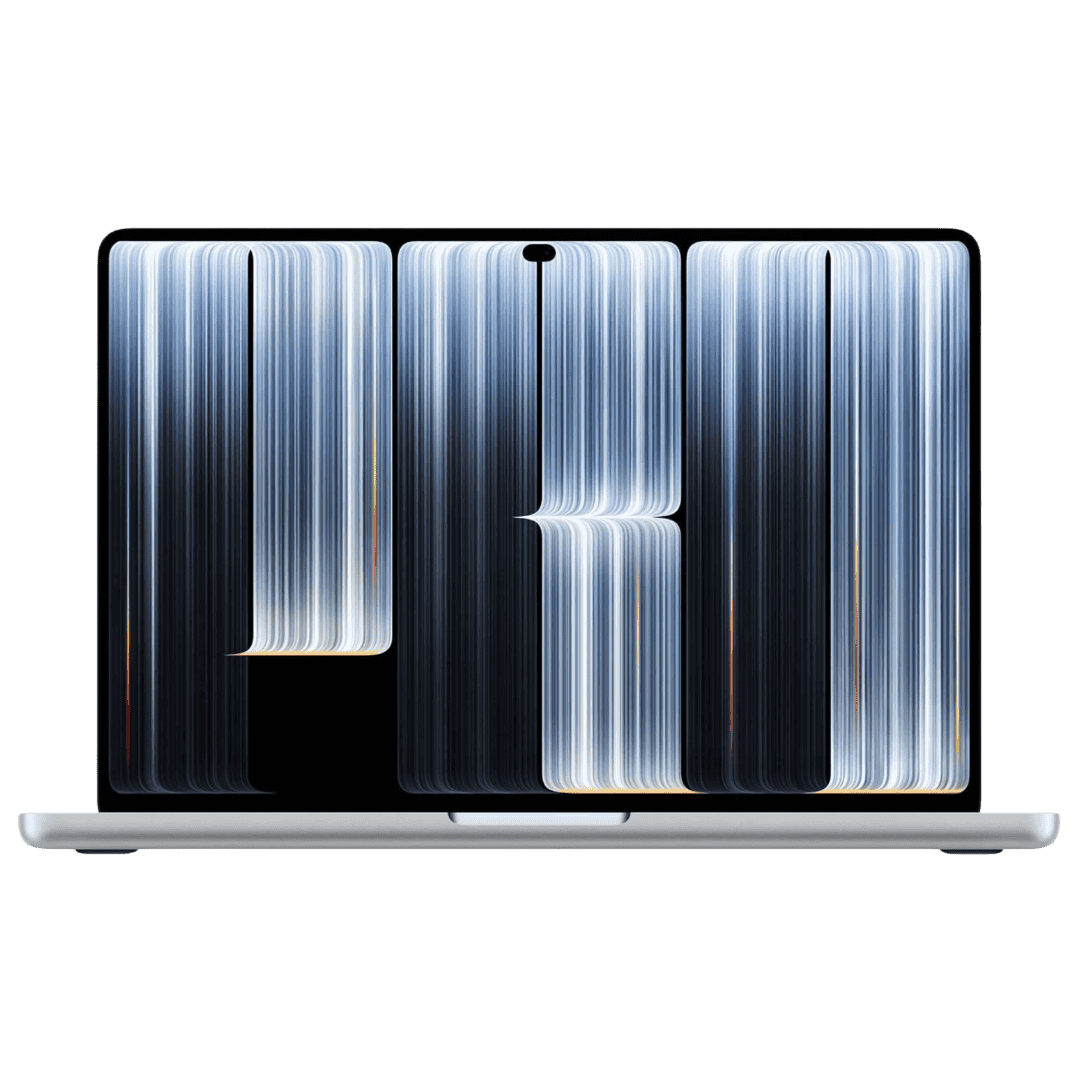
Macbook Pro Touch Screen - XDR PROLED
Apple 2026 MacBook Pro with 14.2-inch PROLED XDR Display
Where Touch Feels Helpful
- Quickly scrolling a long webpage or PDF while leaning back.
- Pinching to zoom on photos, maps, or design canvases.
- Tapping sliders and controls in music, video, or creative apps.
- Testing touch gestures directly if you build iOS or iPadOS apps.
Common Drawbacks Users Mention
- Many owners report barely touching the screen after the first week.
- Fingerprints and smudges show up quickly under bright lights.
- The display hinge can wobble slightly if you press too hard.
- Most third-party macOS apps are still built around a mouse pointer rather than fingers.
Overall, the OLED display and lighter weight receive far more praise than the touch panel itself.
Should You Buy the Touchscreen MacBook Pro?
Pay the extra $400 for the new MacBook Pro touch screen model if these points match how you work:
- Color-critical creative work: You edit photos, grade video, or design graphics and want the contrast and accuracy of the OLED screen.
- Frequent travel: You carry your laptop every day and want the lightest, thinnest MacBook Pro available.
- App development: You build iPhone or iPad apps and want to test touch interactions right on your Mac screen.
- Occasional touch convenience: You enjoy tapping or zooming on screen and want Apple’s latest hardware design.
The 16-inch touchscreen model is an especially strong pick if you want a big OLED workspace for creative timelines without carrying the heavier regular 16-inch chassis.
Is the Regular MacBook Pro Enough for Most People?
Yes. For most buyers, the regular non-touch MacBook Pro is still the smarter value.
- Same Performance, $400 Less: You get identical M5 Pro or M5 Max power and can put that $400 toward extra unified memory, more SSD storage, or accessories.
- Cleaner Screen: No constant fingerprint smudges to wipe off your display.
- Great Everyday Display: The mini-LED Liquid Retina XDR screen is still bright, sharp, and more than enough for coding, writing, browsing, studying, and daily productivity.
- Best Entry Price: The 14-inch MacBook Pro with M6 at $1,999 is only sold as a regular model and gives you the lowest entry point into the Pro lineup.
14-Inch vs 16-Inch: Which Size Fits You?
- Choose the 14-inch if portability comes first. It slips easily into smaller backpacks and works well on airplane trays or compact desks. The 14-inch touchscreen OLED model is the lightest MacBook Pro you can buy.
- Choose the 16-inch if you spend hours multitasking, editing video timelines, or coding side by side without an external monitor.
Macbook Pro Touch Screen - XDR PROLED
Apple 2026 MacBook Pro with 14.2-inch PROLED XDR Display
Quick Buying Guide: Which MacBook Pro Should You Pick?
| User Type | Recommended Model | Why It Fits |
|---|---|---|
| Students & Everyday Users | Regular 14-inch M6 ($1,999) | Lowest price with plenty of Pro power |
| Developers & Productivity | Regular 14-inch or 16-inch M5 Pro | Put the $400 savings into more RAM or SSD |
| Photo & Video Editors | Touchscreen 14-inch or 16-inch (PROLED XDR) | OLED contrast and color accuracy justify the upgrade |
| Frequent Travelers | Touchscreen 14-inch M5 Pro | Lightest (~3 lbs) and thinnest Pro chassis |
| Heavy Creative / AI Work | 14-inch or 16-inch M5 Max | Pick OLED only if display quality matters most |
Final Thoughts
The new touchscreen MacBook Pro is a polished premium upgrade. The MacBook Pro OLED display and lighter chassis are genuine hardware wins, even if the touchscreen itself ends up being a nice-to-have bonus for most people.
For the majority of Apple users, the regular MacBook Pro remains the better value. Spend the $400 difference on extra memory or storage that you will benefit from every single day, and only pay for the touchscreen model if the OLED screen or lighter weight truly matters to your work.
Frequently Asked Questions
Does the new MacBook Pro have a touch screen?
Yes. Apple now offers touchscreen MacBook Pro models with a PROLED XDR OLED display in both 14-inch and 16-inch sizes, powered by M5 Pro and M5 Max chips. They are sold alongside the regular non-touch MacBook Pro models.
What is the MacBook Pro touch screen price in the USA?
In the USA, the touchscreen MacBook Pro starts at $2,899 for the 14-inch M5 Pro and $3,399 for the 16-inch M5 Pro. M5 Max touchscreen models start at $4,499 (14-inch) and $4,799 (16-inch). Every touchscreen model costs $400 more than the matching regular MacBook Pro.
Does the touchscreen MacBook Pro have an OLED display?
Yes. Every touchscreen MacBook Pro uses Apple’s tandem OLED PROLED XDR Display, which delivers deeper blacks, higher contrast, and richer colors than the mini-LED Liquid Retina XDR screen on regular MacBook Pro models.
Can you still buy a MacBook Pro with no touch screen?
Yes. Apple continues to sell regular non-touch MacBook Pro models starting at $1,999 for the 14-inch M6, as well as M5 Pro and M5 Max configurations. You do not have to pay for a touchscreen if you prefer a traditional MacBook screen.
Does the MacBook Air have a touch screen too?
No. Touch input and the tandem OLED display are currently exclusive to the M5 Pro and M5 Max MacBook Pro lineup. Even the base 14-inch M6 MacBook Pro is only available as a regular non-touch model.
Does the touchscreen MacBook Pro support Apple Pencil?
No. The touchscreen MacBook Pro is designed for finger gestures like scrolling, tapping, and pinching to zoom inside macOS, and it does not support Apple Pencil input.
Let me know what have you decided today. Macbook Pro Touch Screen or Regular model? If you think I have missed any points you can add them in the comments. Could help more buyers to make their decision.
Have a great day.