
If you’ve just updated your iPhone to the latest iOS 27 developer beta and you’re staring at the old Siri instead of that fresh new look, you’re not alone. Many people hit this snag right after installing the beta. The new Siri brings a cooler animation and smarter features, but it’s rolling out gradually and often needs a few tweaks to show up.
The good news? You can get it working without crazy workarounds.
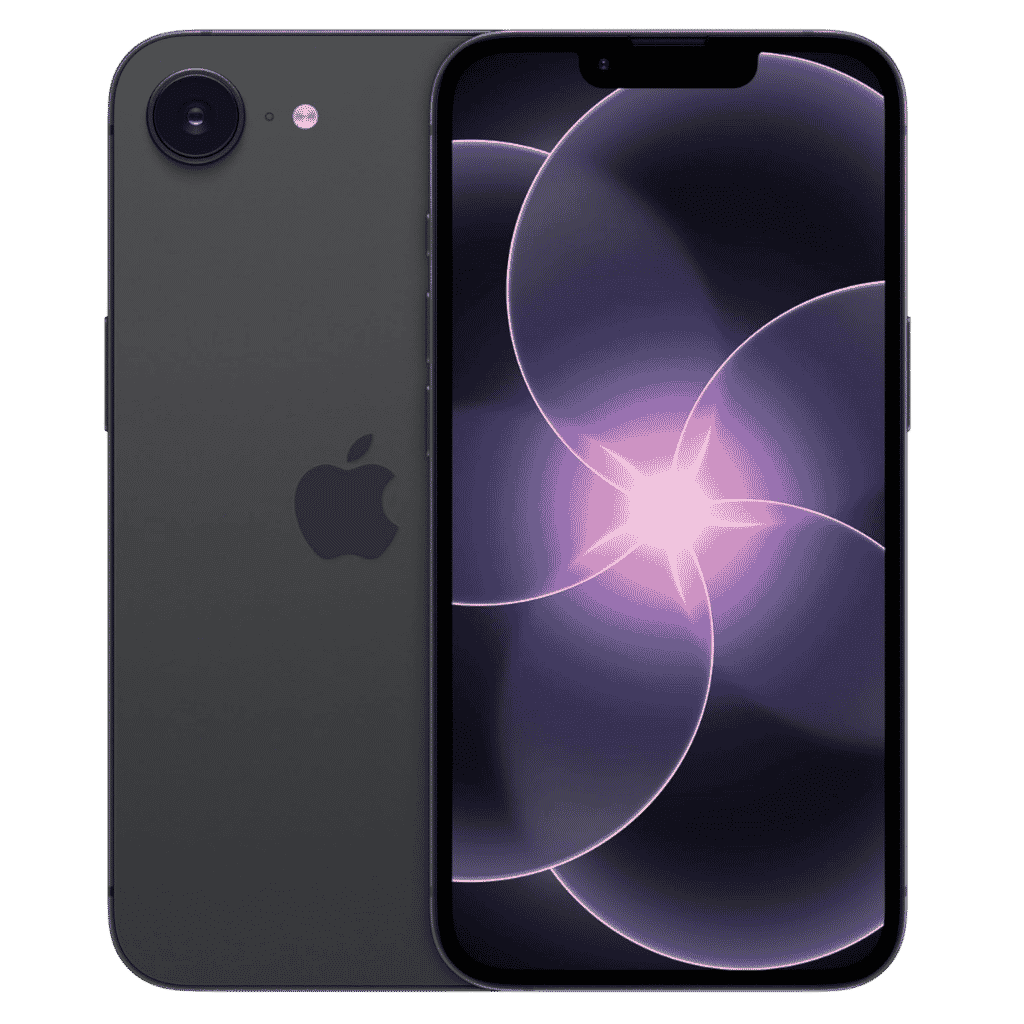
Apple iPhone 17e - 256GB
iPhone 17e features 6.1 inch Retina Display, 256GB Storage, Ceramic Shield 2 with 3X better scratch Resistant. Magsafe Wireless Charging and A19 Chip powers this beautiful device.
Affiliate link. As an Amazon Associate I earn from qualifying purchases.
Table of Contents
How to Enable New SIRI Animation on iPhone?
By changing the language and region settings, and waiting for apple to approve the waitlist, SIRI AI new animation files will be downloaded in the background.
Step 1: Go to Settings – General – Language & Region.
Step 2: Change it to United States (English)
Make sure your top preferred language is English (specifically English – United States if prompted).
This step unlocks the new Siri because the feature is currently limited to the US and English (US) at launch. I know it sounds like a hassle, but it really doesn’t mess up your phone much.
Your keyboard might switch currencies to dollars for a bit, but you can easily switch back later once it’s available in your country.
Step 3: Settings – SIRI – Language Settings to English (United States).
Once you save this, give your iPhone a moment. You’ll often see indicators that files are downloading. Connect to a strong Wi-Fi network for this part.
Apple don’t allow 5G, LTE Cellular data connections to download their system files. To avoid file corrupt issues, incomplete downloads they force us to use Wi-Fi only to download files.
What Happens Now? How Long It Takes?
After the changes, Siri starts joining the waitlist and downloading the necessary models.
This can take sometime for users depending on apple accepting more people onboard. So we just have to wait, expecting we get through the queue sooner.
In my experience, it helps to leave your phone plugged in and on Wi-Fi overnight if possible. Don’t keep switching the settings back and forth during this time. Once approved, the files will immediately download if your device connected to WiFi.
Kevio: Family Medicine Tracker
No more missing of Medications, Tests and Doctor Appointments. Let Kevio keep a track of it, and Remind you right on time. Take Prescriptions, Blood Tests, Injections right on time with Kevio.
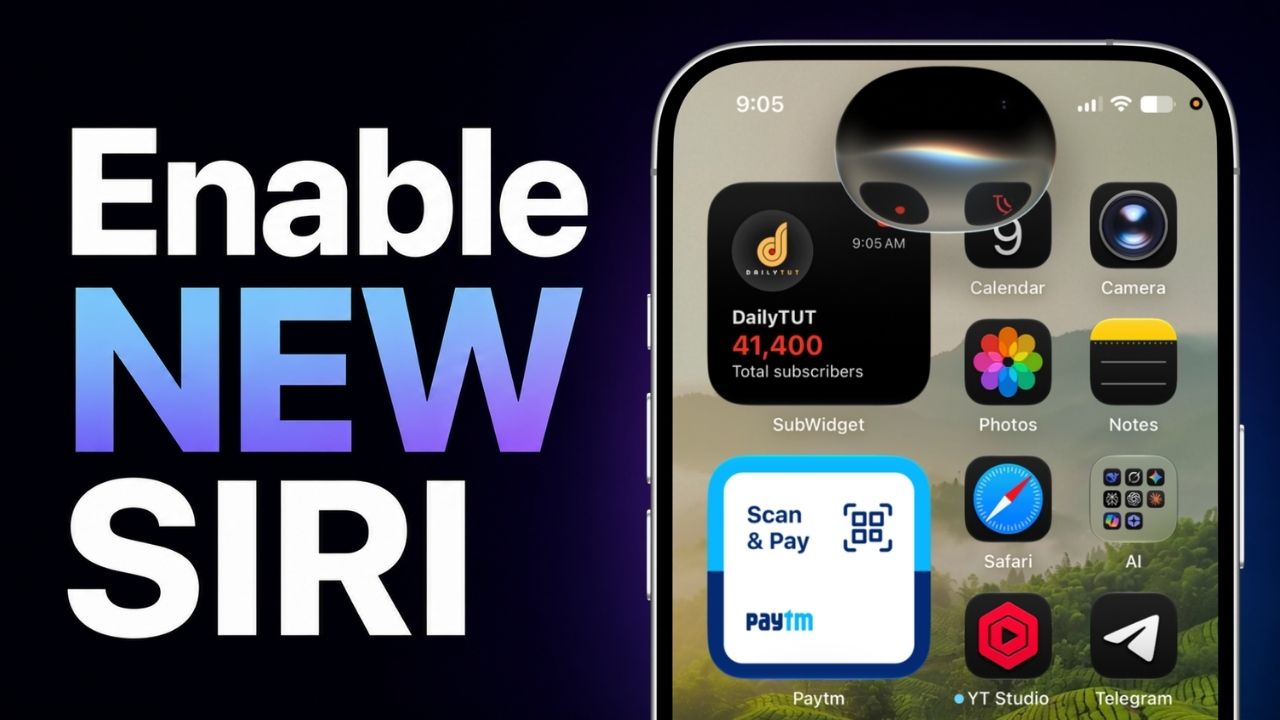
When it’s ready, you’ll notice the difference right away. Swipe down from the home screen, and instead of the regular Spotlight search, you’ll see the new Siri interface with its updated animation.
The Siri app icon may also appear in your App Library as a recently added app.
Be patient, as more people are trying this same method, apple may take some time to onboard new users to use their SIRI AI in iOS 27.
Enabling the new Siri animation on your iPhone isn’t complicated, but it does require those region and language adjustments plus some waiting time.
Once everything clicks, you’ll get that smoother, more modern experience everyone’s talking about.
If you’re testing the iOS 27 beta, this should get you up and running. Have fun playing with the new Siri and remember, you can always tweak your settings back when it expands to more regions.
Let me know in the comments how it goes for you!