
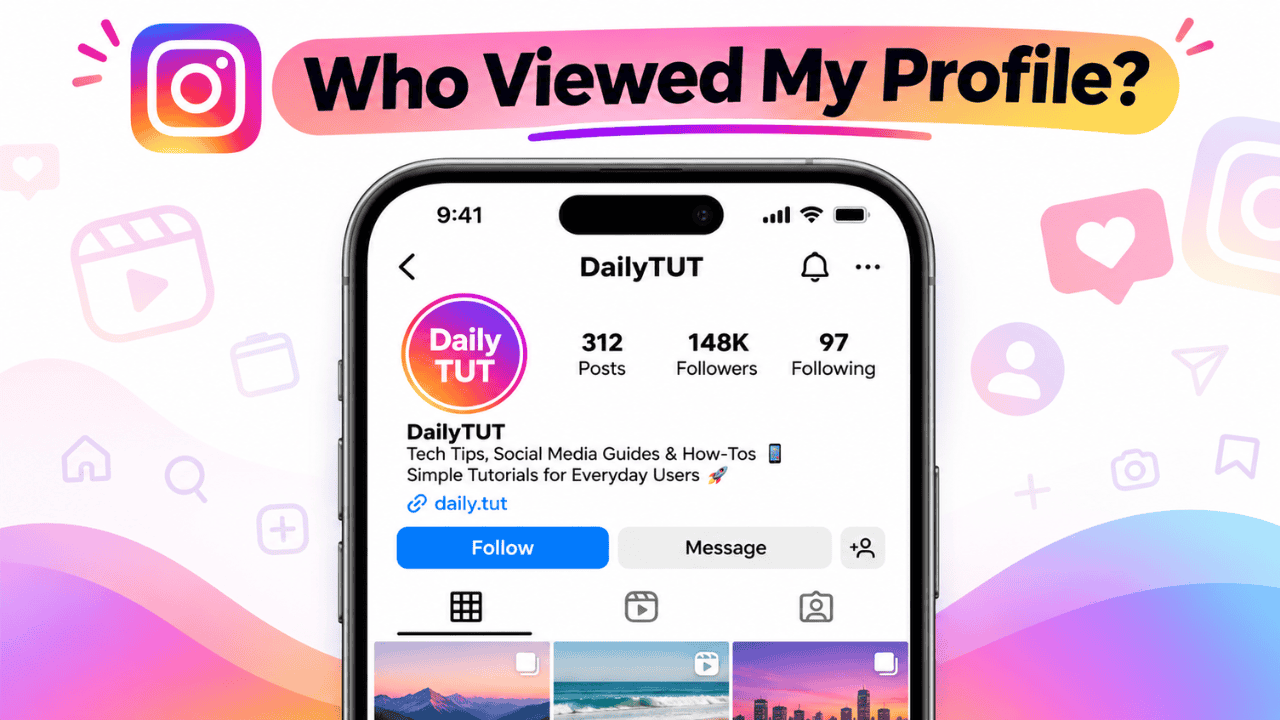
You open Instagram and wonder who has been checking your profile. Many people search for a way to see the exact list of profile visitors. The short answer is NO. Instagram does not show who viewed your profile.
There is no official feature, setting, or tool inside Instagram that lets you see the usernames of people who visited your profile. Any app or website claiming they can do this is not real and those websites are trying to scam people.
Beware and in this post, I just want to share other hidden security risks that people who search ‘Can you see who viewed your profile on Instagram” in Google search and Youtube search.
Table of Contents
Why Third-Party Apps Are Dangerous
Apps and websites that promise to show profile viewers usually ask for your Instagram username and password. Once you give them your login details, your account is at risk.
Meta’s security systems can detect these unauthorised logins. In many cases, this leads to your account getting temporarily locked or permanently banned. Some people even face device-level bans, which means creating a new account on the same phone also gets blocked.
It is not worth risking your whole Instagram account just to try and see profile visitors.

Kevio: Family Medicine Tracker
No more missing of Medications, Tests and Doctor Appointments. Let Kevio keep a track of it, and Remind you right on time. Take Prescriptions, Blood Tests, Injections right on time with Kevio.
What You Can Actually See on Instagram
Instagram only lets you see direct interactions. You can check who viewed your Stories, who liked or commented on your posts, and who watched your Reels.
If you switch to a Professional or Creator account, you get more data in the Insights section. You can see overall reach, impressions, follower growth, and basic audience information. However, even with a professional account, you still cannot see the individual usernames of people who only visited your profile.
How to Check Instagram Insights Safely
If you want more data about your content, follow these steps:
- Open Instagram and go to your profile.
- Tap the menu (three lines) and select Settings and privacy.
- Tap Account type and tools, then switch to a Professional account if you haven’t already.
- Go back to your profile and tap Professional dashboard or Insights.
Here you will see reach, impressions, and engagement numbers. These are the only official analytics Instagram provides.
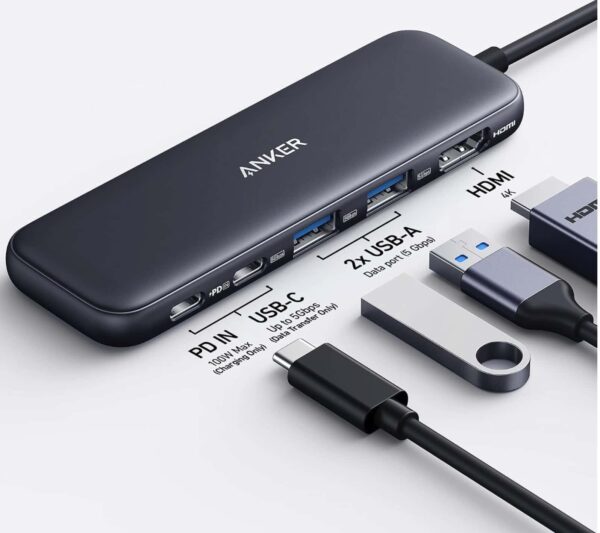
Anker 5 in 1 USB C Hub
85W Max PD, 1 Powered USB-C 5Gbps & 2 Powered USB-A 3.0 5Gbps Data Ports, for MacBook Pro, MacBook Air, Dell and More (Black)
Final Thoughts
You cannot see who viewed your Instagram profile. Any third-party app or website that claims otherwise is risky and can get your account banned.
Stick to Instagram’s built-in features like Story views, post likes, and Professional Insights. They are safe and give you useful information without putting your account in danger.
Have you ever tried one of those “who viewed your profile” apps? What happened? Let me know in the comments.