
If you installed the iOS 27 beta 1 and joined the new Siri Waitlist, you are probably checking your phone every few hours wondering when Apple will let you in. You are not alone. Lots of people are stuck in the same spot right now with no clear timeline from Apple.
The new Siri feature is still rolling out slowly.
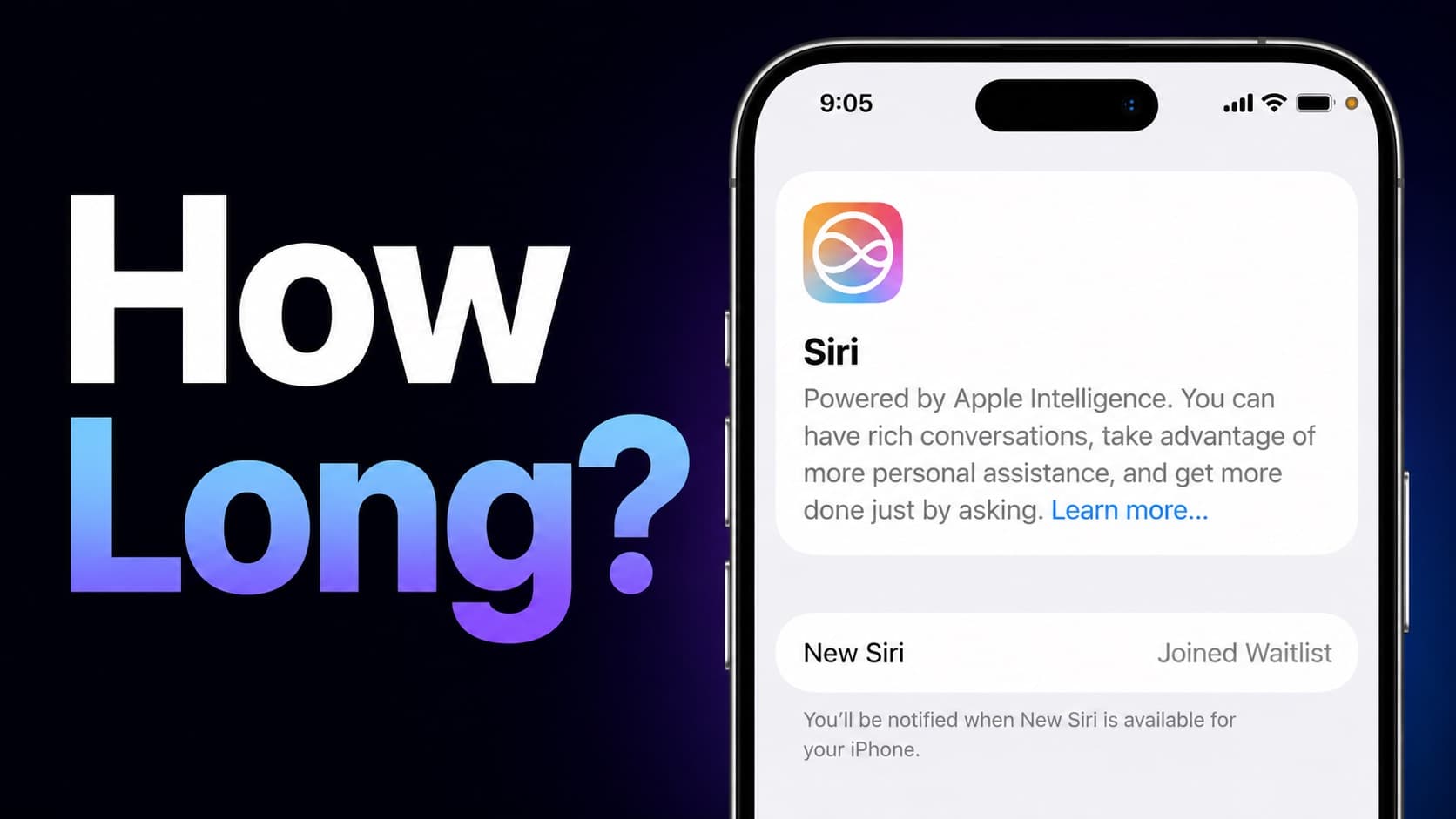
Apple does this on purpose to manage servers and catch problems early. From what happened last year with other Apple Intelligence features, they usually bring in new users once a week after the initial launch.
Also Read, iPhone 17 Display Oleophobic Coating Wearing Out? How to Fix?
Table of Contents
iOS 27 SIRI AI Join Waitlist
Last year Apple added people to waitlists in batches every week. Then when the second beta came out, they opened the doors wider for features like Image Playground. Myself joined waitlist and in second week got it approved to experience Image Playground and Apple Intelligence SIRI features.
Many more users got access quickly after that update.
We will probably see the same pattern with the new Siri. Once beta 2 drops, you have a good chance of getting approved if you are already on the waitlist. It might happen within a few days or up to a couple of weeks depending on how many people are ahead of you.
Some users get lucky and receive the download notice within days. Others wait longer. There is no way to jump the line, so the best thing you can do is stay patient and keep your phone ready.
How to Make Sure You Get It Fast When Your Turn Comes
Apple sends the Siri AI models as a background download. If your phone is not prepared, you might miss the chance or face delays. If there is any iOS 27 Beta 1 bugs causing issues, then you may not see the SIRI AI even after your request approved.
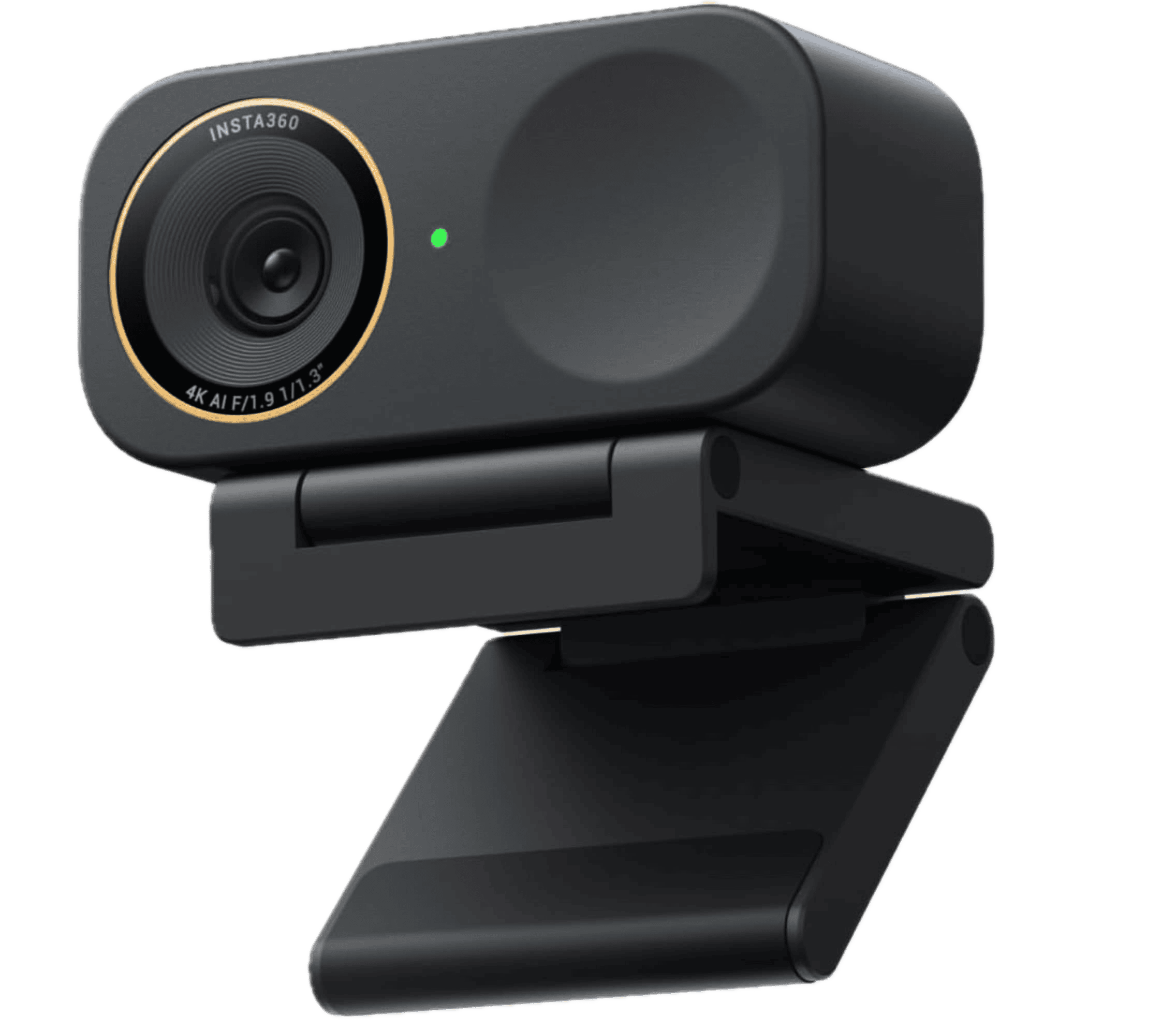
Affiliate link. As an Amazon Associate I earn from qualifying purchases.
iPhone 15 Pro and above models are compatible with Apple Intelligence and the same can request to join waitlist after installing iOS 27 beta 1 on their device.
Here are the simple things that help a lot:
- Check Device Language and Region Settings set to United States (English).
- Check Settings – SIRI – Language is set to English (United States).
- Keep your iPhone connected to Wi-Fi as much as possible, even when you are not using it.
- Make sure Low Power Mode is turned off because it slows down or stops these big background downloads.
- Make sure your iPhone has above 50% charge level.
If you are not seeing SIRI AI features enabled even after a week, just Restart the iPhone once and check.
These small habits really make a difference. I have seen people who left their phones on Wi-Fi get the feature much quicker than those who kept using mobile data or Low Power Mode.
What to Do While You Wait for SIRI AI?
Use this waiting time to explore the other parts of the iOS 27 beta. Test the regular Siri commands you already know and see how the rest of the system feels. Many users say the overall experience is smoother even before the full new Siri arrives.
I have tested several features and I am really amazed. The new SIRI AI is something we, iPhone users were expecting for long time and finally Apple Delivered it.
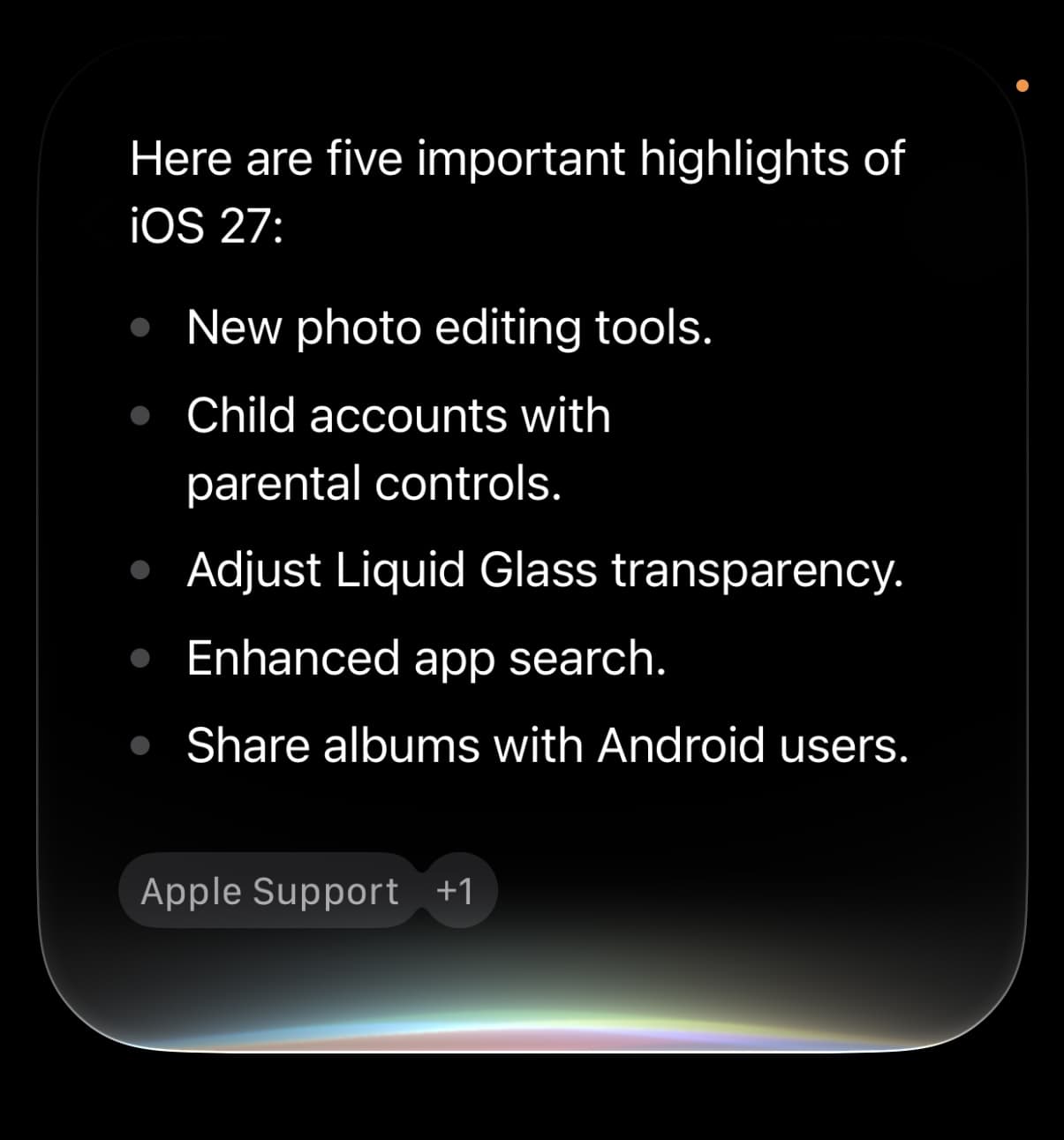
You can also check your Settings app under Apple Intelligence & Siri to confirm you are still on the waitlist. Sometimes just opening that page gives the system a little nudge.
The iOS 27 Siri waitlist can feel slow, but Apple usually speeds things up after the second beta.
Spensio Expense Tracker for iPhone
Track your Expenses, Subscriptions, Loans and EMIs all in One App. Try Spensio for iPhone Free today.
Stay on Wi-Fi, avoid Low Power Mode, and keep your phone updated. Before you know it, the new Siri animation and smarter features will show up on your iPhone.
Hang in there. The wait is annoying but worth it once everything arrives. If you are on the beta, drop a comment and let others know how long it took for you.