
Apple has released iOS 26.4 beta 1 to developers, and at first glance, it does not look like a massive update. Let’s have a look at the list of new features coming to your iPhone and iPad. There is no big flashy announcement. No dramatic redesign screenshots floating everywhere.
But once you dig deeper, this update is actually packed with meaningful changes.

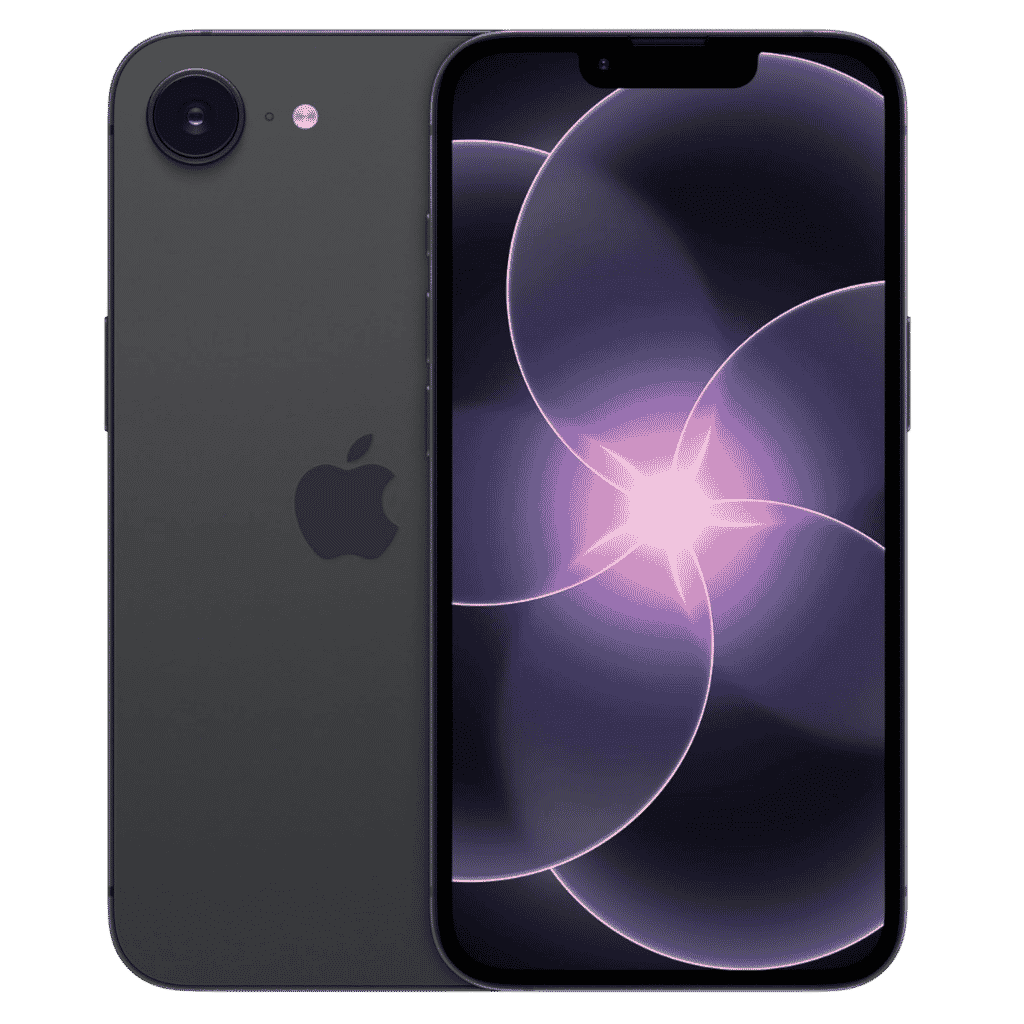
Apple iPhone 17e - 256GB
iPhone 17e features 6.1 inch Retina Display, 256GB Storage, Ceramic Shield 2 with 3X better scratch Resistant. Magsafe Wireless Charging and A19 Chip powers this beautiful device.
Affiliate link. As an Amazon Associate I earn from qualifying purchases.
Some features are obvious. Some are hidden. Some feel like groundwork for much bigger updates coming mid of this year.
Developers, beta testers, and regular users have already started spotting new things across apps like Apple Music, Podcasts, Messages, Reminders, and even system security.
Table of Contents
iOS 26.4 New Features Coming to iPhone
Let’s break down everything new in iOS 26.4 beta 1 in a simple and easy way.
Apple Music Gets Smarter and More Visual
Apple Music is one of the biggest winners in this update.
Playlist Playground:
This is a new AI powered playlist creation feature inside Apple Music.
Instead of manually searching for songs, you can now type something like:
“Chill songs for night driving”
“Workout music with high energy”
“Calm focus music for work”
Apple Music then creates a playlist for you automatically.
New in iOS 26.4:
You can now create AI generated playlists in Apple Music 😳 pic.twitter.com/pWQUbPIXXJ
— Apple Hub (@theapplehub) February 16, 2026
This feels like Apple slowly bringing intelligence into Music without calling it Apple Intelligence directly. It works quietly, but it is useful.
Concerts Near You:
Apple Music now shows upcoming concerts and live shows near your location.

If an artist you listen to is touring nearby, Apple Music will surface that information directly inside the app. This makes Apple Music feel more connected to real life music experiences, not just streaming.
Full Screen Album and Playlist Artwork:
Album art and playlist covers now feel more immersive.
Many users noticed larger, edge to edge artwork in the Music app. It makes browsing music feel more modern and premium, especially on larger iPhones.
Podcasts Finally Supports Video Properly:
This is a big one.
Apple Podcasts now supports video podcasts natively.
Earlier, video podcasts existed in a confusing way. Now, you can actually watch video episodes directly inside the Podcasts app.
You can switch between audio only and video playback. You can download video episodes for offline viewing. Everything feels more intentional.
This change clearly shows Apple taking video podcasts seriously, especially with creators moving toward video formats.
Messages Gets a Security Upgrade With RCS Encryption
One of the most important changes in iOS 26.4 beta 1 is happening behind the scenes.
RCS End to End Encryption Testing:
Apple has started testing end to end encryption for RCS messages.
Right now, this is limited. It mostly works between iPhone users in the beta. Full iPhone to Android encryption is not live yet.
But this is huge.
It means Apple is preparing secure messaging standards beyond iMessage. This also aligns with industry pressure and future regulations.

Once complete, RCS messages could finally feel private and secure, not just modern.
Stolen Device Protection Is Now On by Default:
Apple introduced Stolen Device Protection earlier, but many users never turned it on.
With iOS 26.4, this feature is now enabled by default.
What does this mean?
If your iPhone is stolen and the thief knows your passcode, they still cannot easily change your Apple ID, turn off Find My, or access sensitive account settings.
It adds extra time delays and authentication checks when your phone is not in familiar locations.
This is a very good move by Apple, especially with phone theft cases increasing globally.
New Ambient Music Widget
Apple has added a new Ambient Music widget.
This widget lets you quickly play built in soundscapes like:
- Rain
- Ocean
- White noise
- Calm background sounds
You can add it to your Home Screen or Lock Screen.
It is simple, but many people love ambient sounds for focus and sleep. Having it one tap away makes a big difference.
Wallpaper Gallery Gets a Refresh
The wallpaper section has been redesigned.
Wallpapers are now grouped better into categories like Weather, Astronomy, Colors, Emoji, and more.

Browsing wallpapers feels cleaner and faster. The same design style is also appearing in Watch faces, which hints at Apple unifying its visual design across devices.
Reminders Gets an “Urgent” Smart List
If you use Reminders, this update is for you.
There is now a new Smart List called “Urgent”.
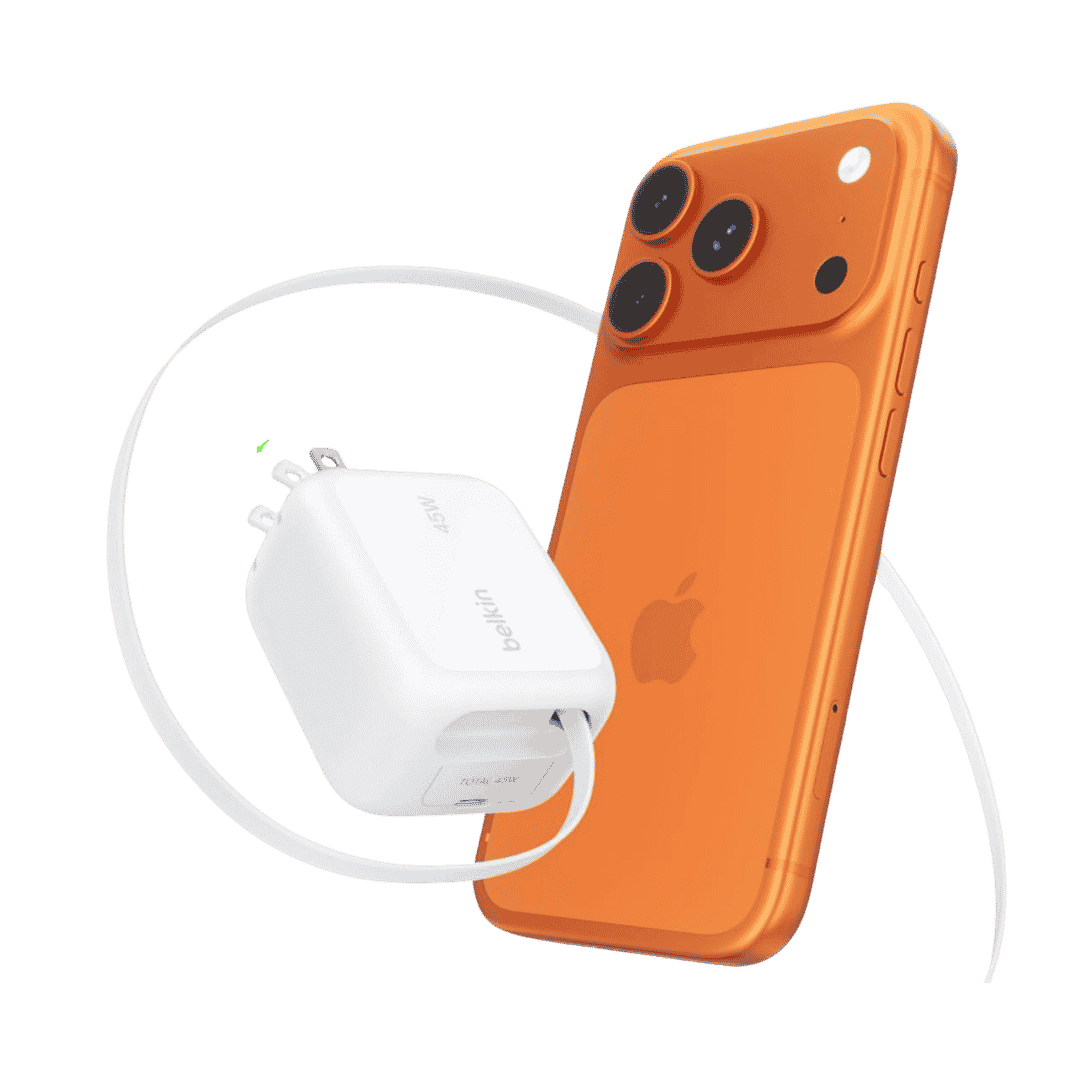
Belkin Wall GaN Charger 45W Retractable USB C Cable
Belkin GaN Charger 45W Power with Retractable USB C Cable. Supports iPhone Fast Charging and suitable for other AirPods, Apple Watch and more.
Affiliate link. As an Amazon Associate I earn from qualifying purchases.
Reminders marked as urgent automatically appear here. This helps you focus on tasks that actually matter instead of scrolling through everything.
It is a small feature, but very practical.
Freeform Gets Creator Focused Tools
Freeform has received some creator oriented improvements.
Users are seeing something called Creator Studio inside Freeform. It includes easier access to content elements and creative tools.
This suggests Apple wants Freeform to be more than a whiteboard. It wants it to be a proper creative workspace.
Apple Account UI Is Slowly Being Unified
Several apps now show a more unified Apple Account interface.
Instead of different profile screens in App Store, Music, and other services, Apple is moving toward a single account hub experience.
This reduces confusion and makes account management easier.
Battery and System Tweaks
Some beta testers have noticed small but useful system improvements.
There are clearer battery charge limit controls in some regions. Hotspot usage information is easier to understand. Some apps have improved contrast and readability.
These are not headline features, but they improve daily usage.
Apple Intelligence Activity Without the New Siri
Many users noticed something interesting after updating to iOS 26.4 beta 1.
Their iPhone started downloading Apple Intelligence related files. Siri’s image briefly changed. System processes related to intelligence showed activity.
But the new Siri is still not here.
This strongly suggests that iOS 26.4 is laying the groundwork. Apple is preparing things behind the scenes, even if the full experience comes later.
Most reports point to iOS 26.5 or later for the real Siri overhaul.
What is Missing in iOS 26.4 Beta 1?
Even with all these additions, some expected features are not here yet.
- There is no major Siri redesign.
- No dramatic UI overhaul.
- No major Photos or Camera changes.
This beta is more about foundation and refinement than big announcements.
Why iOS 26.4 Feels Important
iOS 26.4 beta 1 does not scream for attention. Onejailbreak reported that under the hood, more than 3,100 system elements were updated in iOS 26.4 Beta 1. Safari BrowsertKit daemon, Assistant Worker and references to LLM services spotted in the codes.
Audio framework updates, health services and events daemon updates, so much backend work happening with this release.
New AppleEncryptedArchive kernel extension added and several Security enhancements done in iOS 26.4 Beta 1 so far.
This update quietly improves many core areas:
- Music discovery
- Podcast consumption
- Message security
- Device protection
- Daily productivity
It also clearly shows Apple’s direction.
- More intelligence.
- More privacy.
- More creator friendly tools.
- More services integration.
This update feels like a bridge. It connects the current iOS experience to what Apple wants to ship later this year.
- If you are a developer, this beta is very interesting.
- If you are a power user, it adds real value.
- If you are waiting for flashy features, you may need to wait a bit longer.
But do not underestimate this update.
Sometimes the most important changes are the quiet ones. Feel free to share this post with your friends. Have a wonderful day.