

I am going to make your PDF Search easier. Here you can find the best PDF editor for Mac in 2026. Apple’s built-in Preview app is great for quick signatures and rearranging pages, but the moment you need to fix a typo in existing text, run OCR on a scanned contract, or convert a complex layout without breaking formatting, you need a dedicated Mac PDF editor.
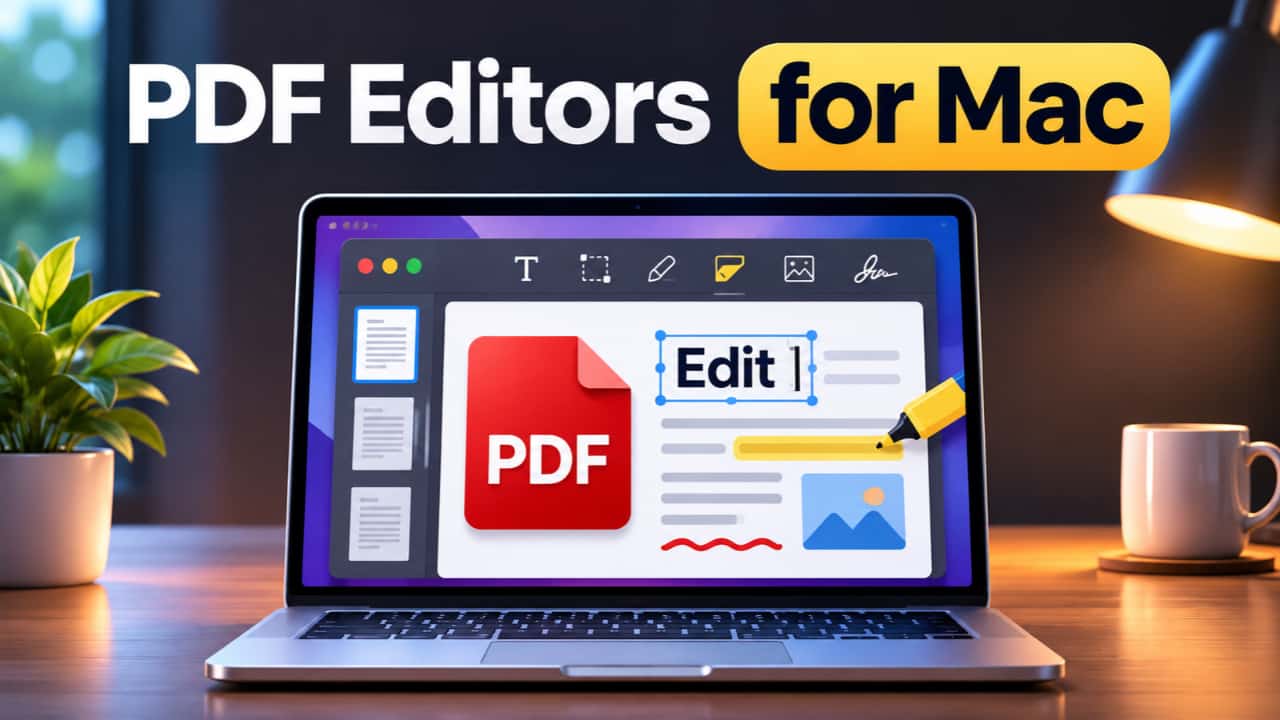
Whether you are using a MacBook Air, MacBook Pro, or iMac, the 10 best PDF editing software for Mac options below cover everything from fast native macOS apps to cross-platform suites and completely free tools.
Disclosure: Some links in this guide are affiliate links. If you purchase through them, I may earn a small commission at no extra cost to you.
Table of Contents
Quick Comparison: Best PDF Editors for Mac in 2026
| PDF Editor | Best For & Key Features | Action |
|---|---|---|
| PDF Expert by Readdle | Best overall native Mac editor: Fast macOS UI, text & image editing, OCR, AI summaries, iCloud sync (Paid) | Visit Site |
| Wondershare PDFelement | Best Adobe alternative: Word-style editing, fillable forms, batch processing, multi-language OCR (Paid) | Visit Site |
| UPDF for Mac | Best cross-platform value: 1 license for Mac, Windows, iOS & Android, OCR, lifetime option (Paid) | Visit Site |
| Adobe Acrobat Pro | Best for teams & legal workflows: Redaction, e-signature tracking, file comparison, compliance (Subscription) | Visit Site |
| Nitro PDF Pro for Mac | Best one-time business license: Formerly PDFpenPro, OCR, form creation, Bates numbering (Paid) | Visit Site |
| Foxit PDF Editor | Best Office-style interface: Ribbon toolbar, fast Apple Silicon speed, encryption, cloud sync (Paid) | Visit Site |
| ABBYY FineReader PDF | Best for OCR & scanned files: Industry-leading table & font preservation to Word/Excel (Paid) | Visit Site |
| Markzware PDFMarkz | Best for graphic designers: Converts PDFs into editable InDesign, QuarkXPress & Affinity files (Paid) | View Deal |
| PDFgear for Mac | Best free PDF editor (no watermark): Direct text editing, conversion, merging & AI assistant (Free) | Visit Site |
| Apple Preview | Best built-in macOS option: Quick markup, trackpad signatures, form filling & page merging (Free) | Built-In (Free) |
Best Paid & Pro PDF Editors for Mac
If you work with contracts, reports, or scanned documents every week, a dedicated paid editor saves hours of formatting headaches.
1. PDF Expert by Readdle (Best Overall Native PDF Editor for Mac)
This is a PDF editor for MacBook that feels like Apple built it, PDF Expert is the easiest pick to recommend.
It opens massive files almost instantly, and the best part is the design of this app. It follows clean macOS design guidelines, and lets you edit text, replace images, redact sensitive info, and convert PDFs to Word or Excel without clutter.
It also includes OCR for scanned files, built-in AI tools for summarising long reports, and smooth iCloud sync across Mac, iPhone, and iPad. For solo Mac users who care about speed and polish, this is the top choice.
2. Wondershare PDFelement for Mac (Best Feature-Rich Alternative to Adobe)
Wondershare PDFelement for Mac gives you almost every advanced tool found in Adobe Acrobat inside a much simpler interface. You can edit paragraphs like a Word document, create fillable forms, batch-process dozens of files at once, and run accurate OCR in multiple languages.
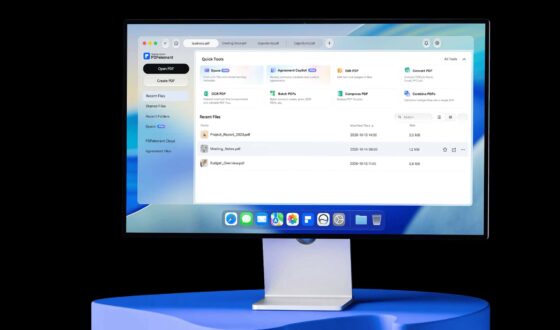
It also packs helpful AI features for summarizing, proofreading, and translating PDFs. If you want full-featured PDF editing software for Mac with flexible annual or perpetual license options, PDFelement is a strong value.
Check Wondershare PDFelement for Mac
3. UPDF for Mac (Best Cross-Platform Value & Modern Interface)
UPDF has quickly become a favorite for users who bounce between devices. One license covers your Mac, Windows PC, iPhone, iPad, and Android phone, which is rare in the PDF software market.
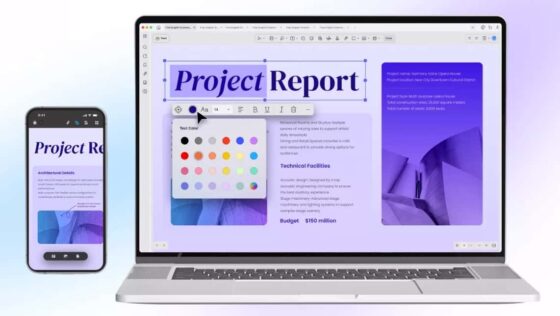
The interface feels modern and fast, handling text edits, annotations, page organization, OCR, and format conversions smoothly.
It also offers a lifetime license option if you prefer avoiding recurring subscriptions.
4. Adobe Acrobat Pro for Mac (Best Industry-Standard Editor for Teams)
Adobe invented the PDF format, and Adobe Acrobat Pro for Mac remains the benchmark for complex business and legal workflows. It offers unmatched tools for permanent redaction, side-by-side document comparison, accessibility tagging, and e-signature tracking across teams.
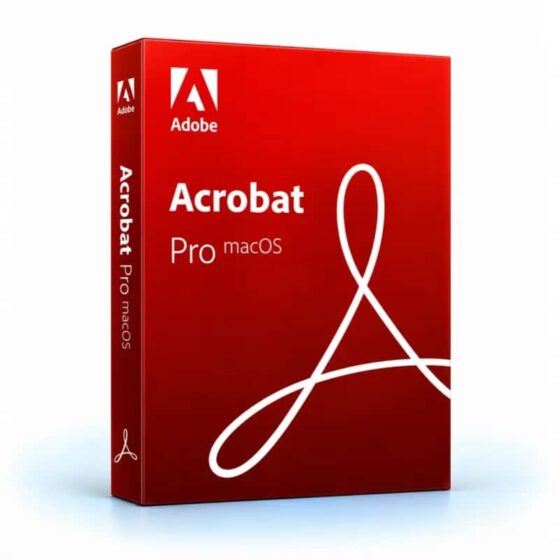
The main trade-off is the subscription cost and a heavier interface compared to native Mac apps. Still, if your workplace relies on Adobe Creative Cloud or strict compliance standards, Acrobat Pro is the safest pick.
Check Adobe Acrobat Pro for Mac
5. Nitro PDF Pro for Mac (Best One-Time Purchase & Business Control)
Formerly known as PDFpenPro, Nitro PDF Pro for Mac is built specifically for macOS power users who want serious editing tools and strong security. It handles text editing, OCR, form creation, Bates numbering, and redaction cleanly.
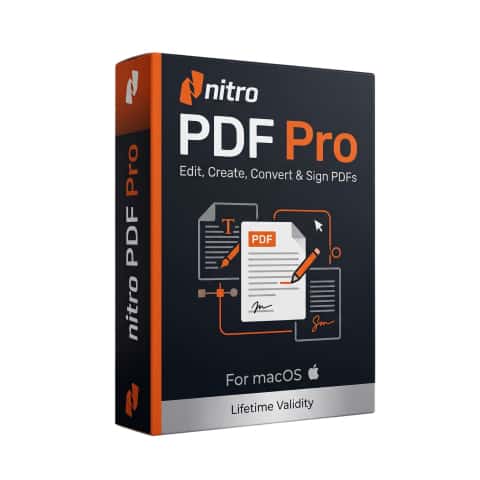
It is especially appealing for professionals and small businesses that want reliable document control and flexible licensing without getting locked into Adobe’s ecosystem.
6. Foxit PDF Editor for Mac (Best Lightweight Office-Style Editor)
If you are coming from Windows or live inside Microsoft Office all day, Foxit PDF Editor feels familiar right away thanks to its ribbon-style toolbar. It runs fast on Apple Silicon Macs, handles large files well, and includes strong encryption, form filling, and cloud collaboration features.
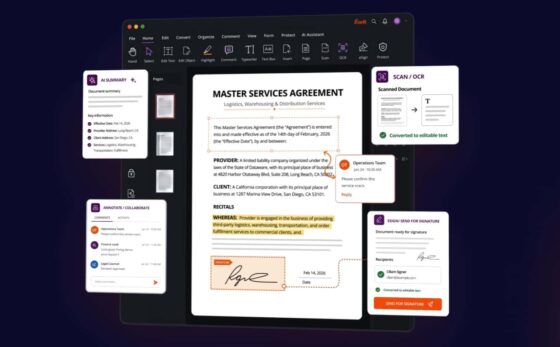
It is a practical PDF software for Mac choice for teams that collaborate across both macOS and Windows computers.
Check Foxit PDF Editor for Mac
Best Specialized PDF Tools for OCR & Design Workflows
Some Mac users do not need a general all-purpose editor. They need specialized conversion accuracy for scanned paper documents or graphic design files.
7. ABBYY FineReader PDF for Mac (Best for OCR & Scanned Documents)
When your main job is turning stacks of scanned paper contracts, books, or receipts into editable, searchable files, ABBYY FineReader PDF is in a league of its own. Its OCR engine preserves complex tables, columns, and fonts better than standard editors when converting PDFs into Word or Excel.
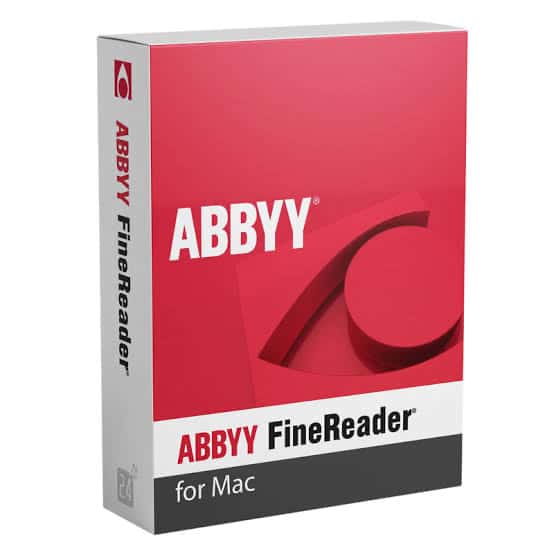
It is not meant to be a flashy annotation app, but for document digitization on macOS, nothing beats its accuracy.
Check ABBYY FineReader PDF for Mac
8. Markzware PDFMarkz (Best for Designers Converting PDFs to InDesign & Affinity)
Standard PDF editors often break typography, layers, and linked images when designers try to reopen a PDF for layout work. Markzware PDFMarkz solves that problem by converting multi-page PDFs directly into editable Adobe InDesign, QuarkXPress, or Affinity Publisher files on Mac.
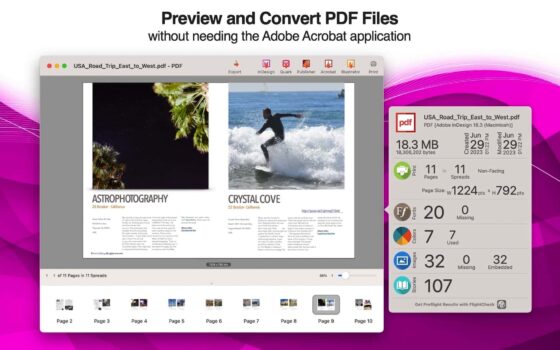
If you work in publishing, print, or graphic design, check our dedicated Markzware review and verified discount guide to see how it fits into a creative workflow.
View Markzware PDFMarkz Discount
Best Free PDF Editors for Mac
If you only edit a PDF once or twice a month, you do not need to pay for a full suite. These two free options cover most everyday tasks cleanly.
9. PDFgear for Mac (Best Completely Free PDF Editor Without Watermarks)
PDFgear stands out as one of the few truly free desktop PDF editors for Mac that lets you edit existing text, convert files, merge pages, and fill forms without stamping a watermark across your saved document.
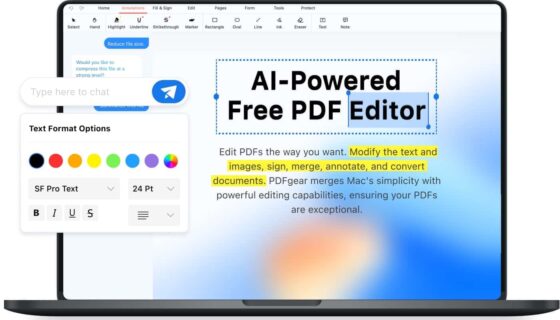
It also includes a built-in AI assistant to help summarize long PDFs. For students and casual users who want real text editing at zero cost, PDFgear is hard to beat.
10. Apple Preview (Best Built-In Free Option for Quick Markup & Signing)
Every Mac already comes with Apple Preview pre-installed, and it handles more than most people realize. You can highlight text, add notes, fill out interactive forms, drop in your trackpad signature, combine multiple PDFs, and password-protect files in seconds.
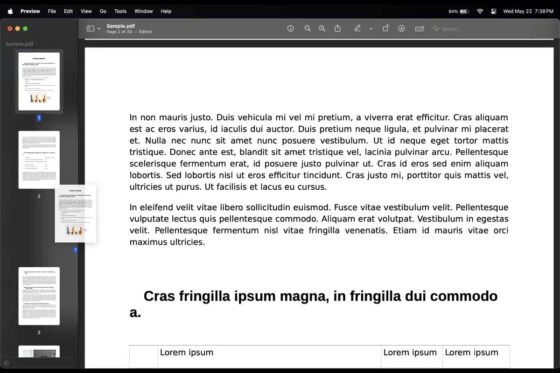
Its main limitation is that Preview cannot directly edit existing paragraph text inside a PDF. For quick everyday markup and signing, though, you do not need to install anything else.
How to Choose the Best PDF Editor for Your Mac
Before downloading an app, match the tool to what you actually do with PDFs each week:
- Editing existing text and images: Choose PDF Expert, PDFelement, or UPDF if you need clean paragraph editing without breaking the document’s layout.
- OCR for scanned documents: If you work with scanned paper forms or receipts, make sure the app includes OCR (ABBYY FineReader, PDFelement, Nitro PDF Pro, and PDF Expert all handle this well).
- Subscription vs. one-time license: Adobe Acrobat Pro requires an ongoing subscription. If you prefer paying once, look at one-time license tiers from UPDF, PDFelement, or Nitro PDF Pro.
- Mac-only vs. cross-platform: If you only use Apple devices (Mac, iPad, iPhone), PDF Expert feels the most natural. If you switch between macOS and Windows, UPDF, Foxit, or PDFelement keep your workflow consistent.
Frequently Asked Questions
What is the best PDF editor for Mac overall in 2026?
PDF Expert by Readdle is the best overall PDF editor for most Mac users because of its fast native macOS interface, clean text editing, and smooth iPad and iPhone sync.
If you need heavier form creation or cross-platform Windows support, Wondershare PDFelement and Adobe Acrobat Pro are the top alternatives.
Can I edit a PDF on Mac for free without buying software?
Yes. Apple’s built-in Preview app lets you sign documents, fill out forms, highlight text, and merge or reorder pages for free.
If you also need to edit existing text inside a PDF for free without watermarks, PDFgear for Mac is a strong free desktop option.
Why can I not edit existing text in Apple Preview on Mac?
Apple Preview is designed primarily as a PDF viewer and annotation tool. While you can add new text boxes over a page, it does not let you rewrite or reflow existing paragraphs.
For direct text editing, use a dedicated editor like PDF Expert, PDFelement, UPDF, or PDFgear.
Which Mac PDF editor does not require a monthly subscription?
Wondershare PDFelement, UPDF, and Nitro PDF Pro all offer one-time or perpetual license options alongside their subscription plans, making them good alternatives if you do not want to pay monthly fees for Adobe Acrobat Pro.
What is the best PDF editor for scanned documents on MacBook?
ABBYY FineReader PDF for Mac offers the highest OCR accuracy for turning scanned paper files into editable text or Word documents. Wondershare PDFelement and PDF Expert also include solid built-in OCR for everyday scanned forms.
That wraps up our list of the 10 best PDF editors for Mac in 2026. Start with Apple Preview or PDFgear if your needs are light, or step up to PDF Expert, PDFelement, or UPDF when you need reliable text editing, OCR, and form tools every day.
Which PDF editor are you using on your Mac right now? Let me know in the comments, and share this guide if it helped you pick the right app.


Clear and Concise…. 🙂
these are good readers but i use google docs for reading all my pdfs