
If you recently updated your iPhone to iOS 26.5 and now your Contact Posters or profile photos aren’t syncing properly, don’t worry you’re definitely not the only one dealing with this.
A lot of users have been complaining about the same issue. After the update, new contact photos and posters just refuse to update across devices. Sometimes the old images stay stuck, other times the changes you make simply don’t show up anywhere. It’s pretty annoying, especially since Contact Posters are supposed to make things more personal.
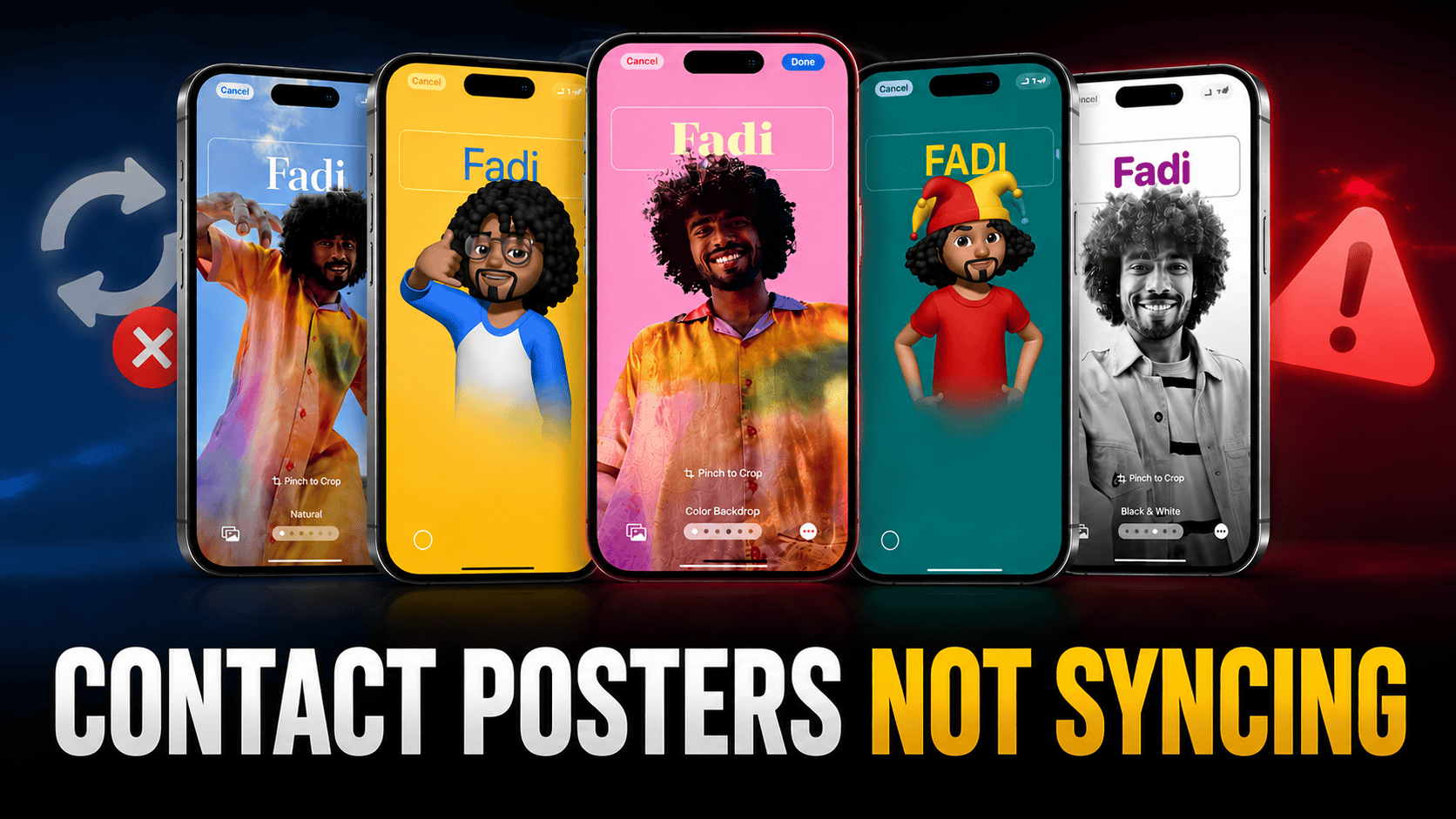
Table of Contents
iOS 26.5 Contact Poster Not Syncing Bug
The problem seems to hit both your own profile picture and other contacts posters. Even if you update something on one iPhone, it doesn’t reflect properly on your iPad or another iPhone signed into the same Apple ID. Some people are also saying the posters randomly disappear.
It’s clearly something that came in with the iOS 26.5 update.
After updating contacting poster of your personal contact, other end person not seeing the newly updated poster when they call you or you call them. Usually in few minutes to couple of hours such contact photo or poster change updated automatically across your contacts.
So the contacts you have saved will see your new profile photo or contact poster. But due to the iOS 26.5 Bug this seems to be not working.
If you experience iPhone Not Charging issue after recent update, check this recent article.
The Good News Though
Apple has already started working on the next small update iOS 26.5.1. This one looks like it’s mainly for fixing bugs like this, so there’s a strong chance they’ll sort out the Contact Poster syncing problem pretty soon.
In the meantime, you can try a few simple things: restart your iPhone, double-check that iCloud Contacts sync is turned on, or toggle iMessage off and on again. These small tricks help some people.
More About iOS 26.5
iOS 26.5 brings tons of bug fixes and security fixes. minor changes but its definitely a solid update than previous iOS 26 versions. You should update immediately, and here’s why?
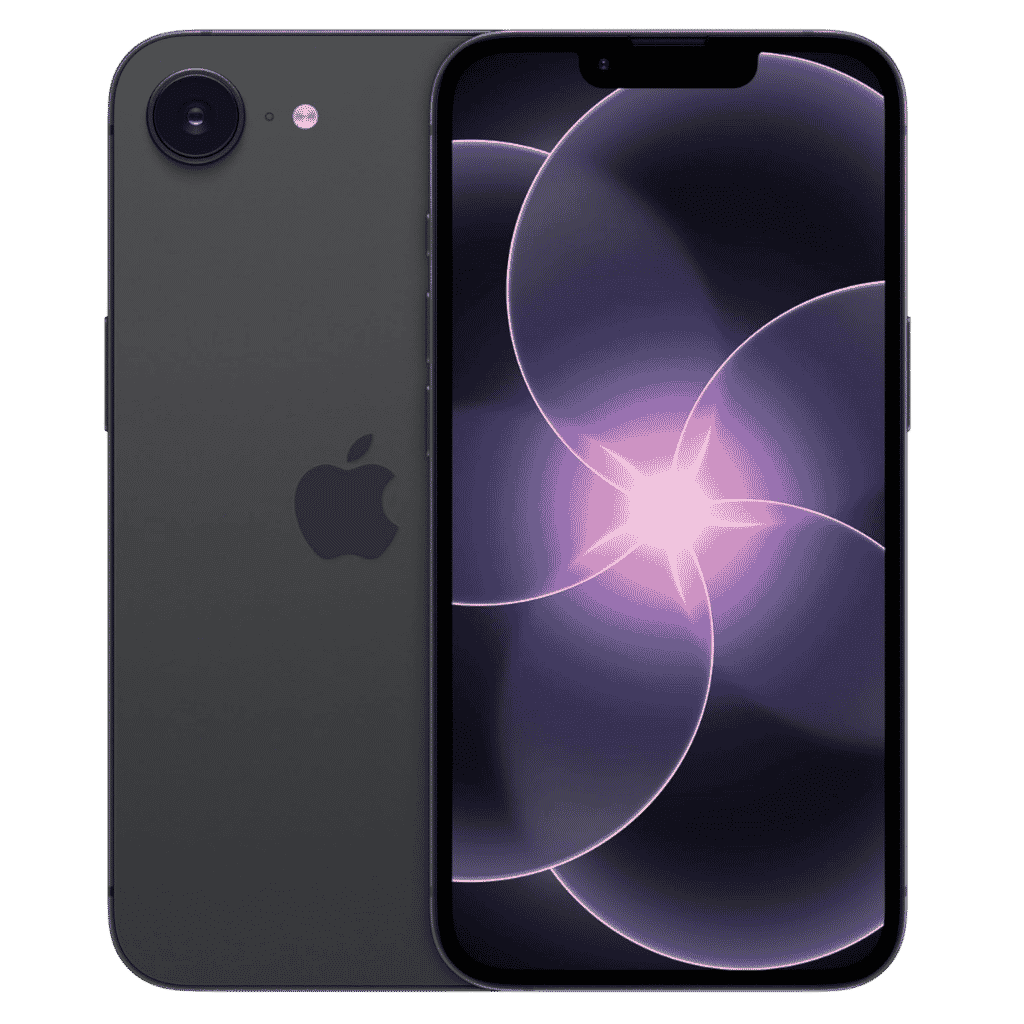
Apple iPhone 17e - 256GB
iPhone 17e features 6.1 inch Retina Display, 256GB Storage, Ceramic Shield 2 with 3X better scratch Resistant. Magsafe Wireless Charging and A19 Chip powers this beautiful device.
Affiliate link. As an Amazon Associate I earn from qualifying purchases.
And once the bug gets fixed, you will be able to set Contact Poster for you and your contacts.
In a related topic, if you are looking for ways to clear cache on iPhone, refer this recent write up. Could help you free up the storage space and improve performance.
What Do You Think?
This Contact Poster issue feels like one of those small but frustrating bugs. I’m hoping Apple pushes out the 26.5.1 update quickly so everyone can get back to normal.
Have you also run into this syncing problem after updating to iOS 26.5? Is it happening with your own photo or with other contacts? Drop a comment below and let me know I read all of them and might be able to suggest a few more fixes that worked for others.